
Help & Service Center
Direct factory help for every SunAura product — installation guidance, troubleshooting, spare parts, warranty and bulk-order support, answered by our engineers within 24 hours.
Product Maintenance & Troubleshooting Manual
The complete field guide to keeping SunAura heating running — browse the chapters, preview online, or download the full PDF. It covers 88 products across 8 families in 63 pages, written by our engineering team.
One Handbook for Installers, Technicians & Distributors
The practical field guide to keeping SunAura heating running — underfloor heating film, electric mats, heating cables, smart thermostats, pet & plant heating, snow melting and step mats. Every chapter opens with an introduction followed by one entry per product: overview, key specifications, routine maintenance, troubleshooting and support.
What this manual covers
This manual is written for homeowners, installers, technicians and distributors who run SunAura heating products. It is organised by product family because products in a family share the same installation, maintenance and fault patterns — even when sizes and ratings differ.
- A
Overview — what the product is and what it is designed for.
- B
Key specifications — rated power, voltage, dimensions, IP rating and certifications.
- C
Routine maintenance — an actionable checklist for reliable long-term operation.
- D
Troubleshooting — common fault symptoms with likely causes and remedies.
- E
Support — verified contact channels for technical and after-sales assistance.
How to use this manual
- Identify your product. Read the model and rating from the product label.
- Find the family chapter using the table of contents in the PDF, then confirm your exact model appears in that chapter.
- Check the rating first. Verify supply voltage and connection against the label before any work.
- For a fault, go to troubleshooting. Match the symptom and work the causes top-to-bottom.
- When in doubt, contact support — never operate a heater that behaves abnormally.
General safety & electrical warnings
- Disconnect the power supply before installation, inspection, cleaning or maintenance of any heating product.
- Verify that the supply voltage matches the product rating before connection. Operating outside the rated voltage range can cause damage or a fire risk.
- Respect the waterproof (IP) rating: use only rated models in the intended environment and keep all electrical connections dry and inside approved junction boxes.
- PTC self-regulating cables limit their own temperature — do not cover them beyond the design limit and never operate them coiled or overlapping.
- Do not cut or shorten film busbars or heating cables unless the product is explicitly designed for field cutting.
- Do not overlap heating film or cable on itself; overlapping can cause local overheating.
- Install in accordance with national electrical codes; use an RCD/GFCI-protected circuit for wet-area applications.
- If a product fails to heat or behaves abnormally, switch it off and have a qualified electrician inspect it before reuse.
Keep it running
Most heating faults trace back to a skipped check. Work through the interval that matches how the system is used.
| Frequency | Task | Role |
|---|---|---|
| Before each use | Check the surface is clear of debris, sharp objects and heavy furniture. | User |
| Monthly | Inspect the thermostat, junction box and visible cable for damage or moisture. | User / Installer |
| Annually | Verify the RCD / GFCI and protection respond correctly; test sensor accuracy. | Qualified electrician |
| Annually | Check film / mat connections are tight and dry; confirm insulation resistance. | Qualified electrician |
Warranty, spare parts & contacting service
Keep to the schedule and use approved parts to protect your warranty. When requesting support, note the model, the fault and when it started.
| Item | Detail |
|---|---|
| Warranty | Heating film / mats up to 25 years; heating cables 15–25 years; thermostats 2 years. |
| Spare parts | Sensors, backplates, probes, covers and thermostats shipped from Qingdao within days. |
| Technical support | Free installation, wiring and configuration guidance for all SunAura customers. |
| Contact | WhatsApp +86 136 4542 9121 · Email [email protected] · Building 2, No.407 Huaihe West Road, Huangdao, Qingdao |
Browse the manual without leaving this page
Scroll the full SunAura Product Maintenance & Troubleshooting Manual page by page inside the window below — the same file can be opened full screen or downloaded for offline use on site.
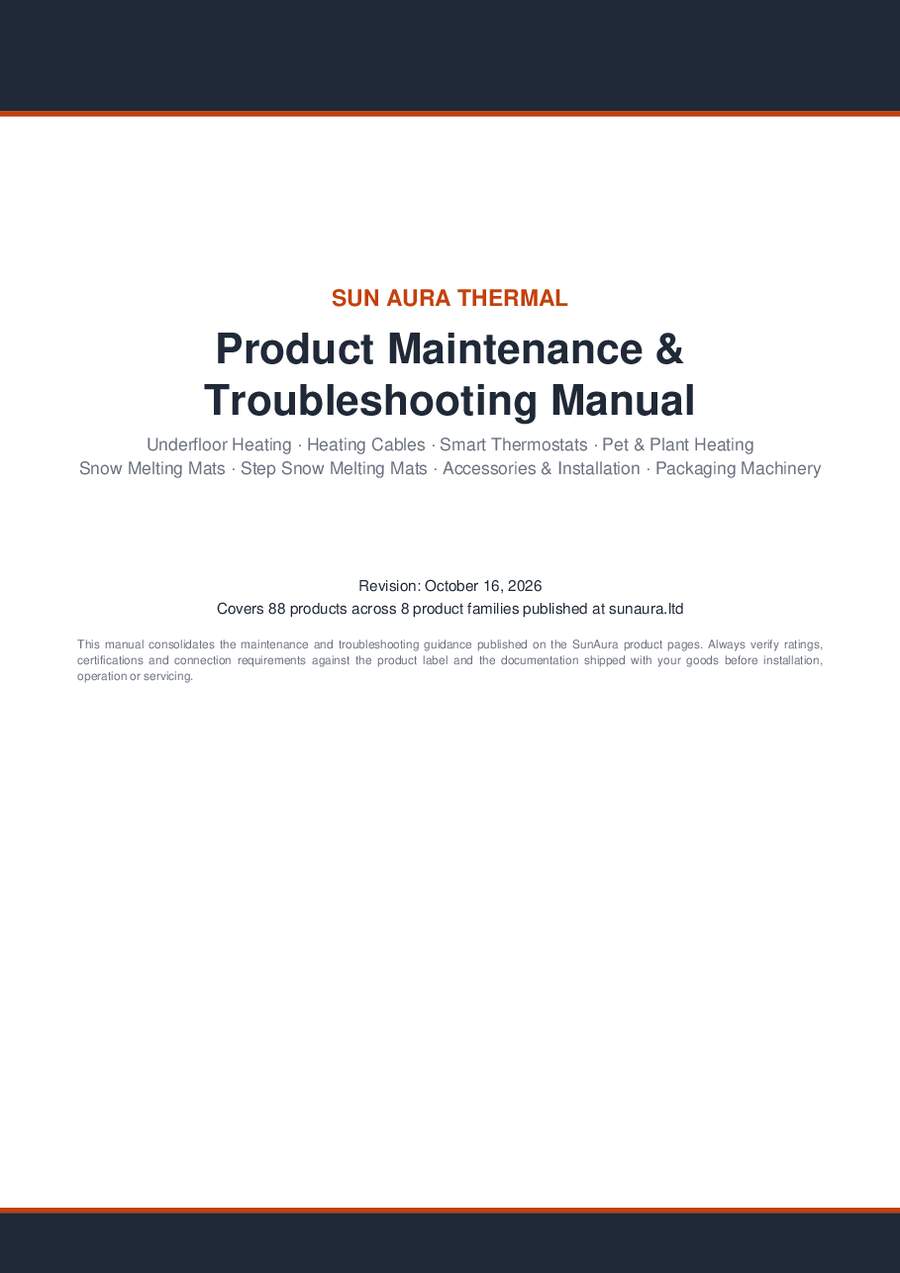
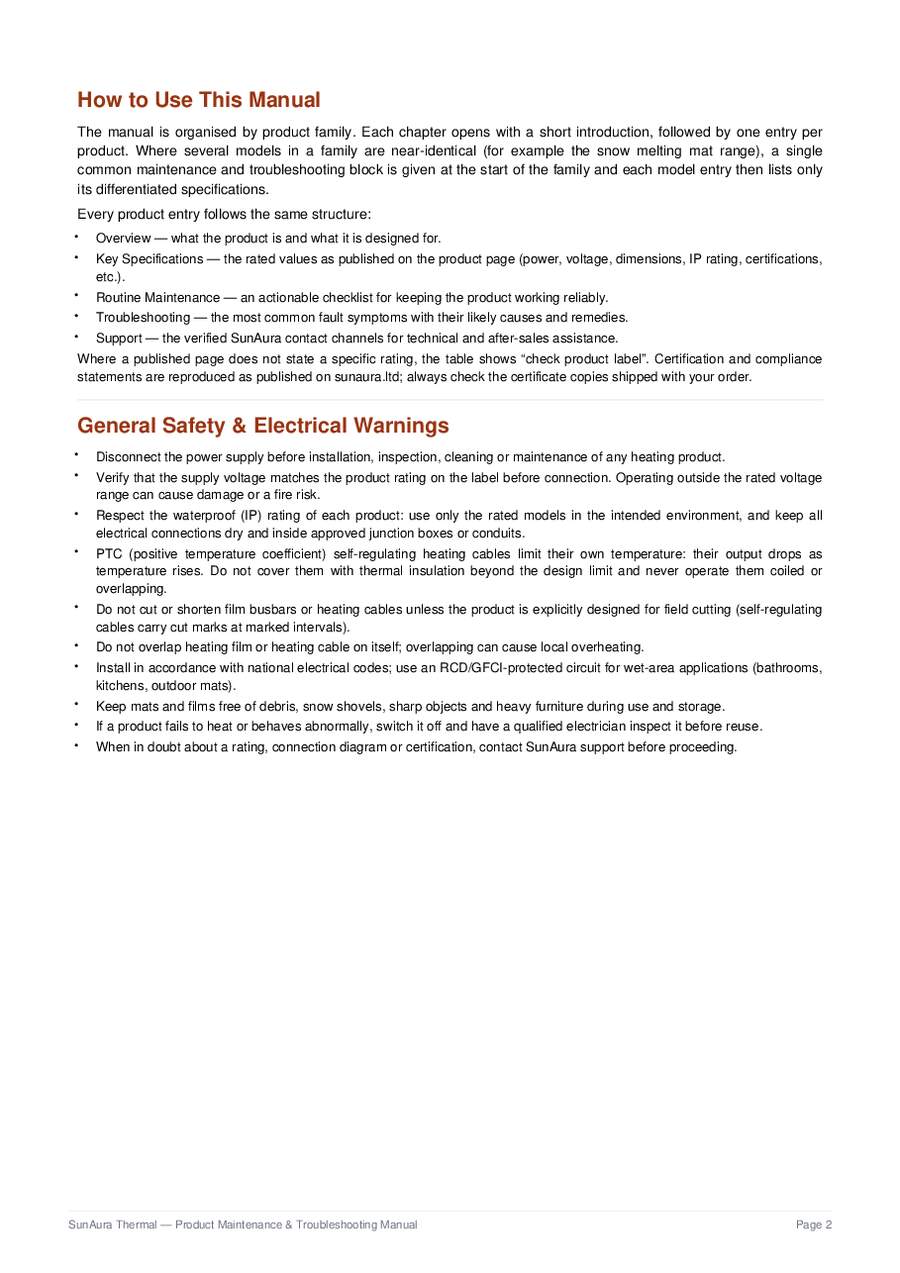
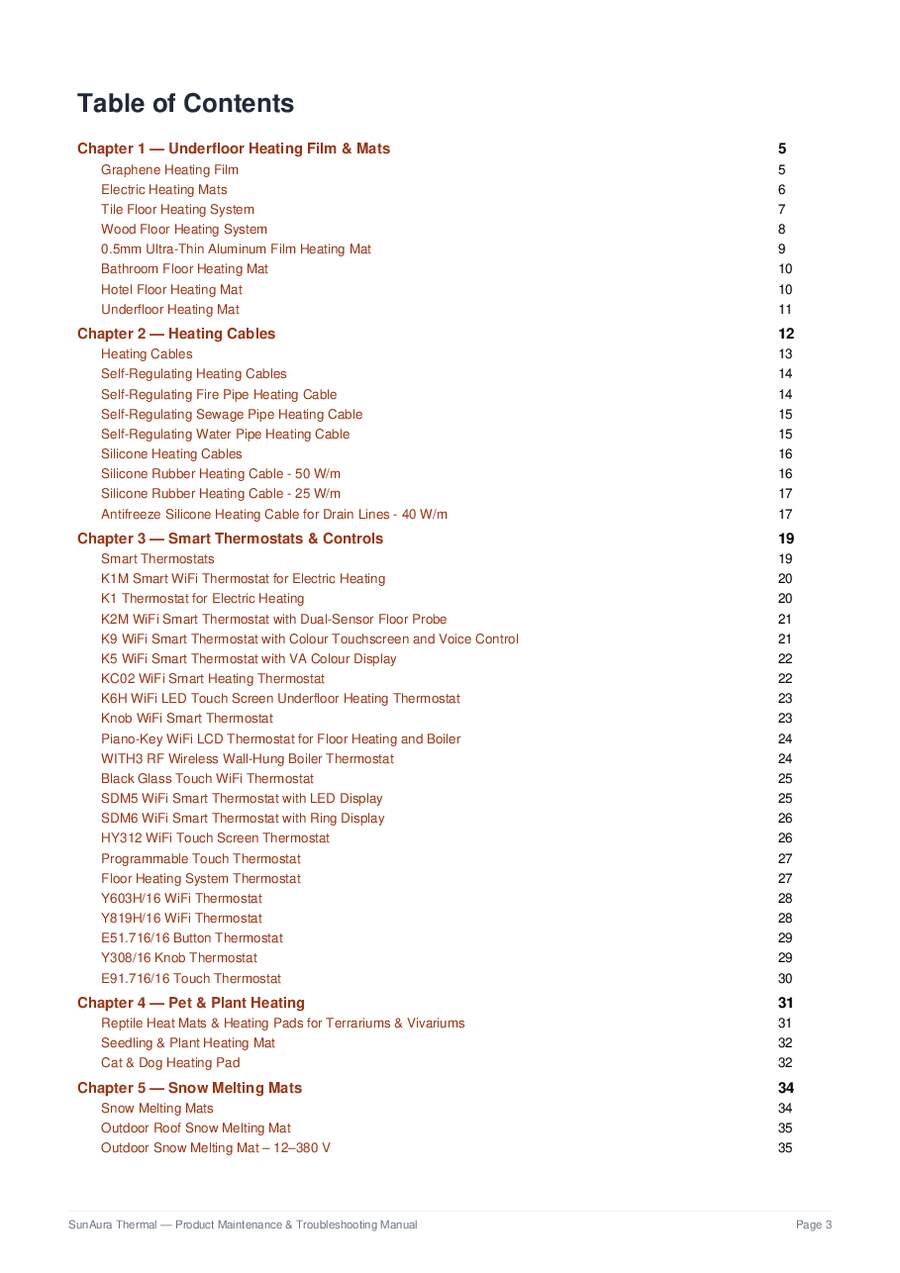
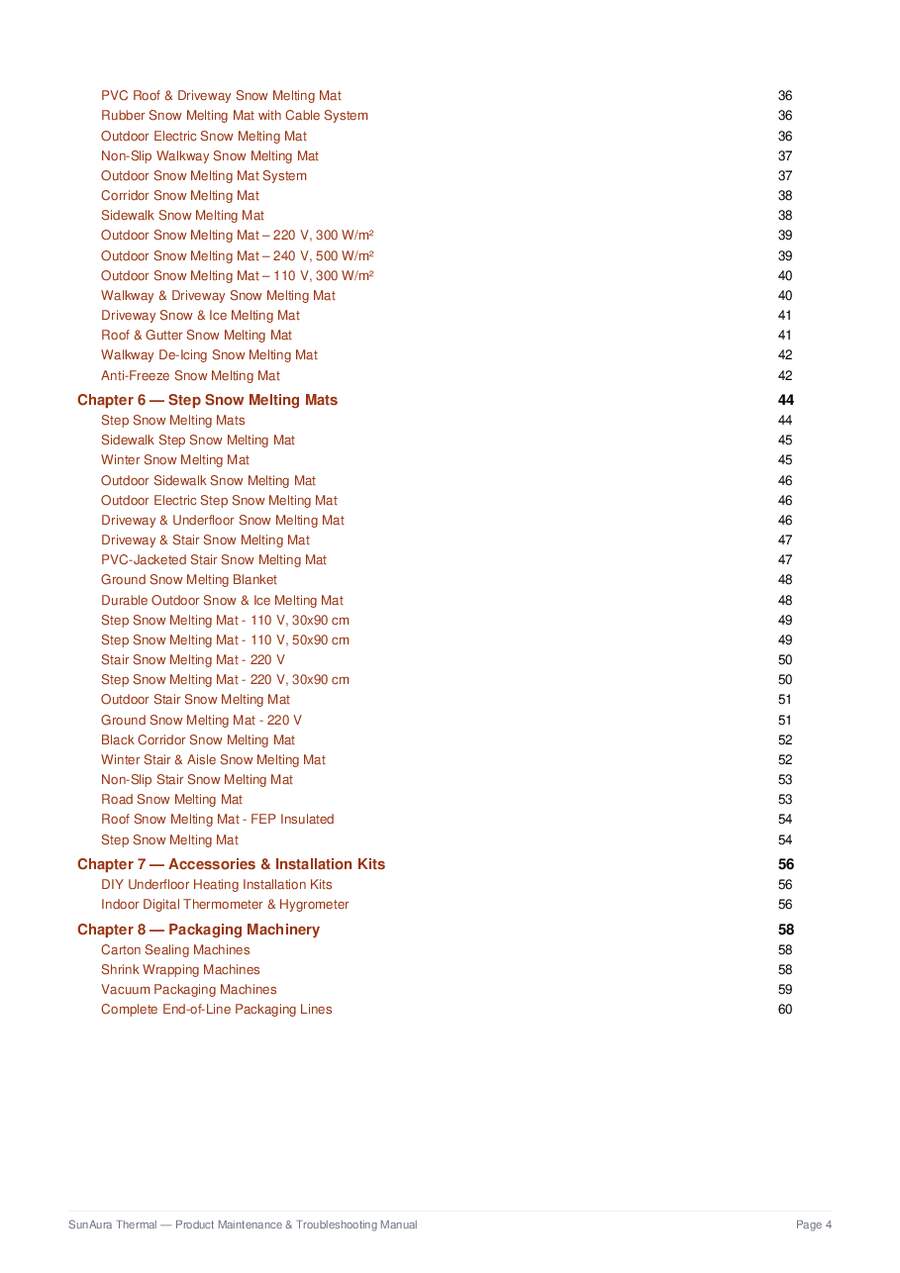
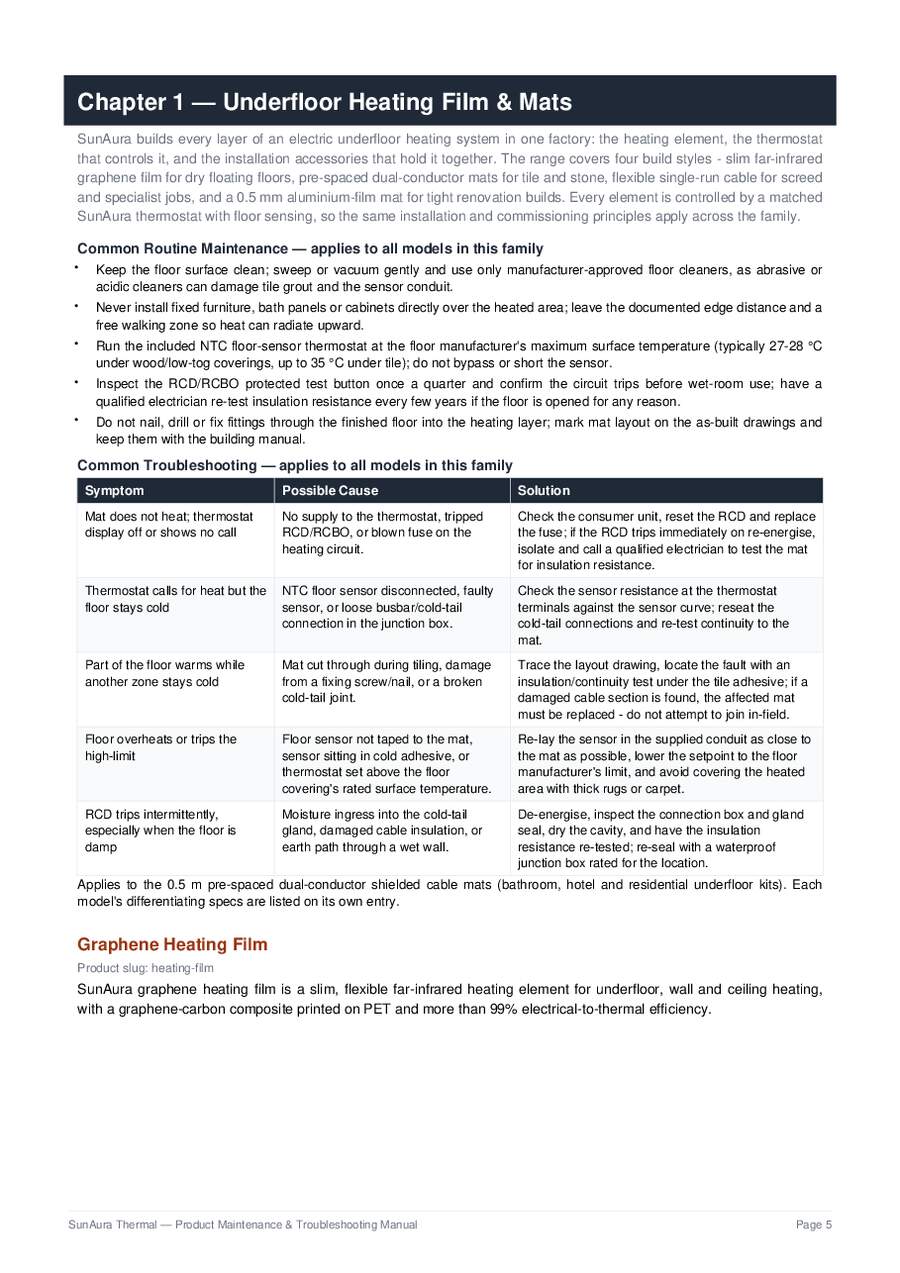
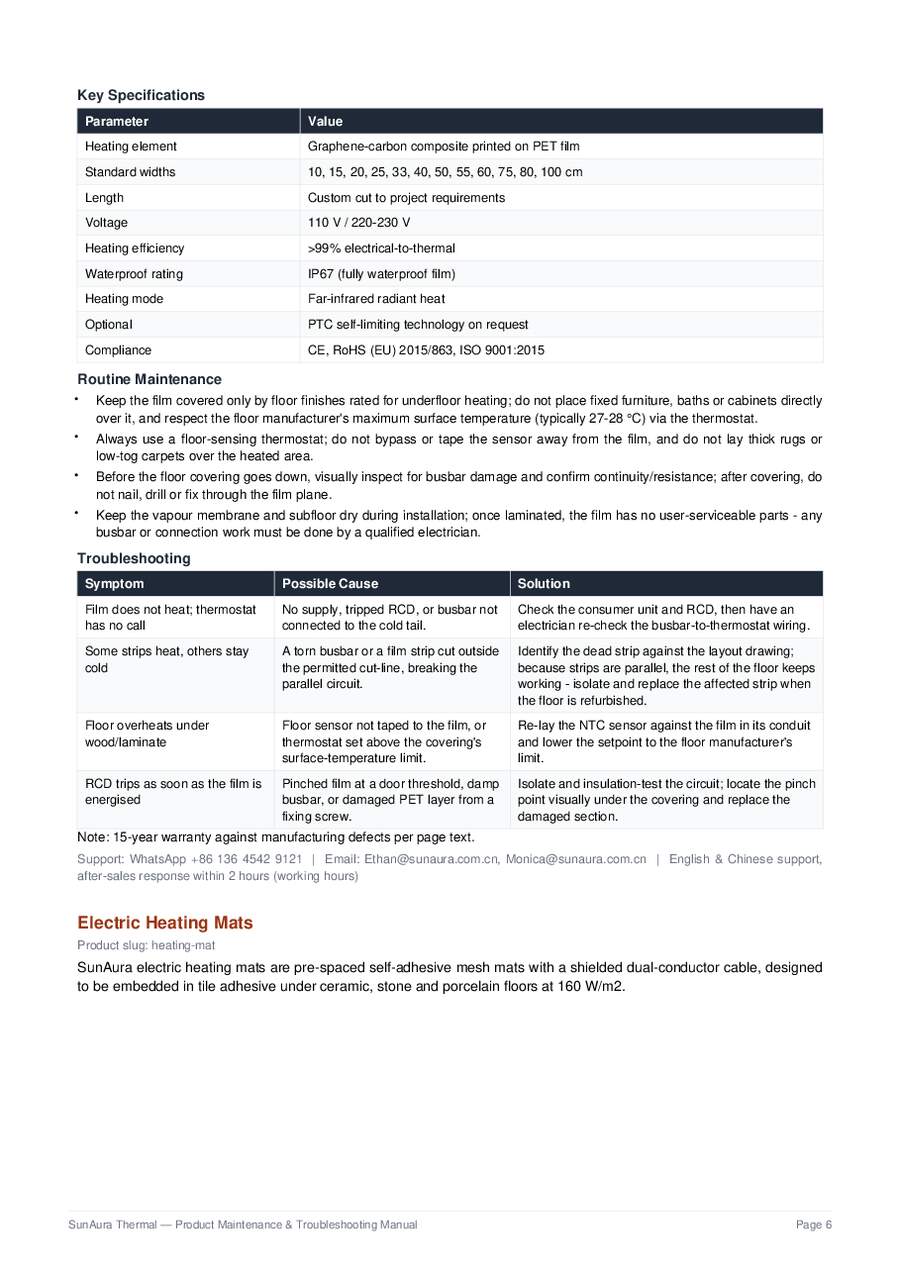
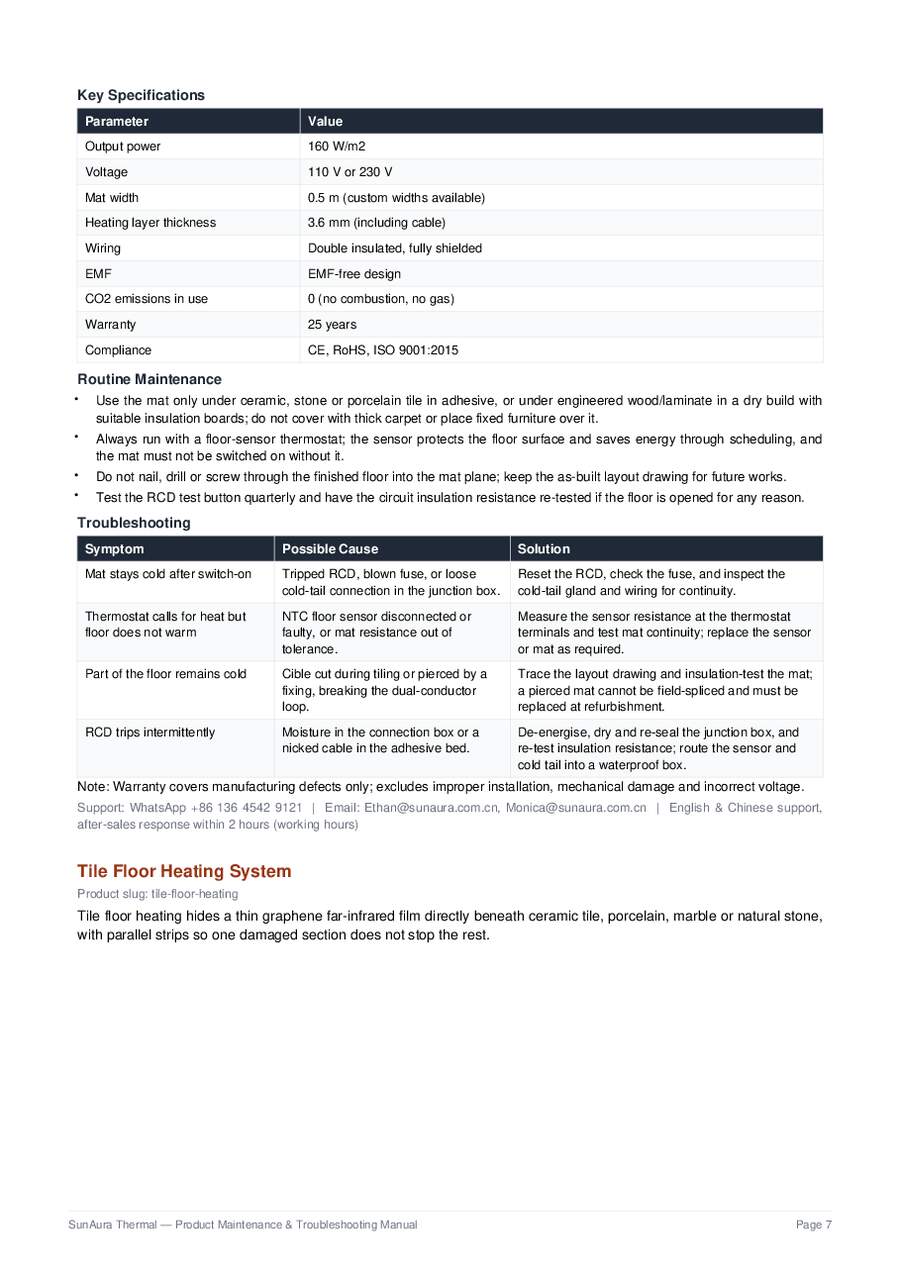
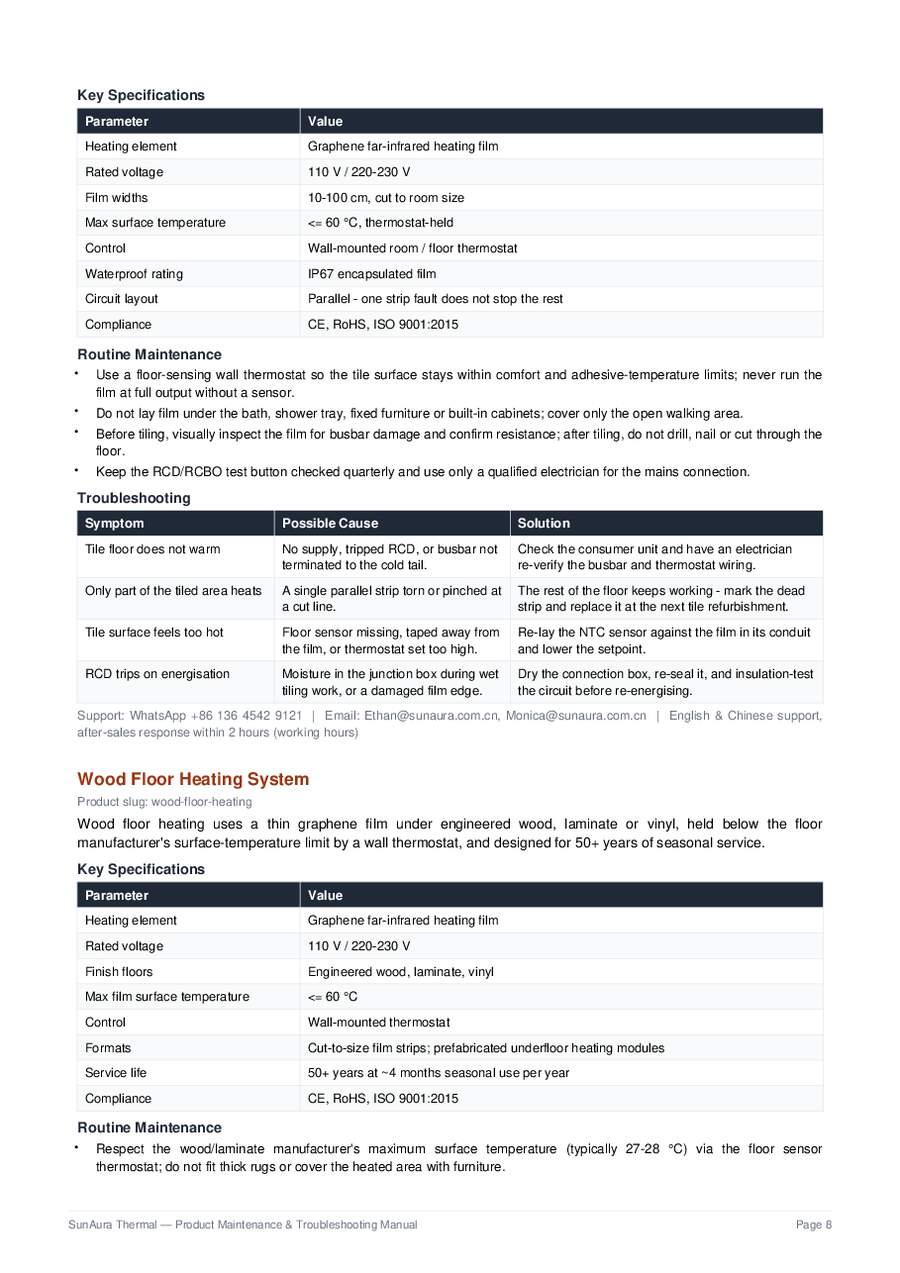
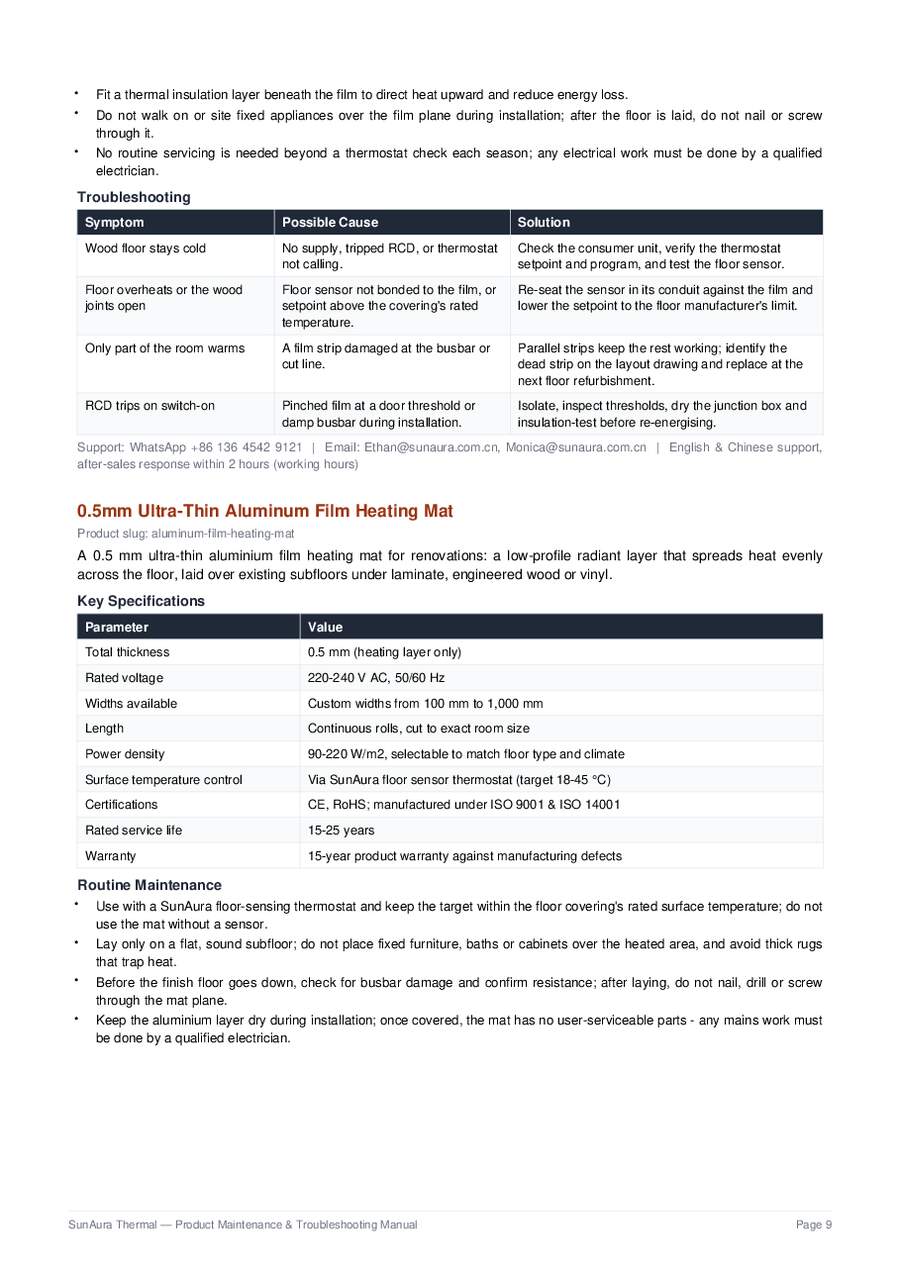
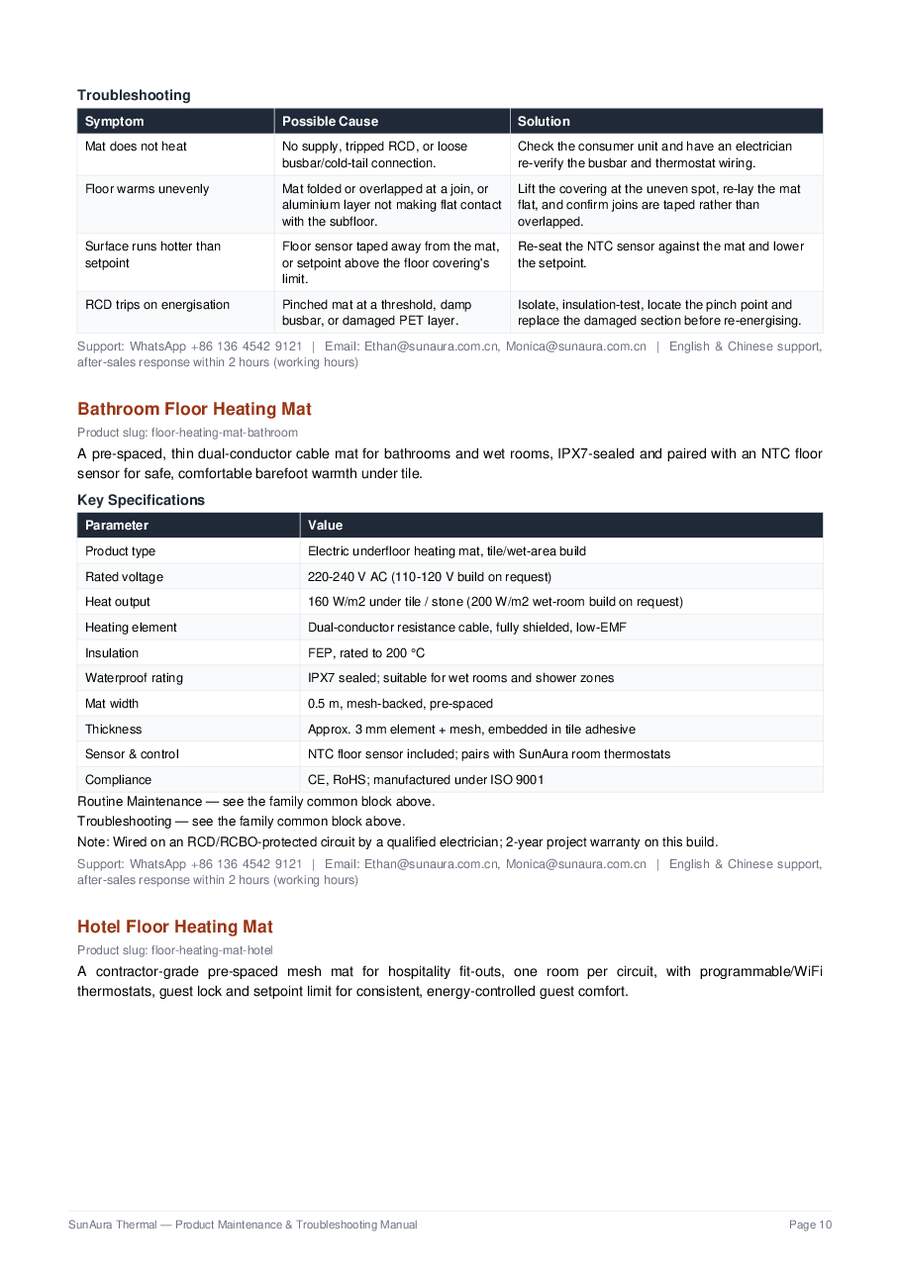
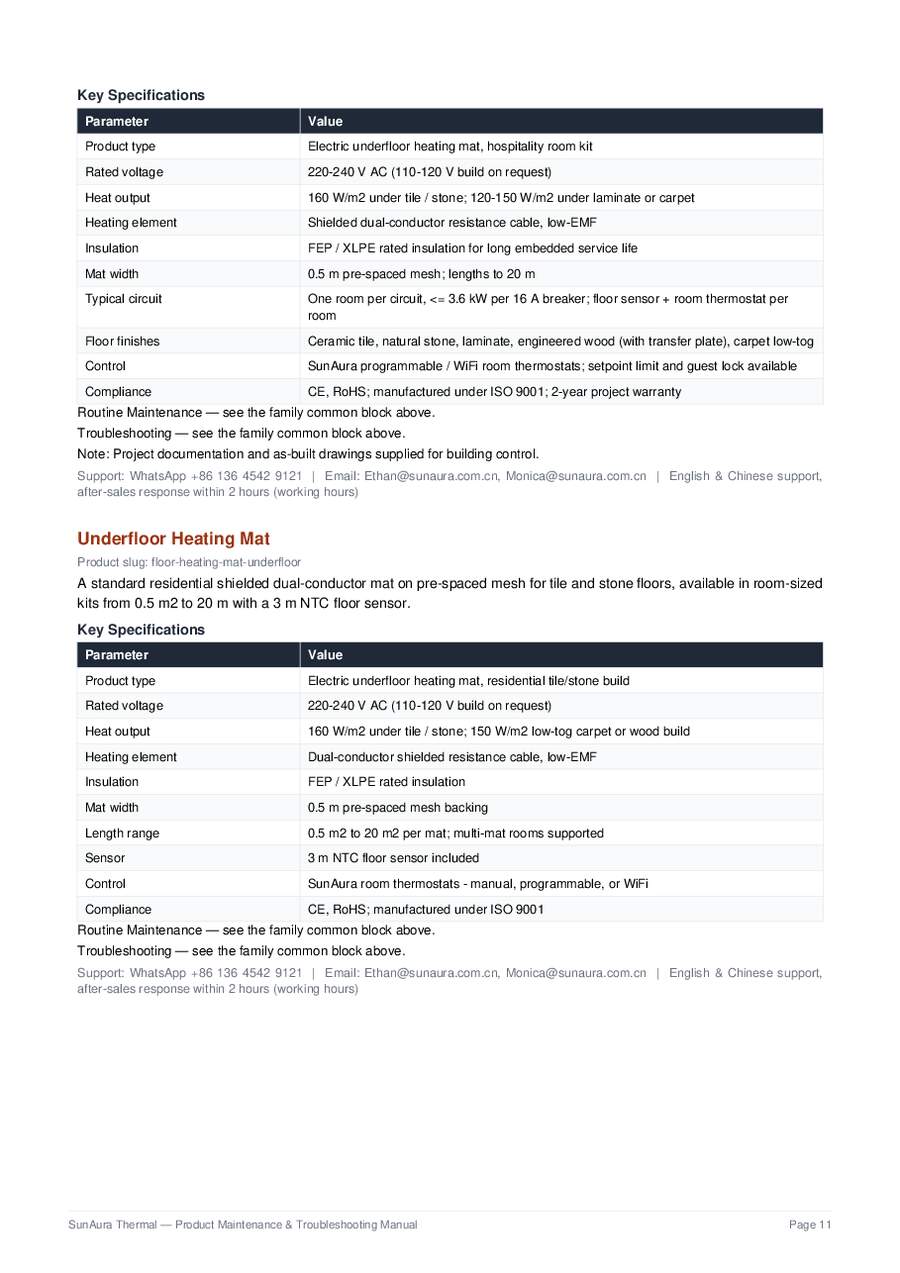
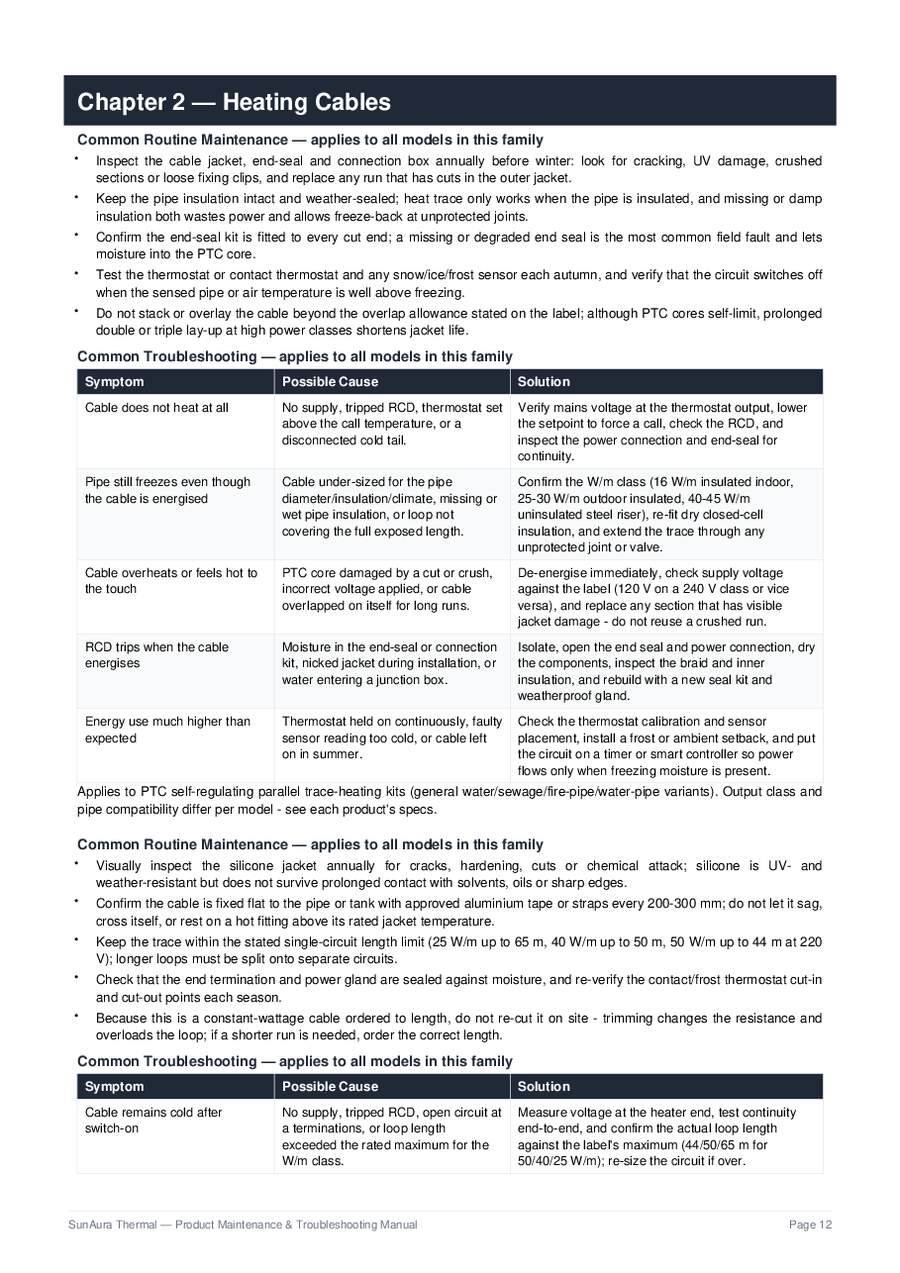
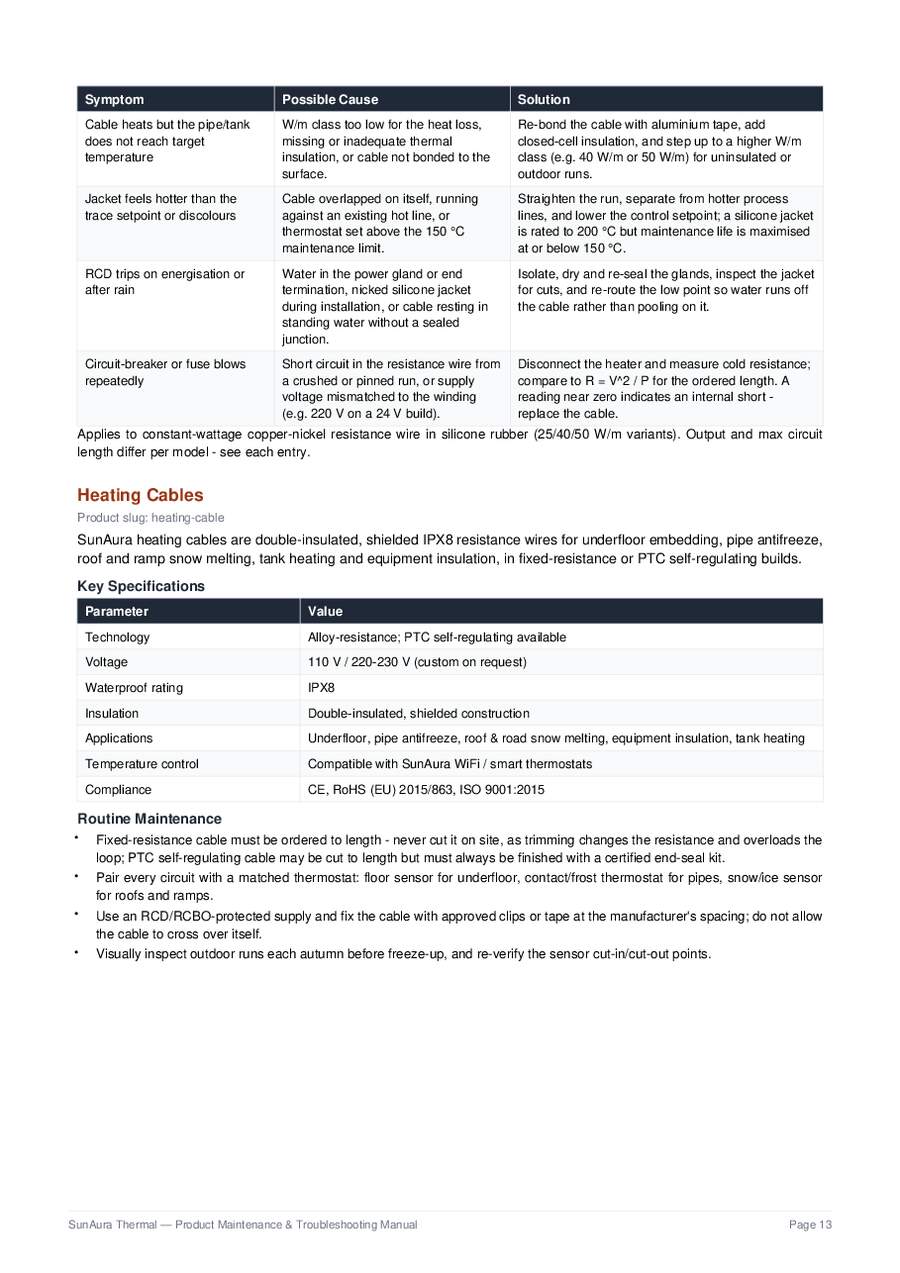
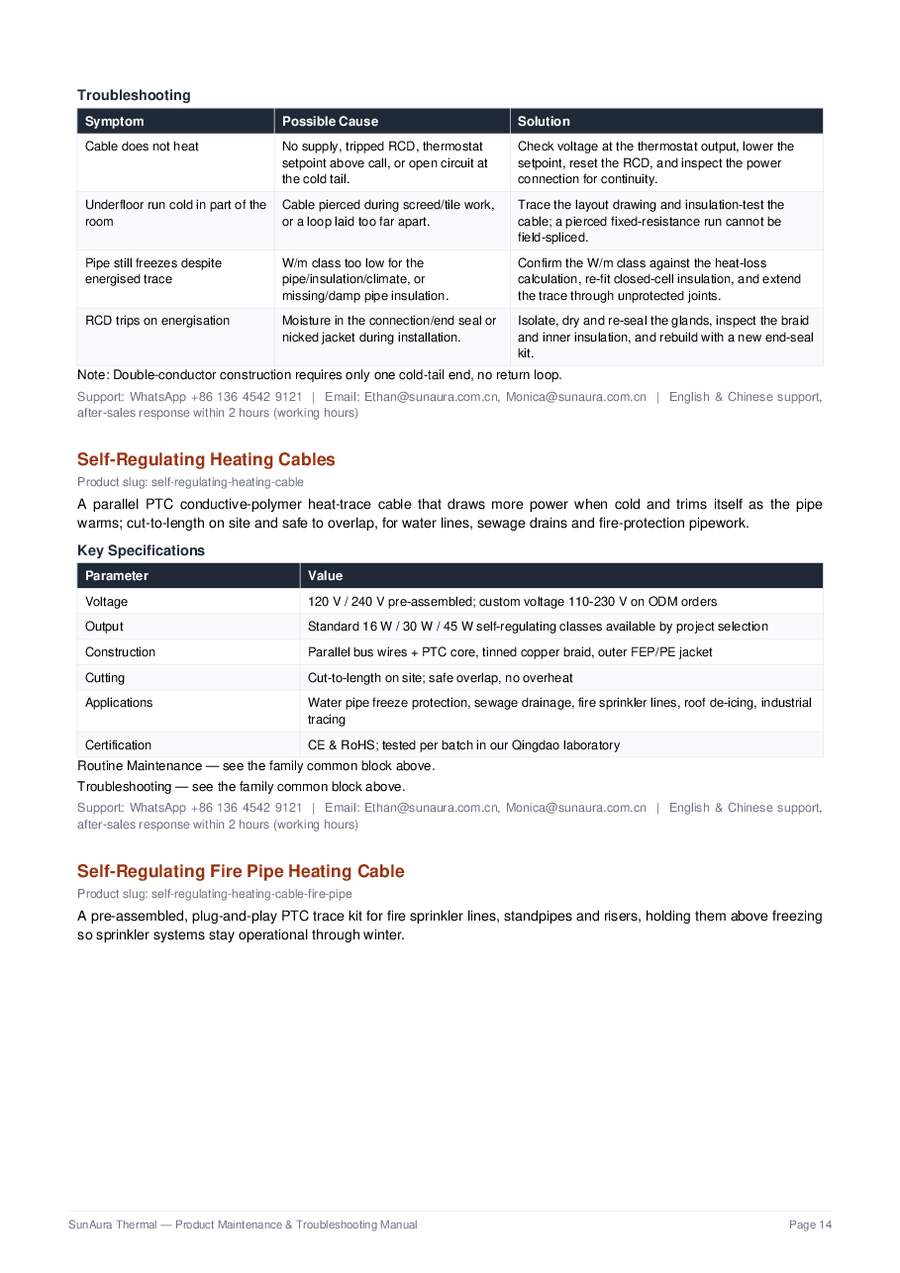
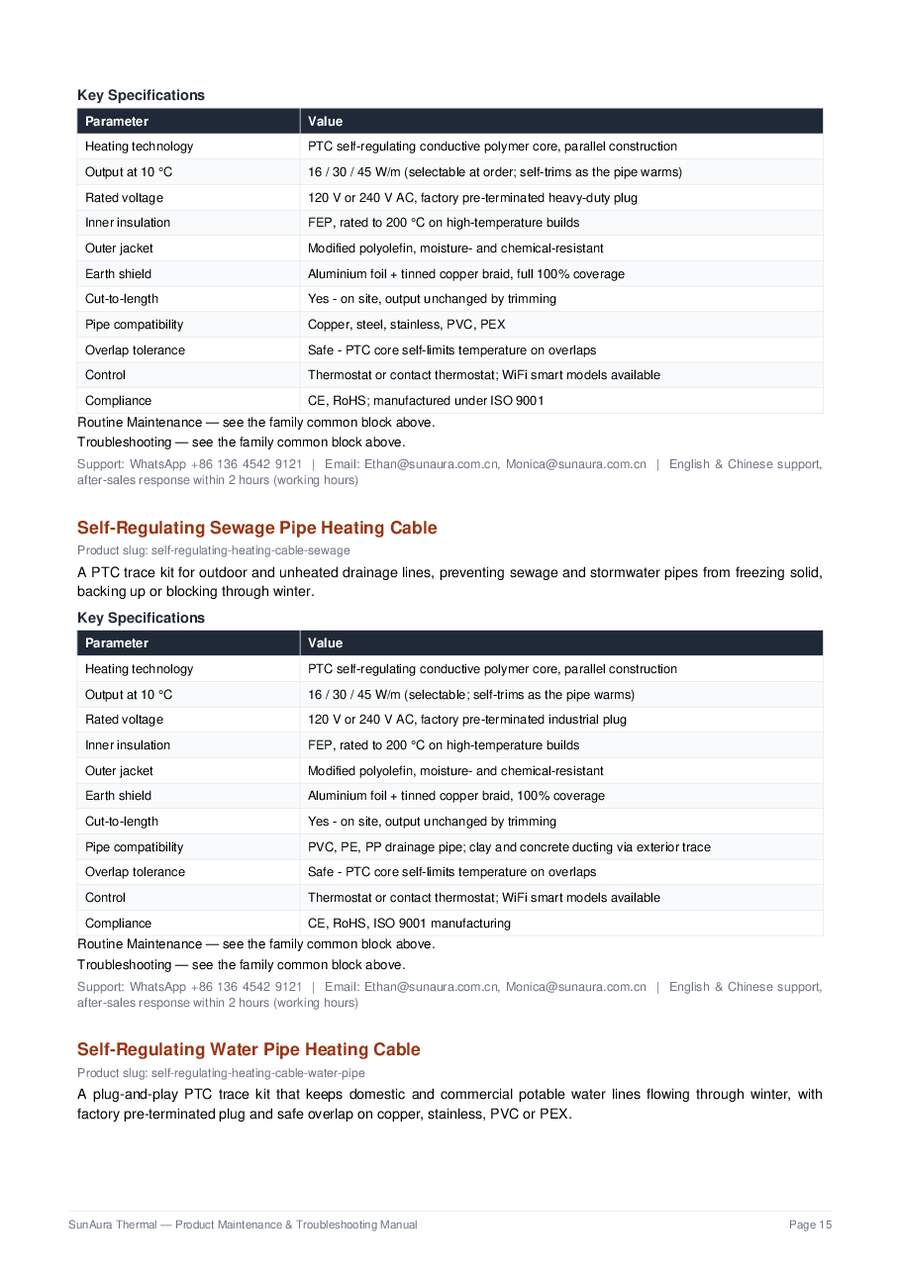
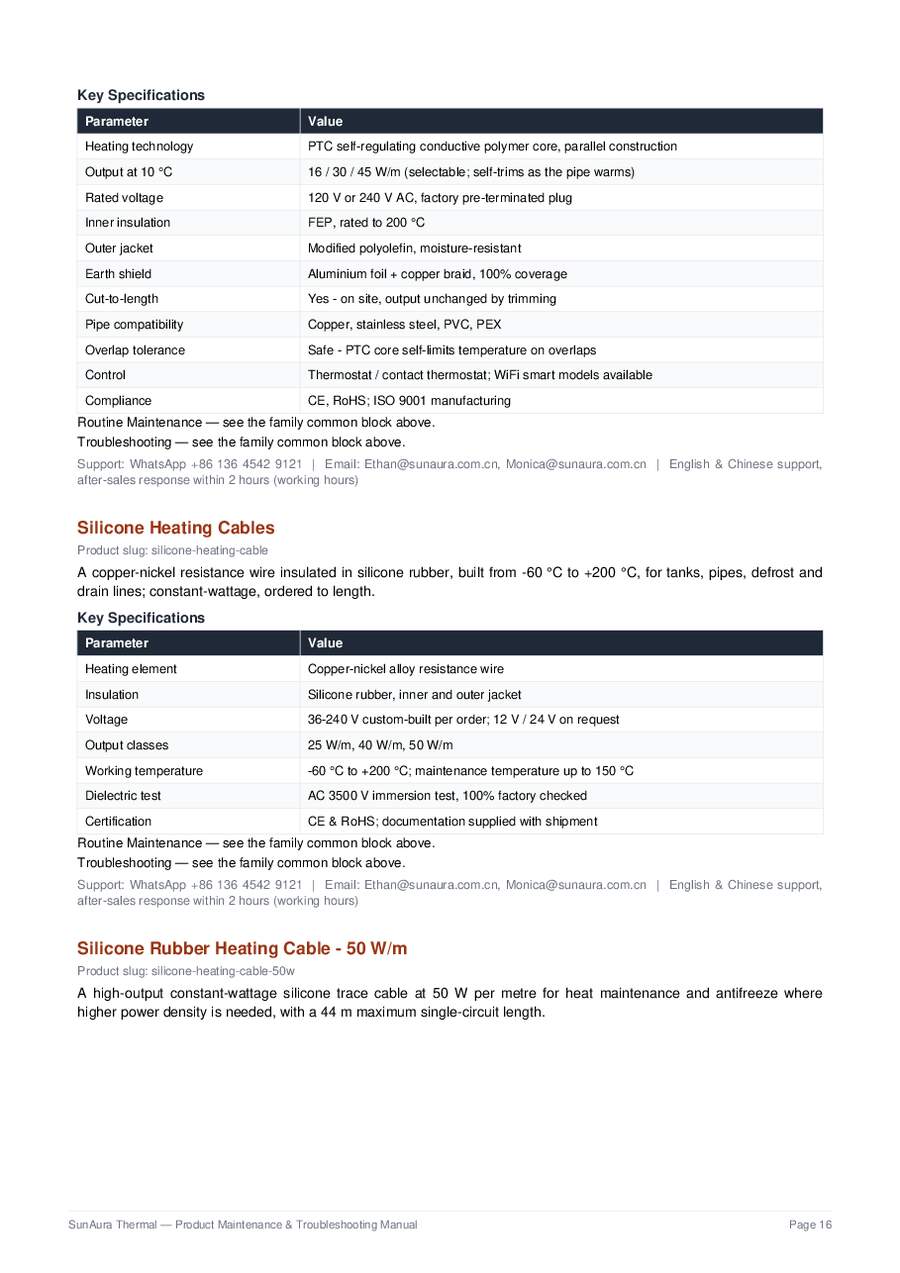
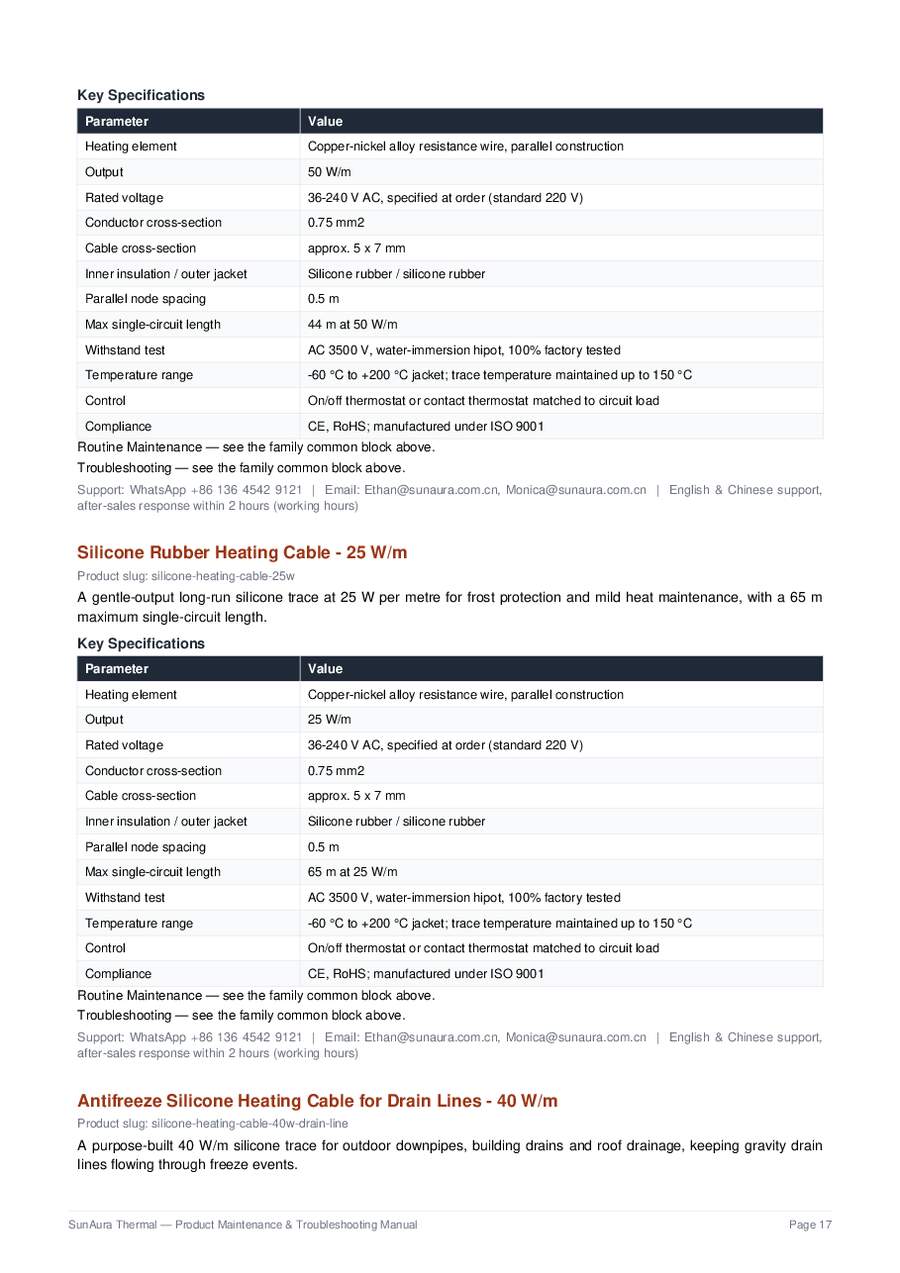
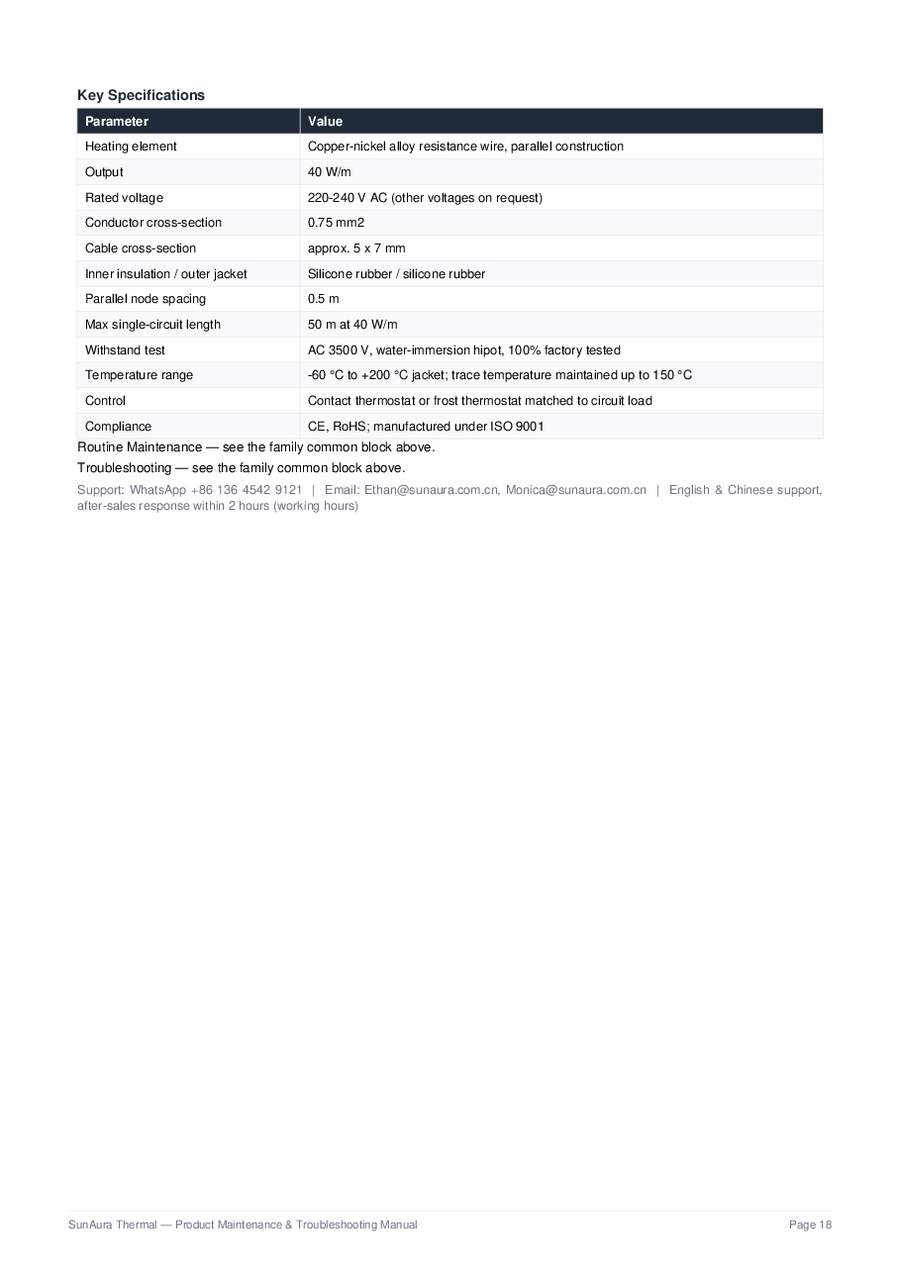
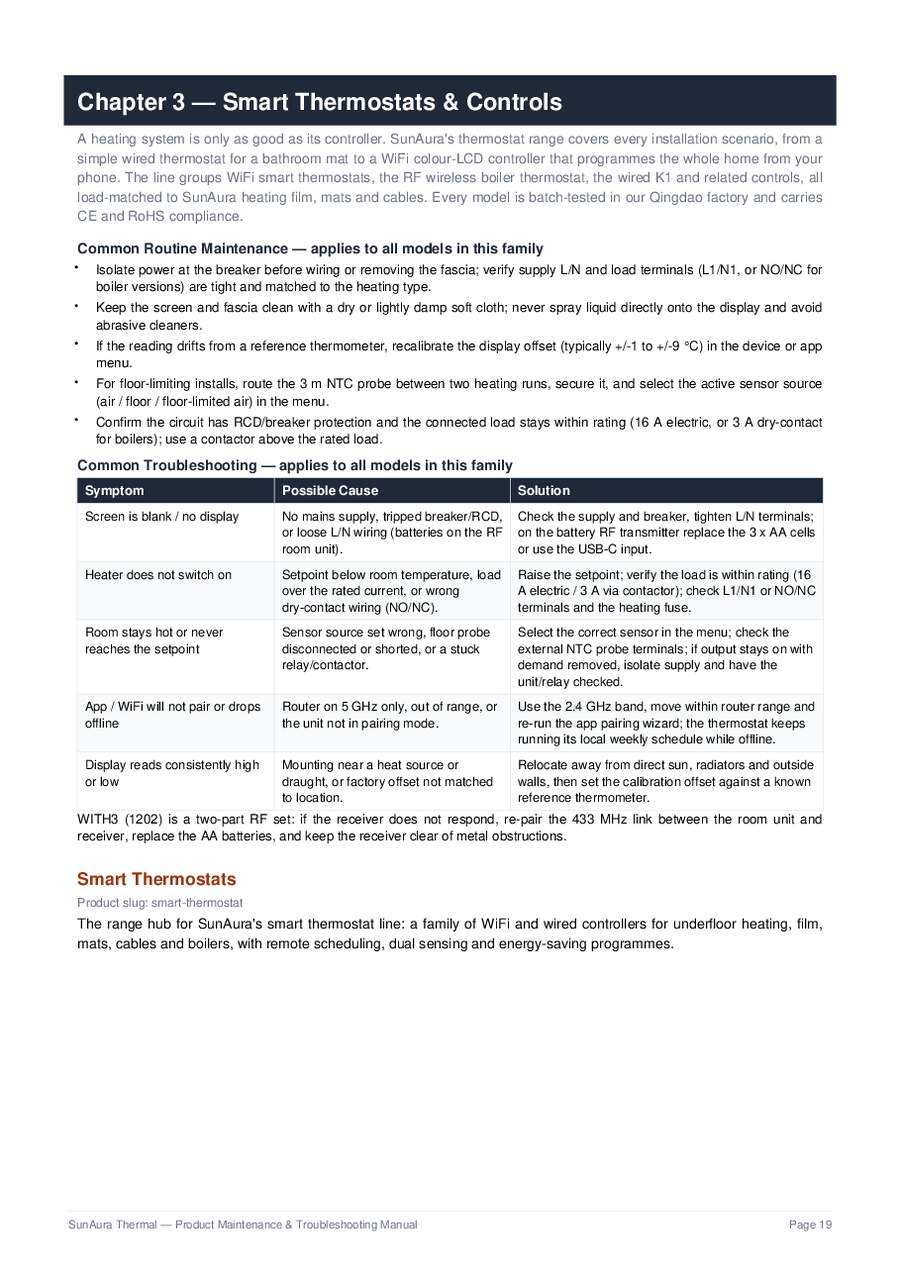
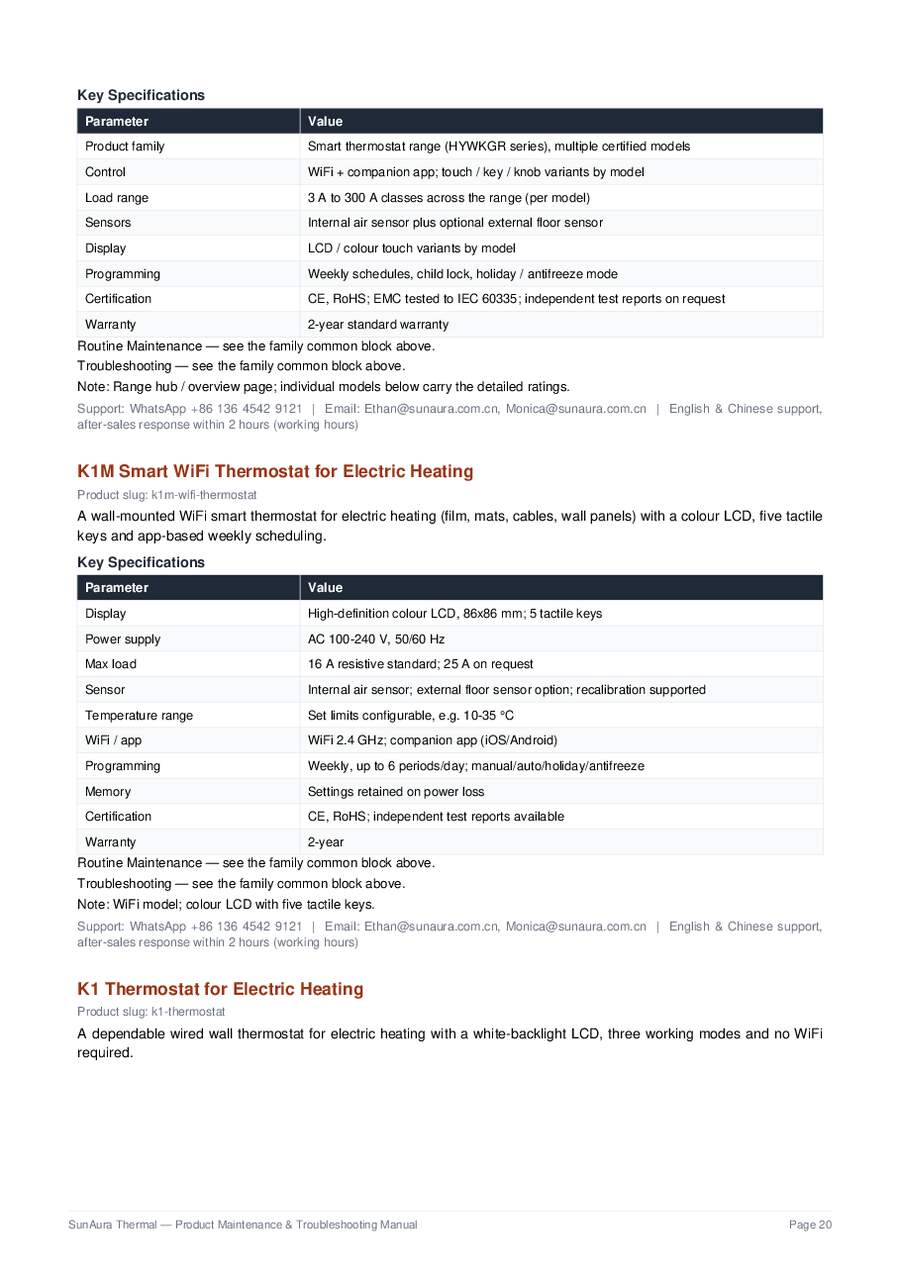
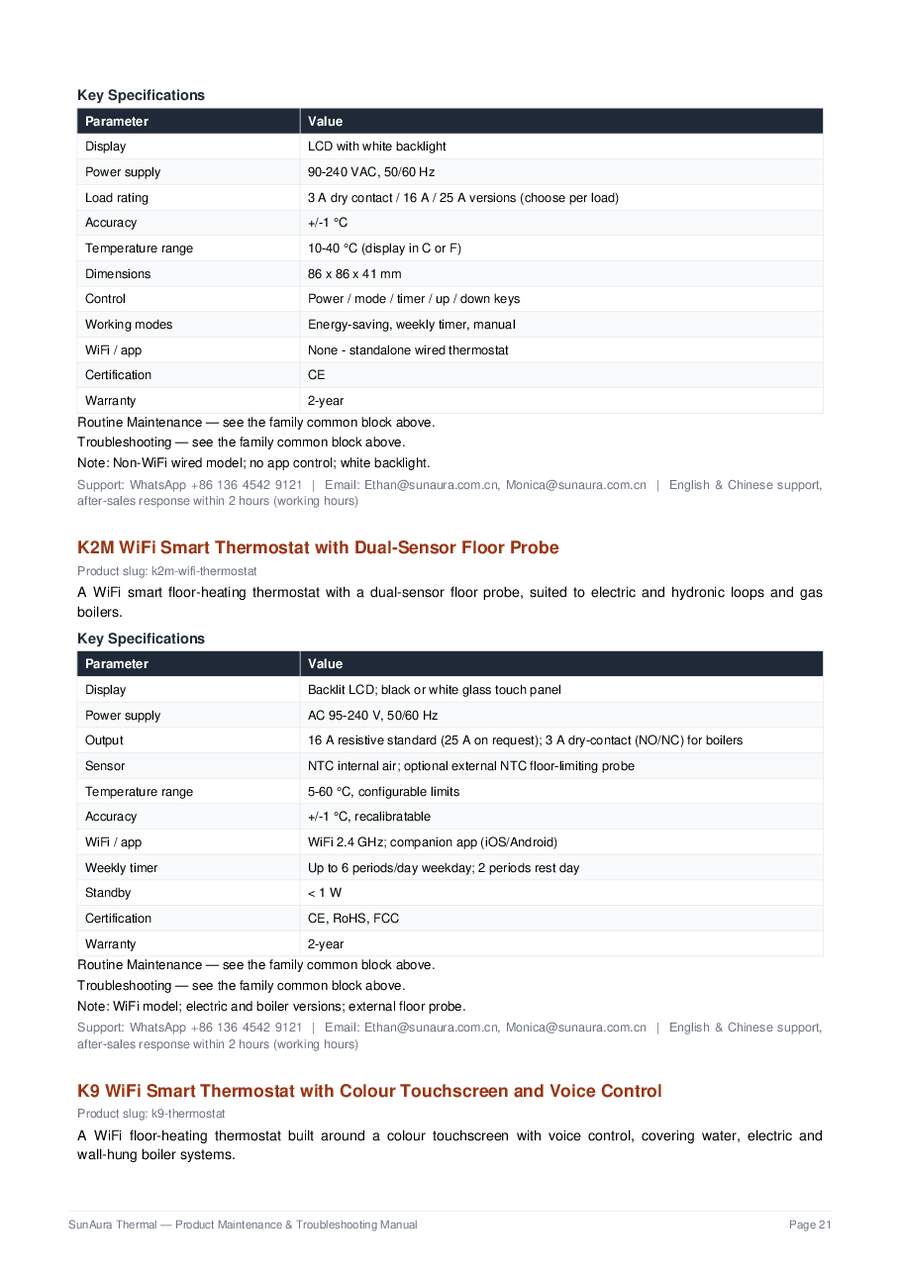
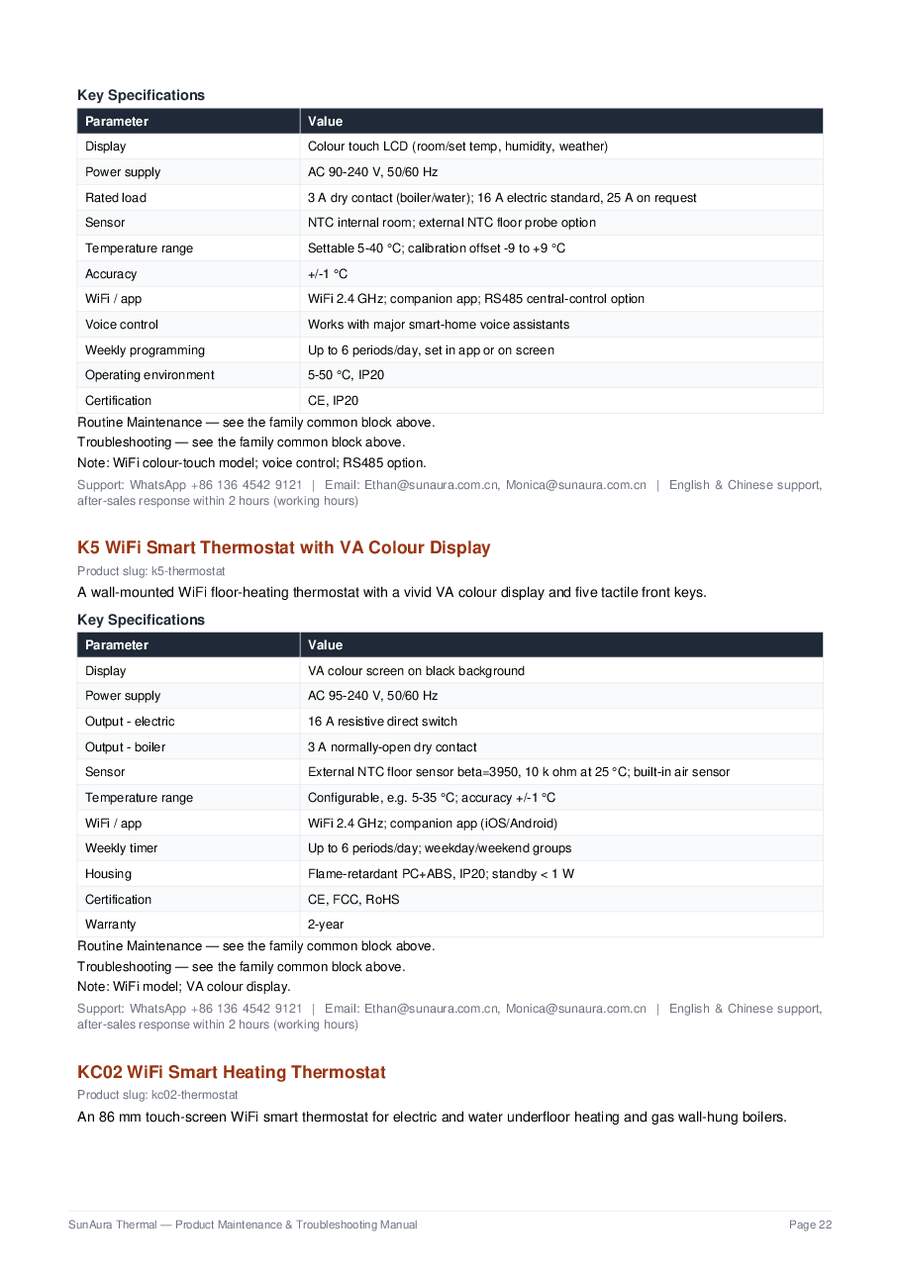
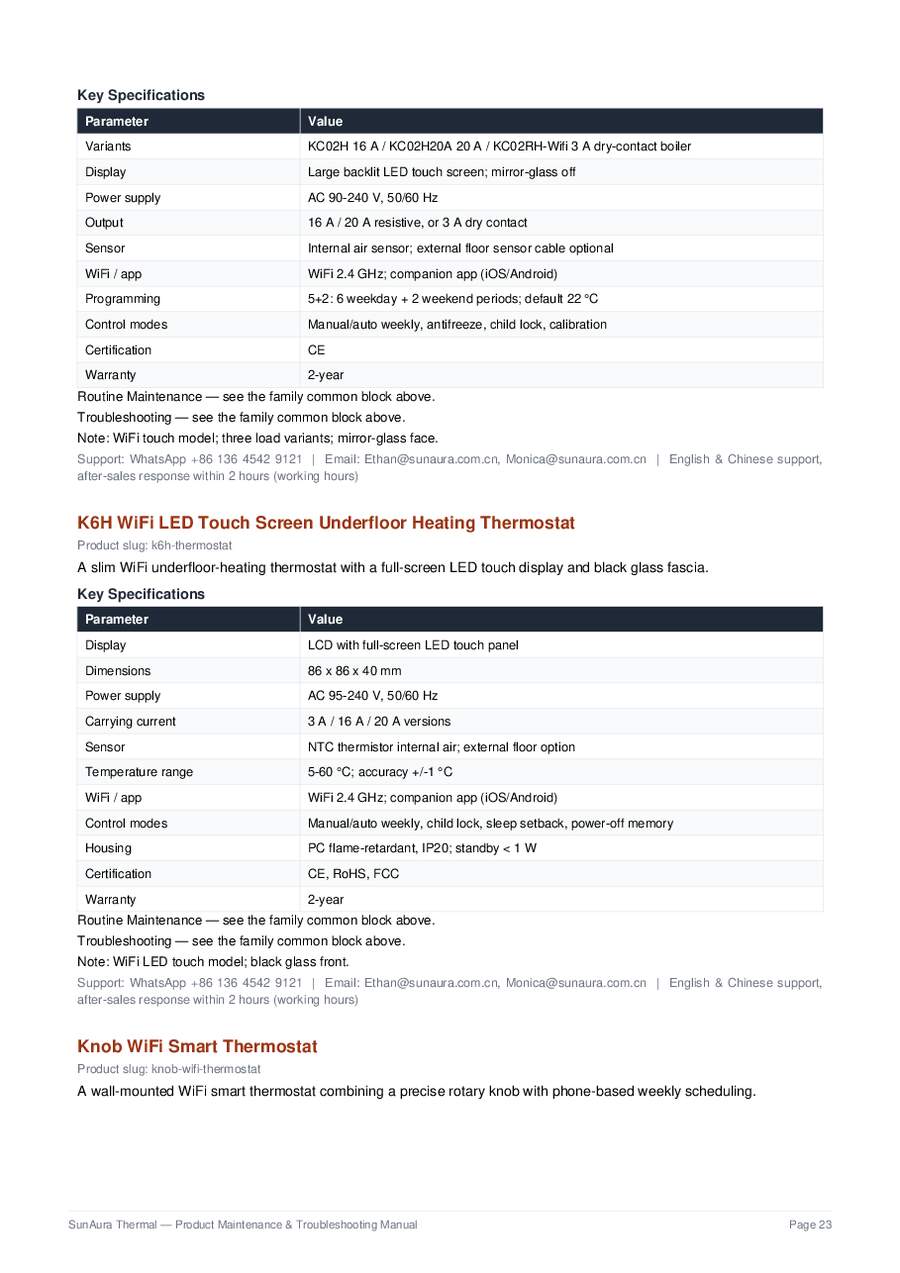
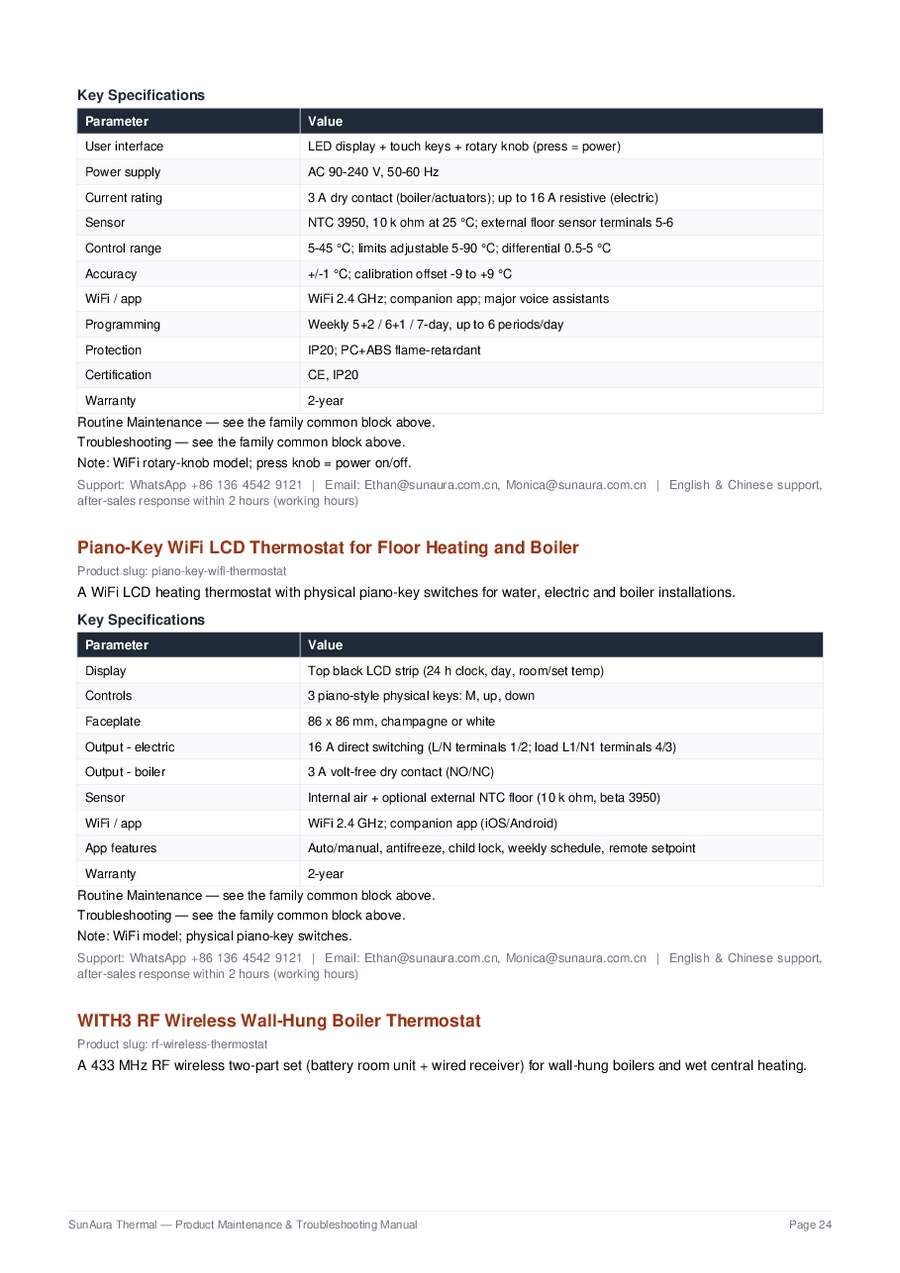
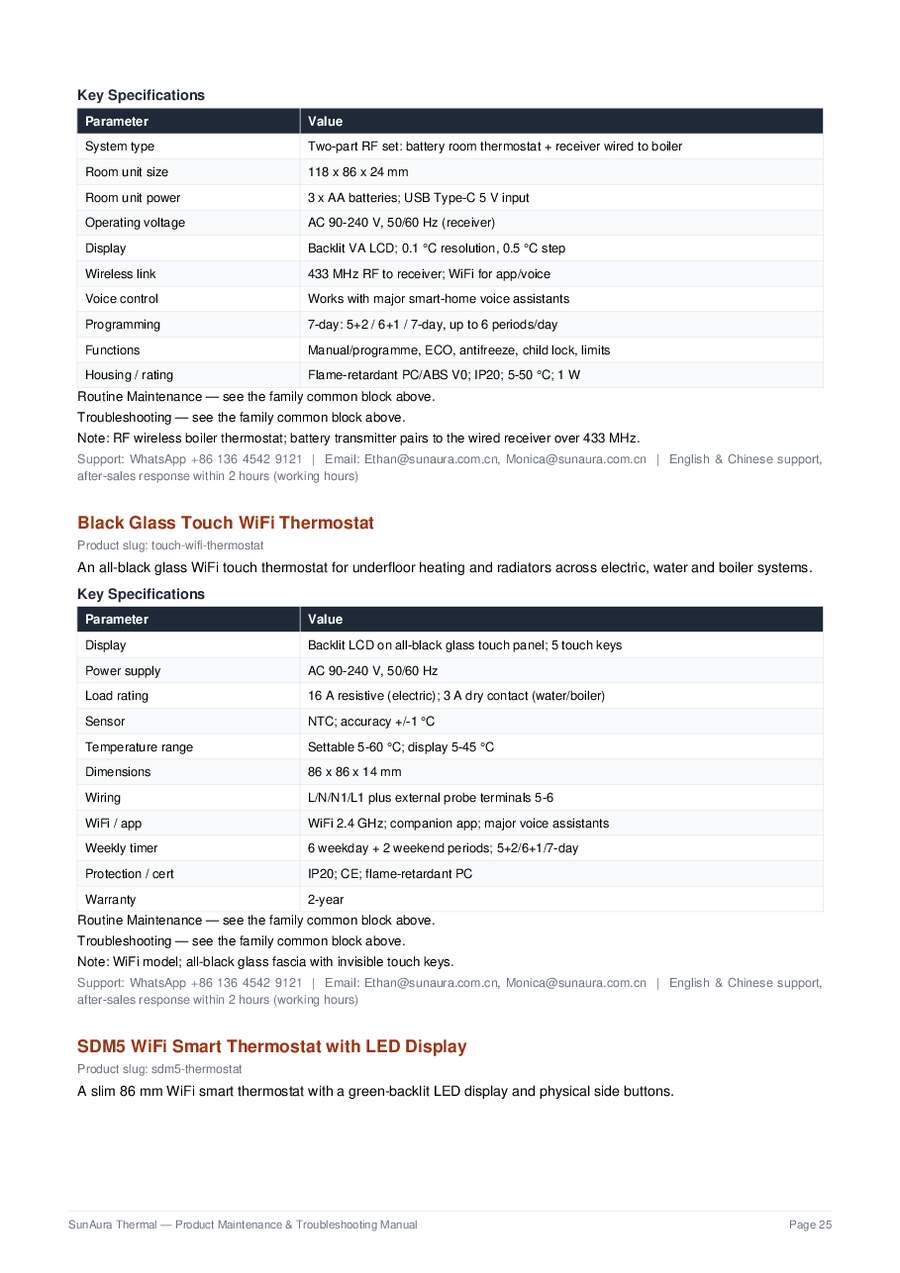
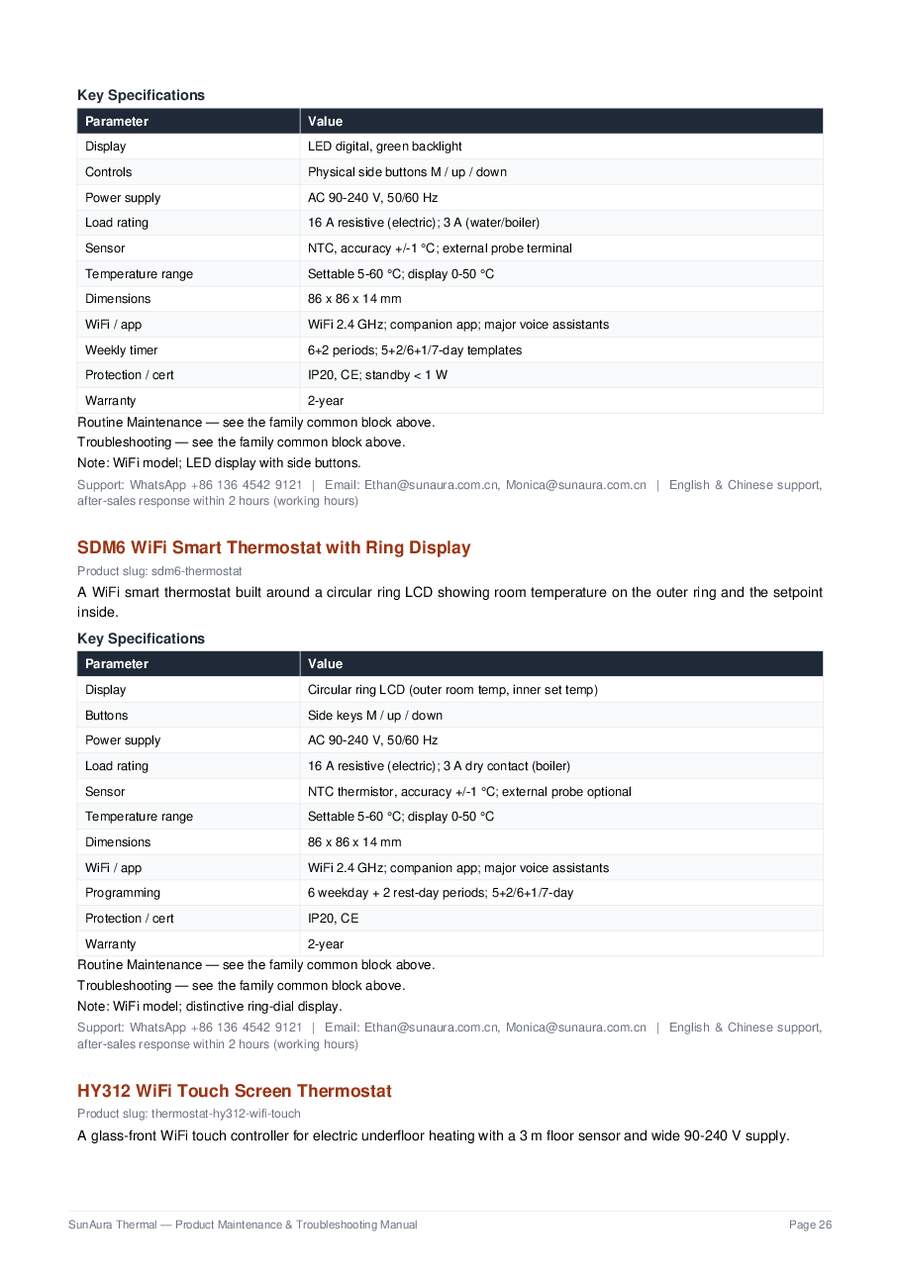
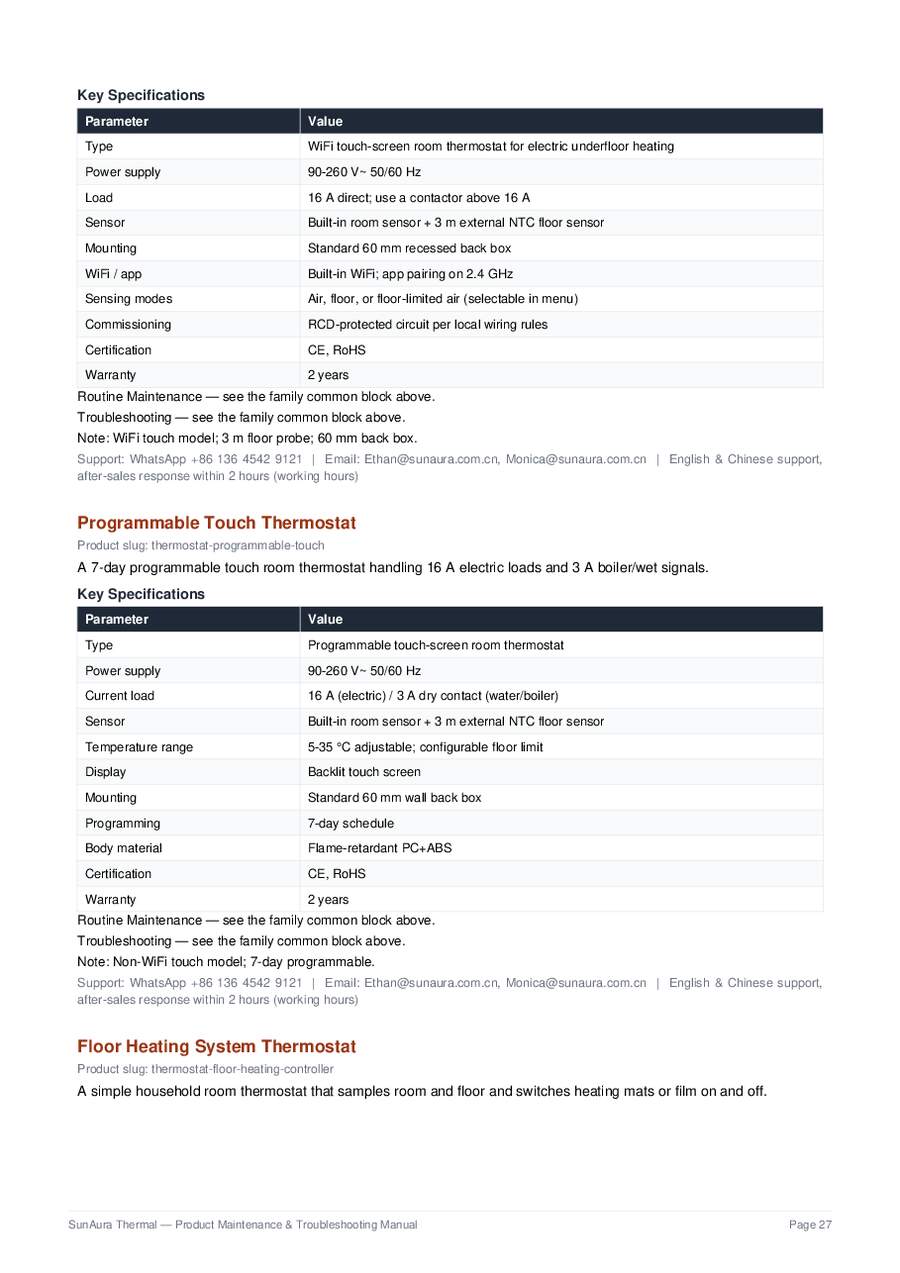
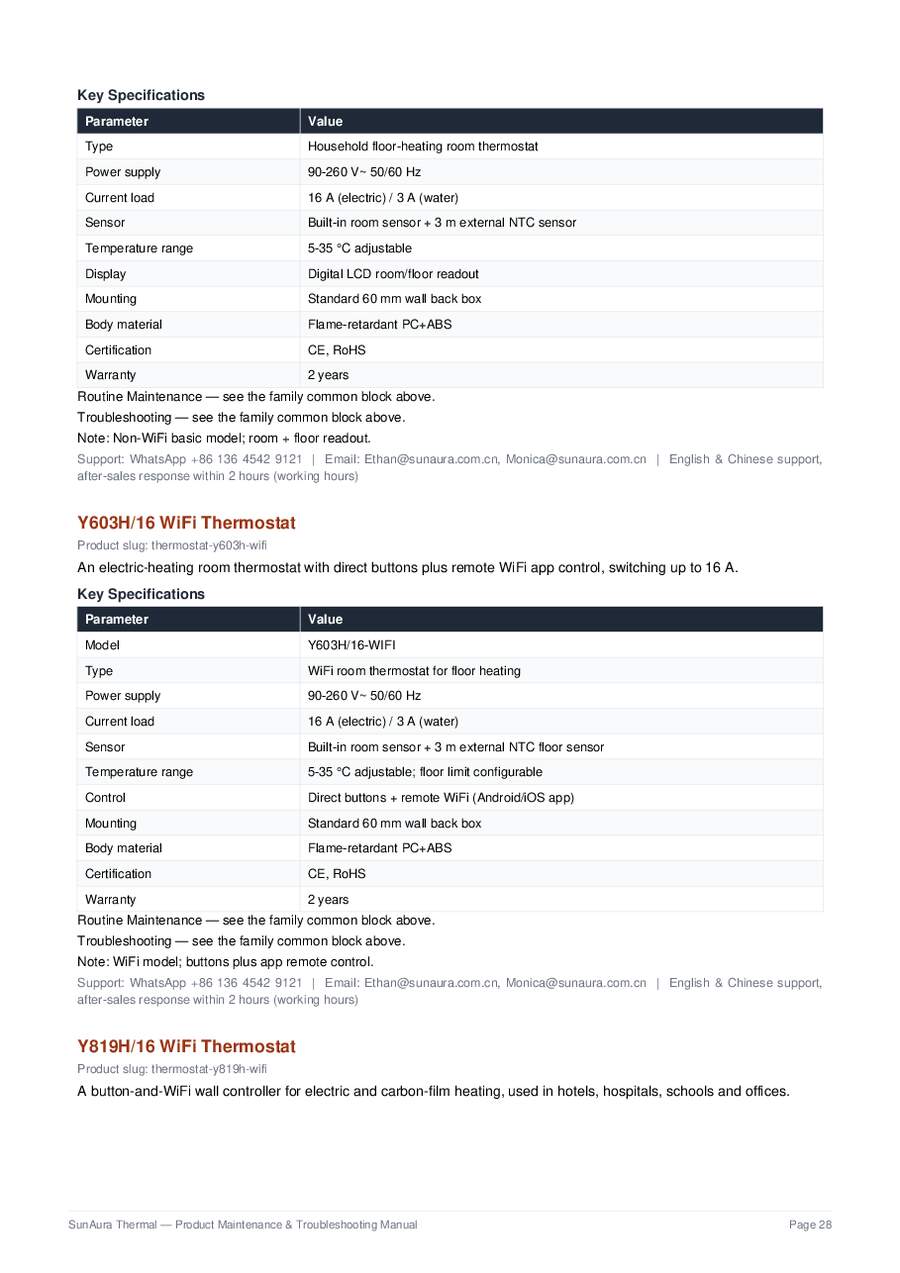
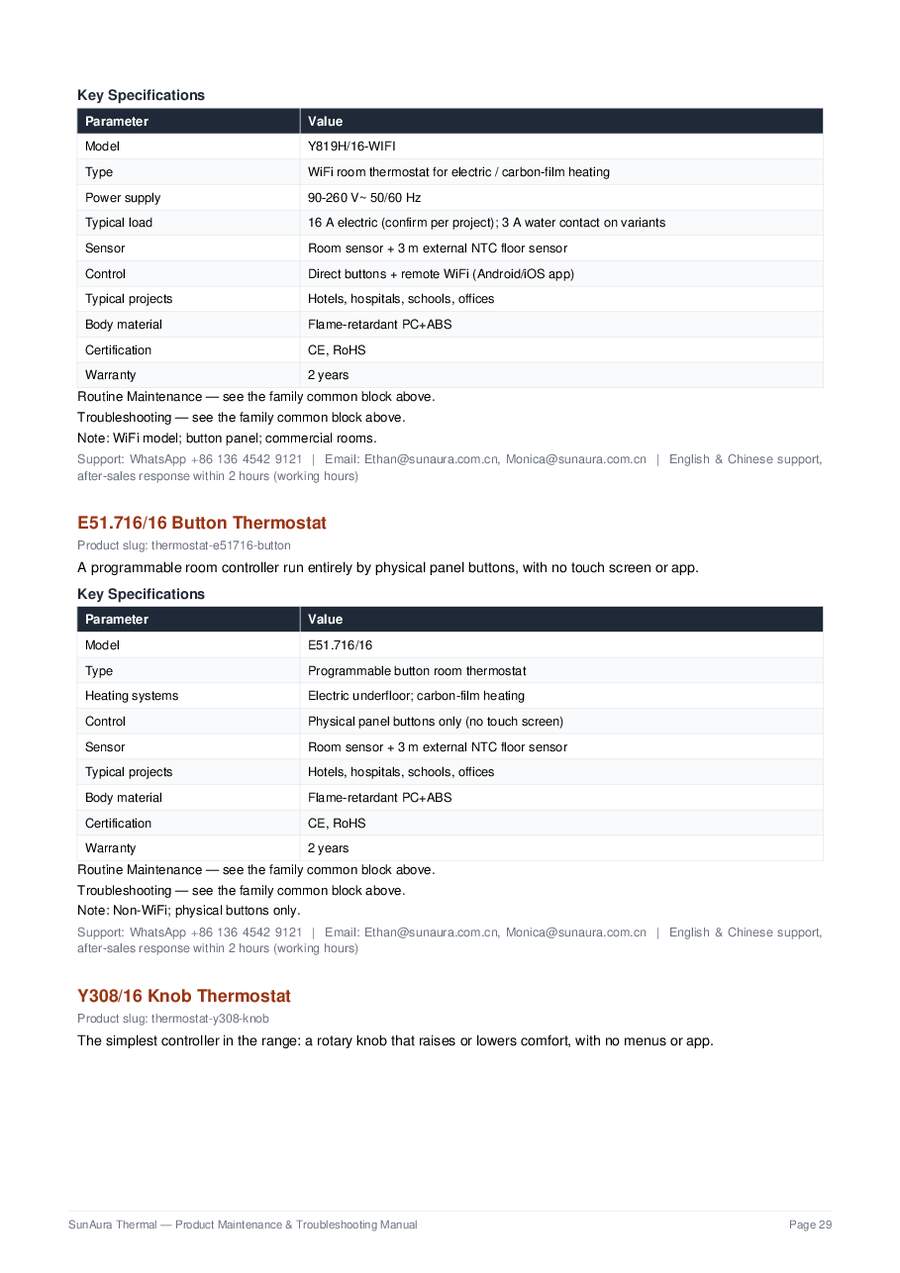
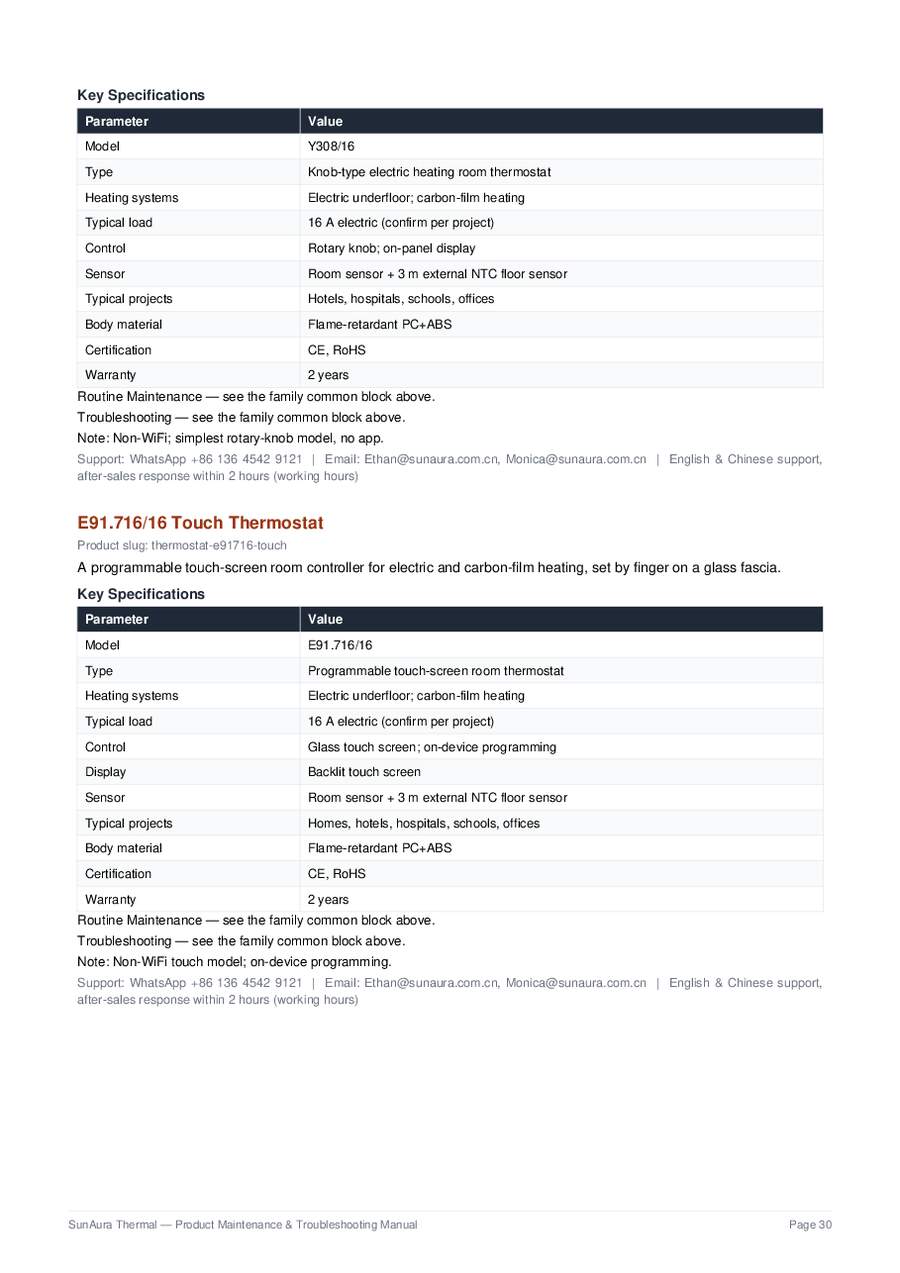
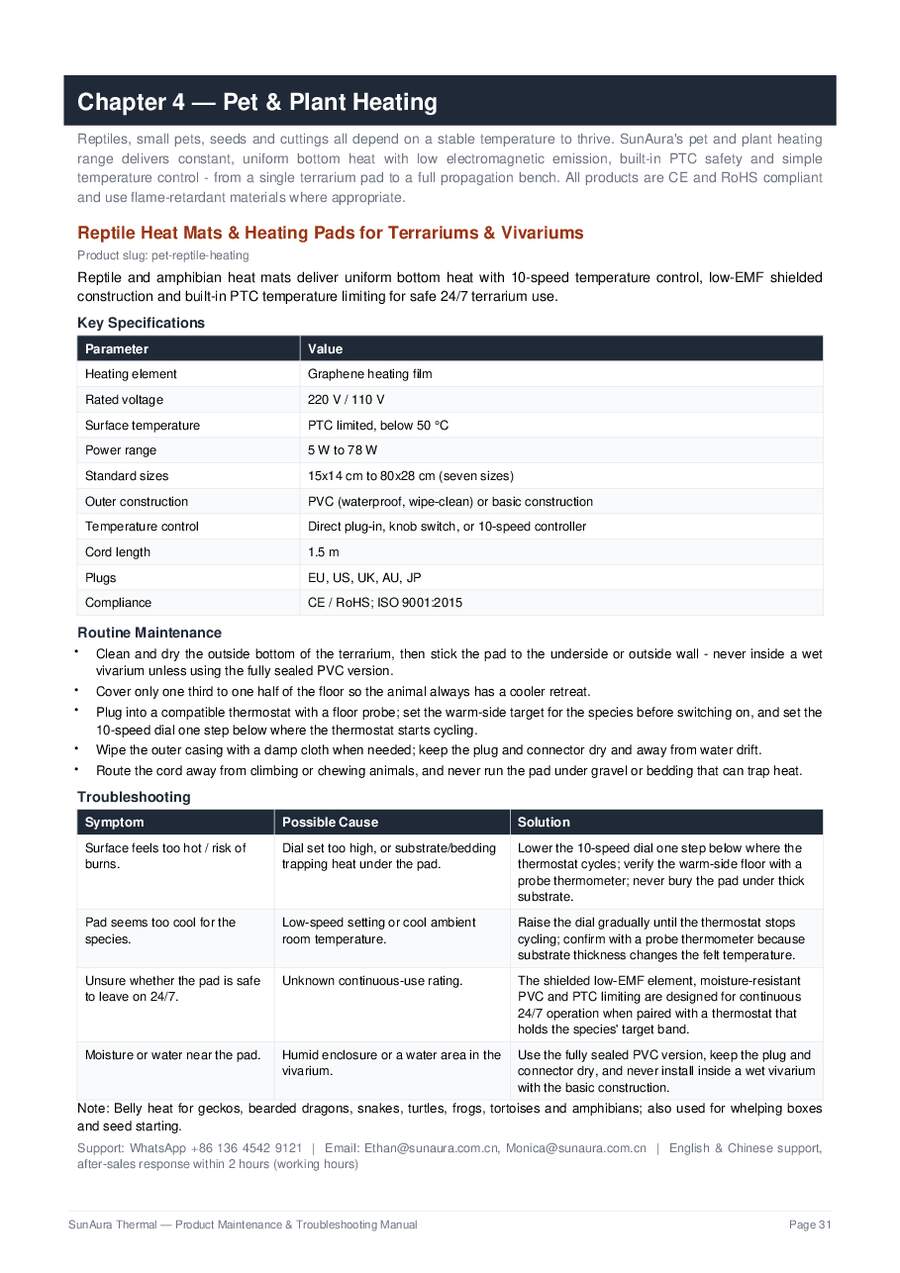
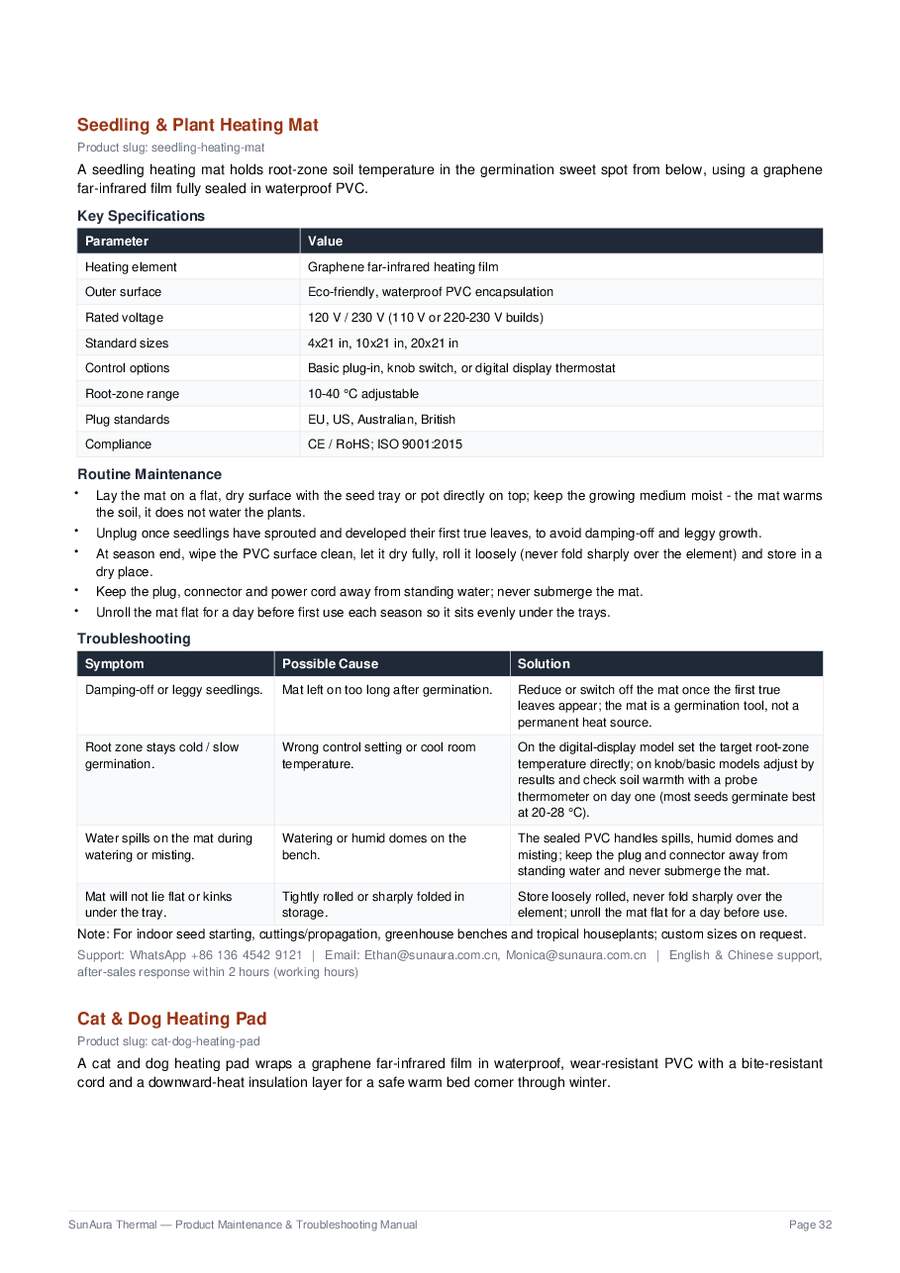
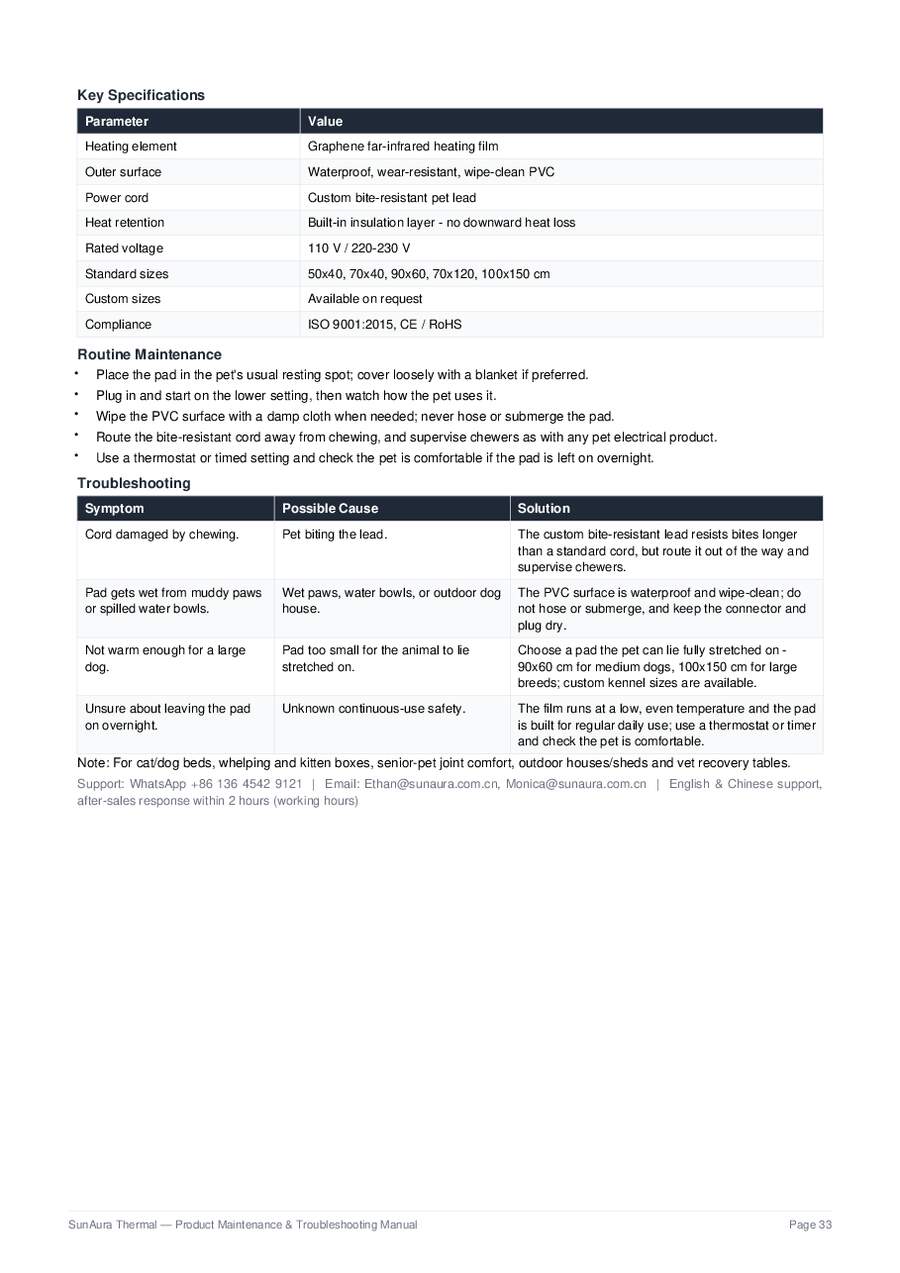
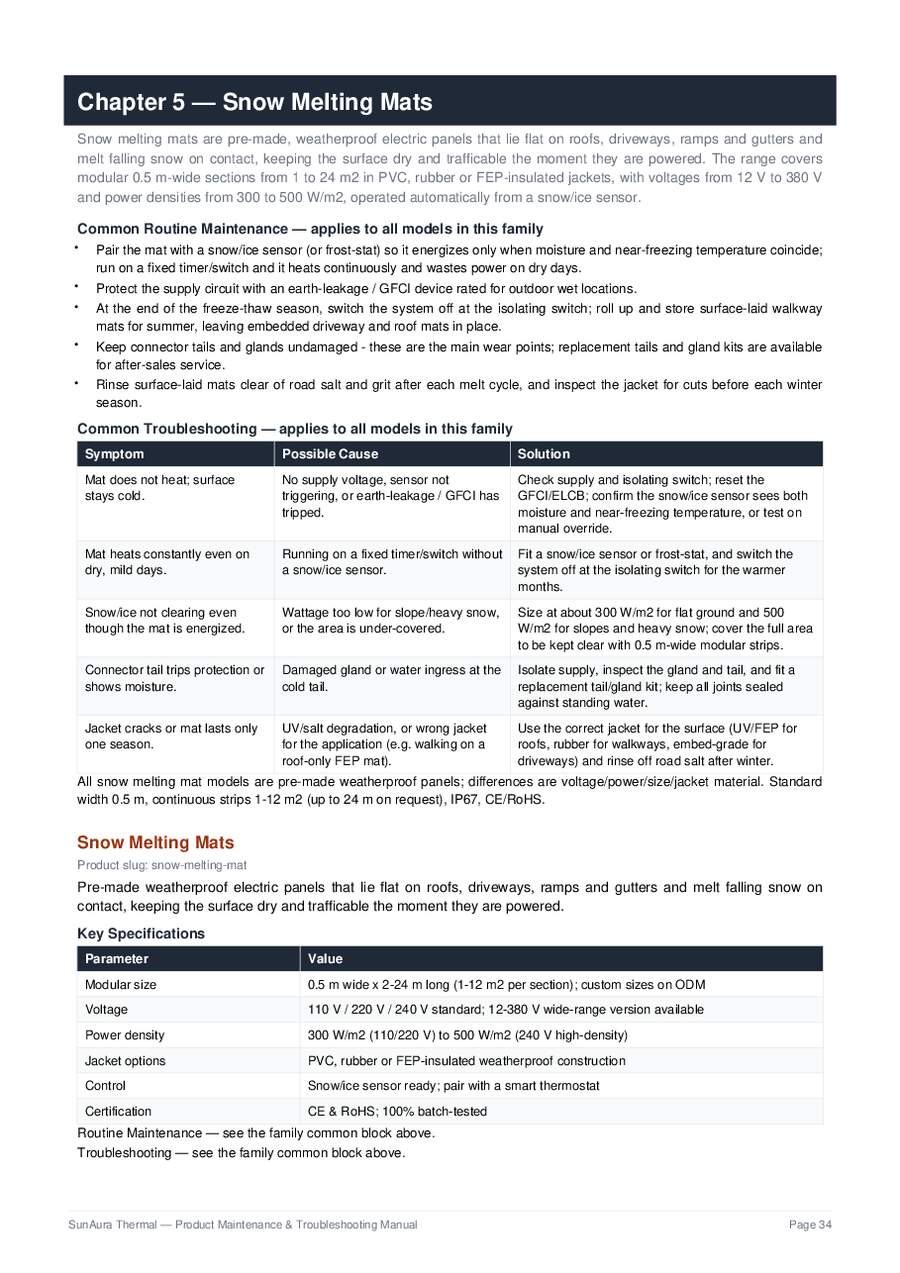
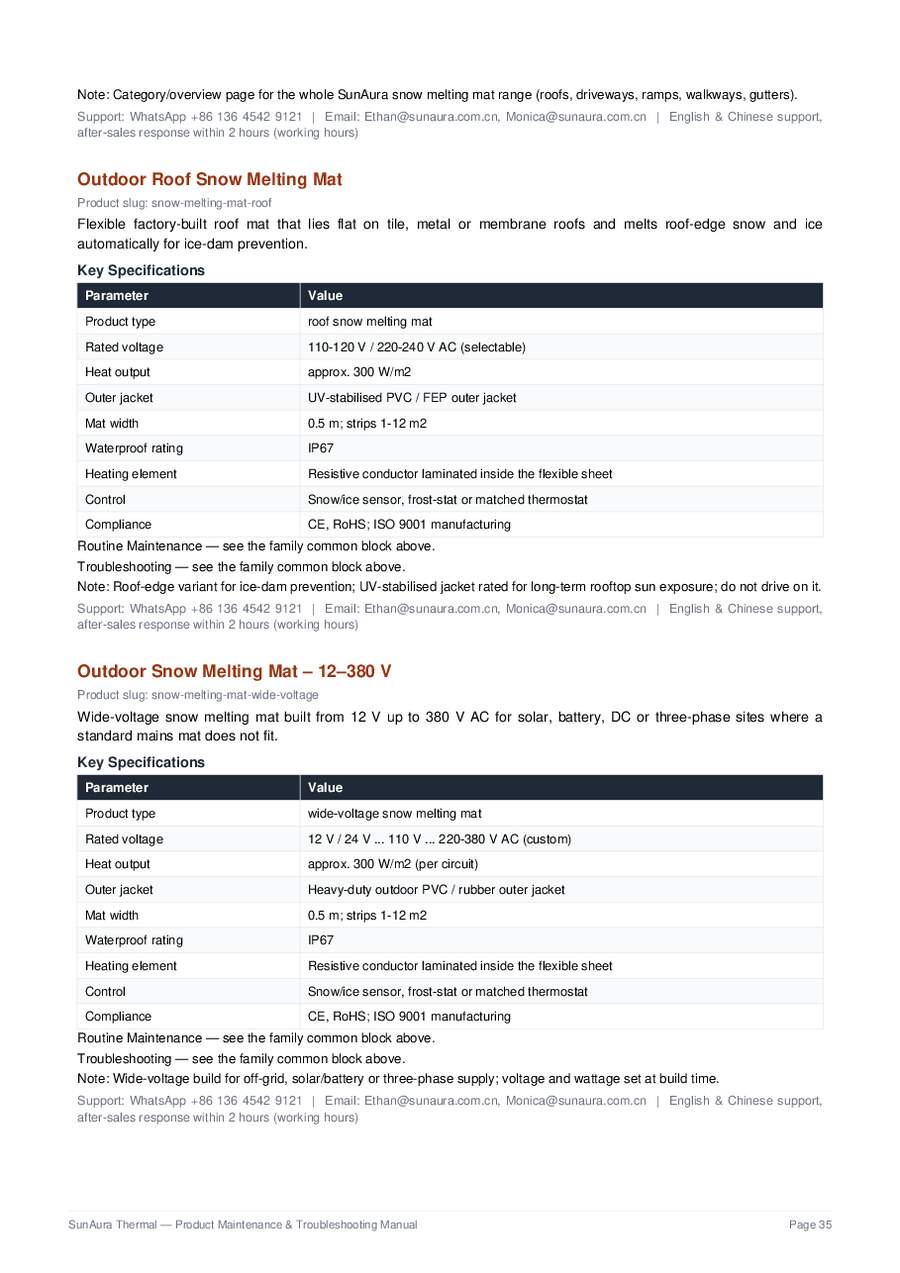
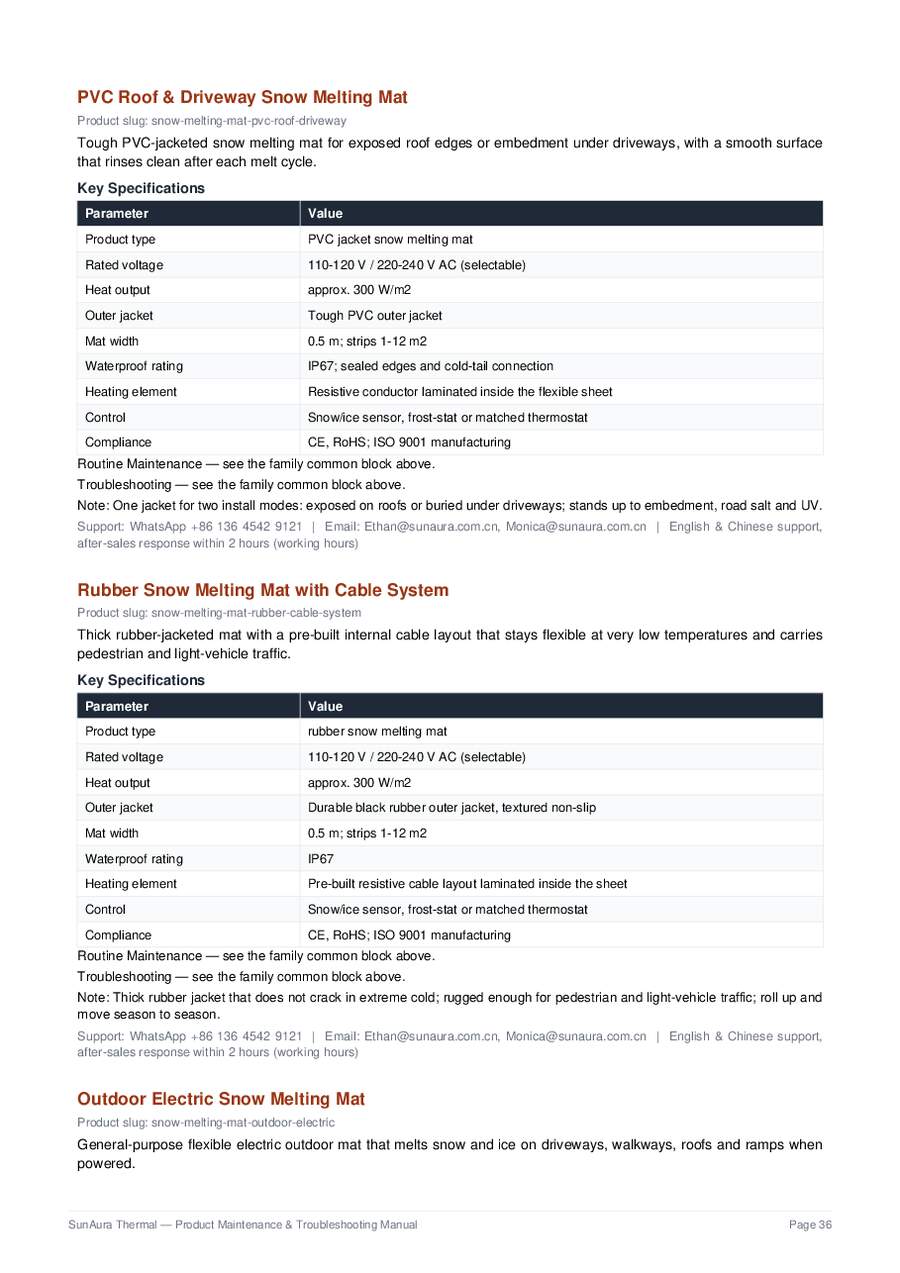
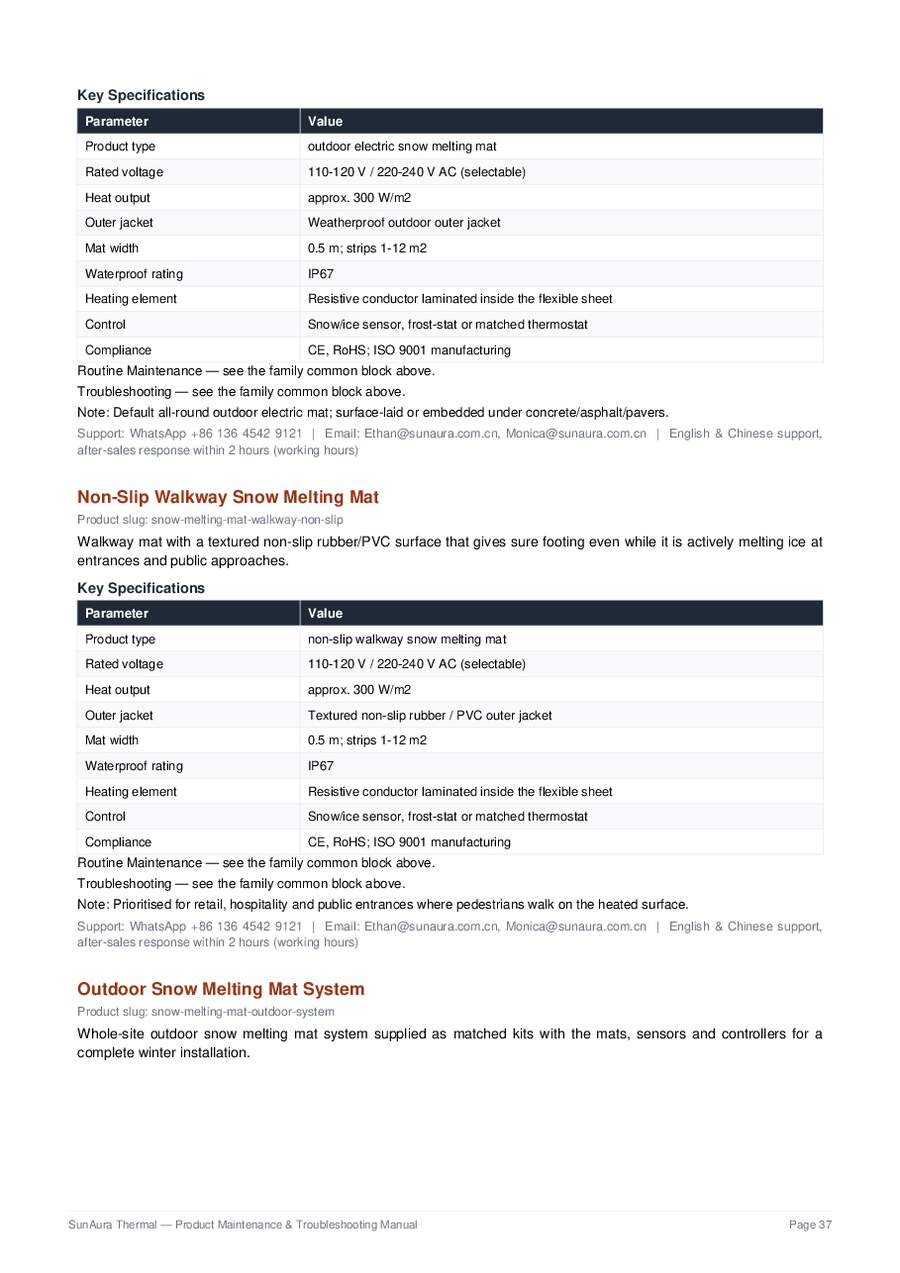
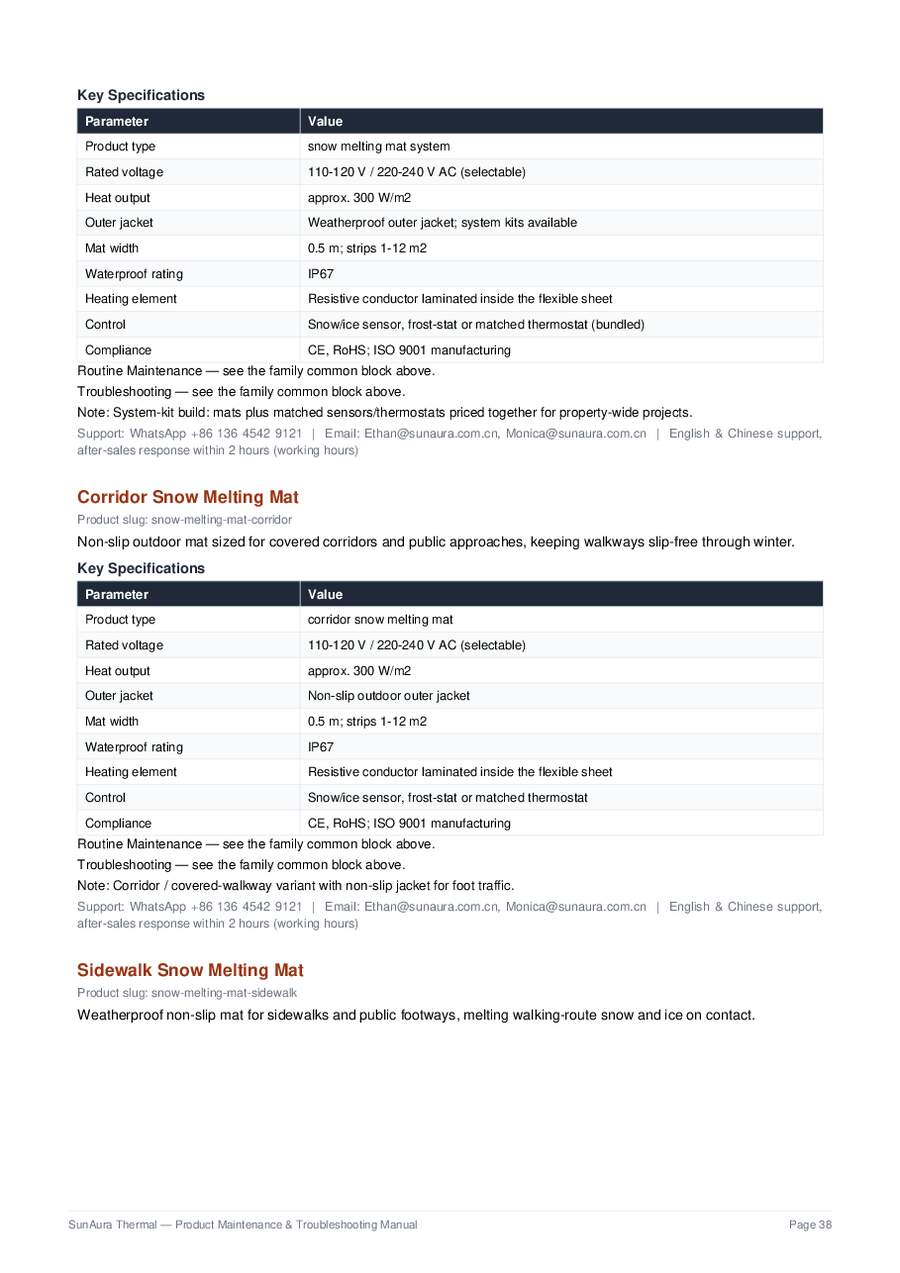
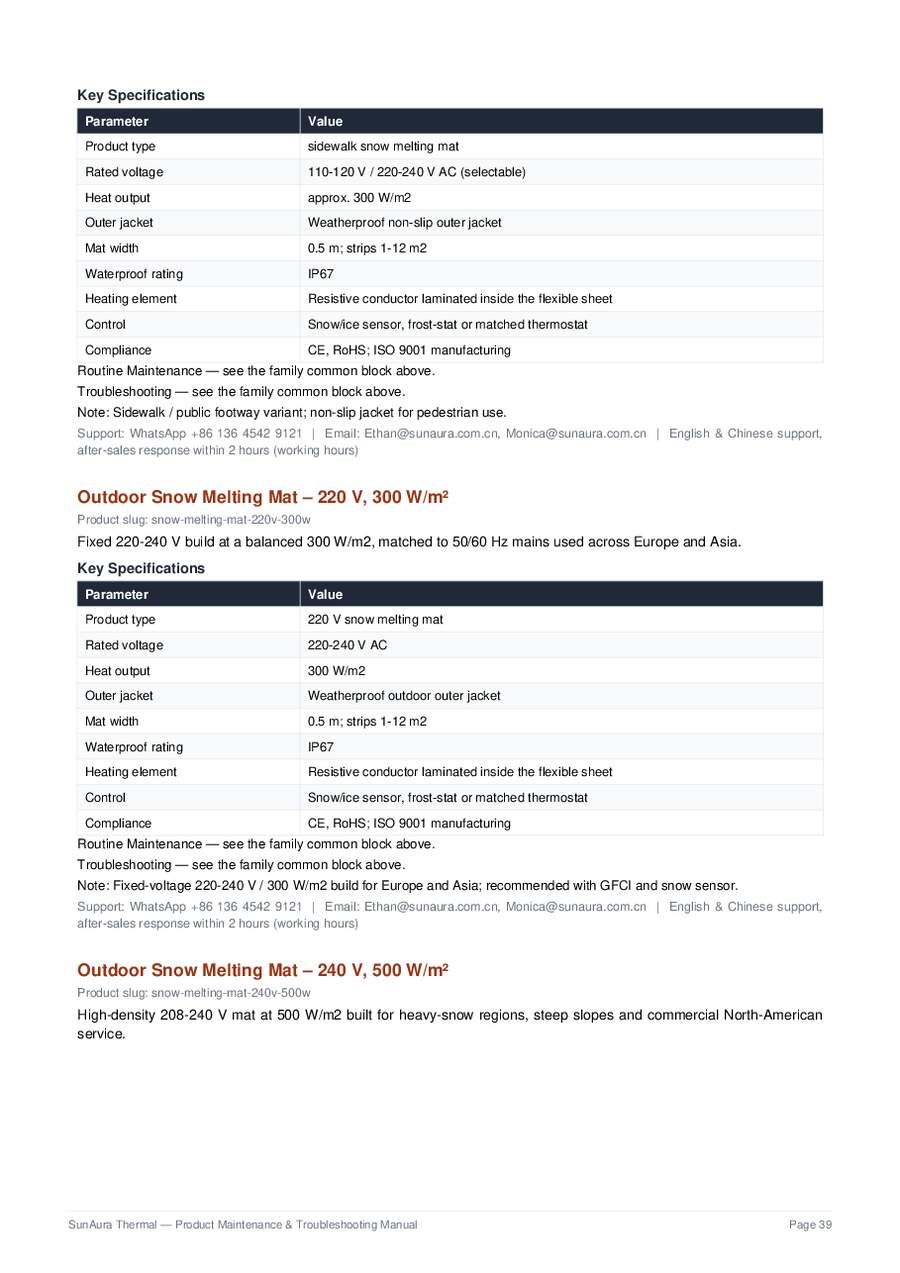
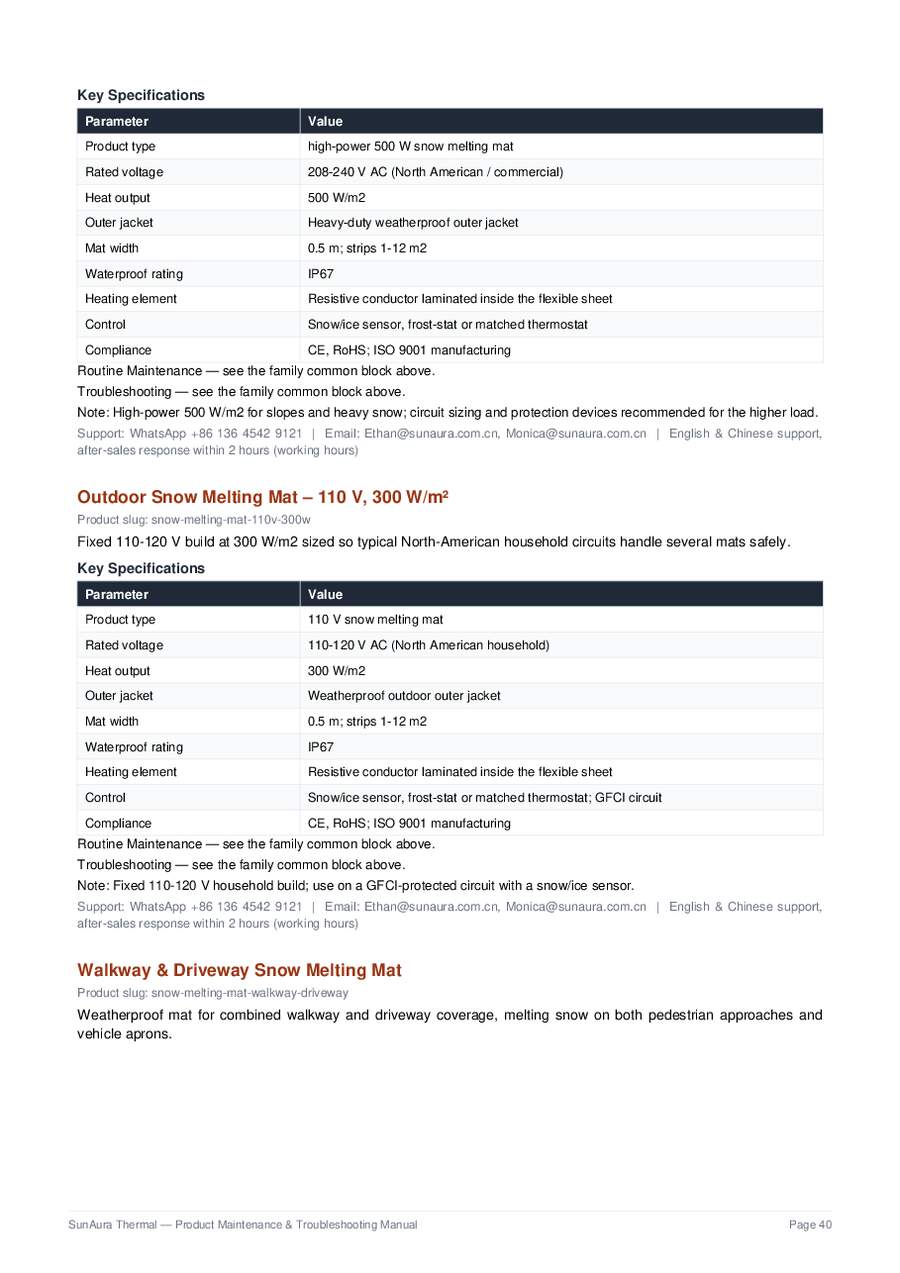
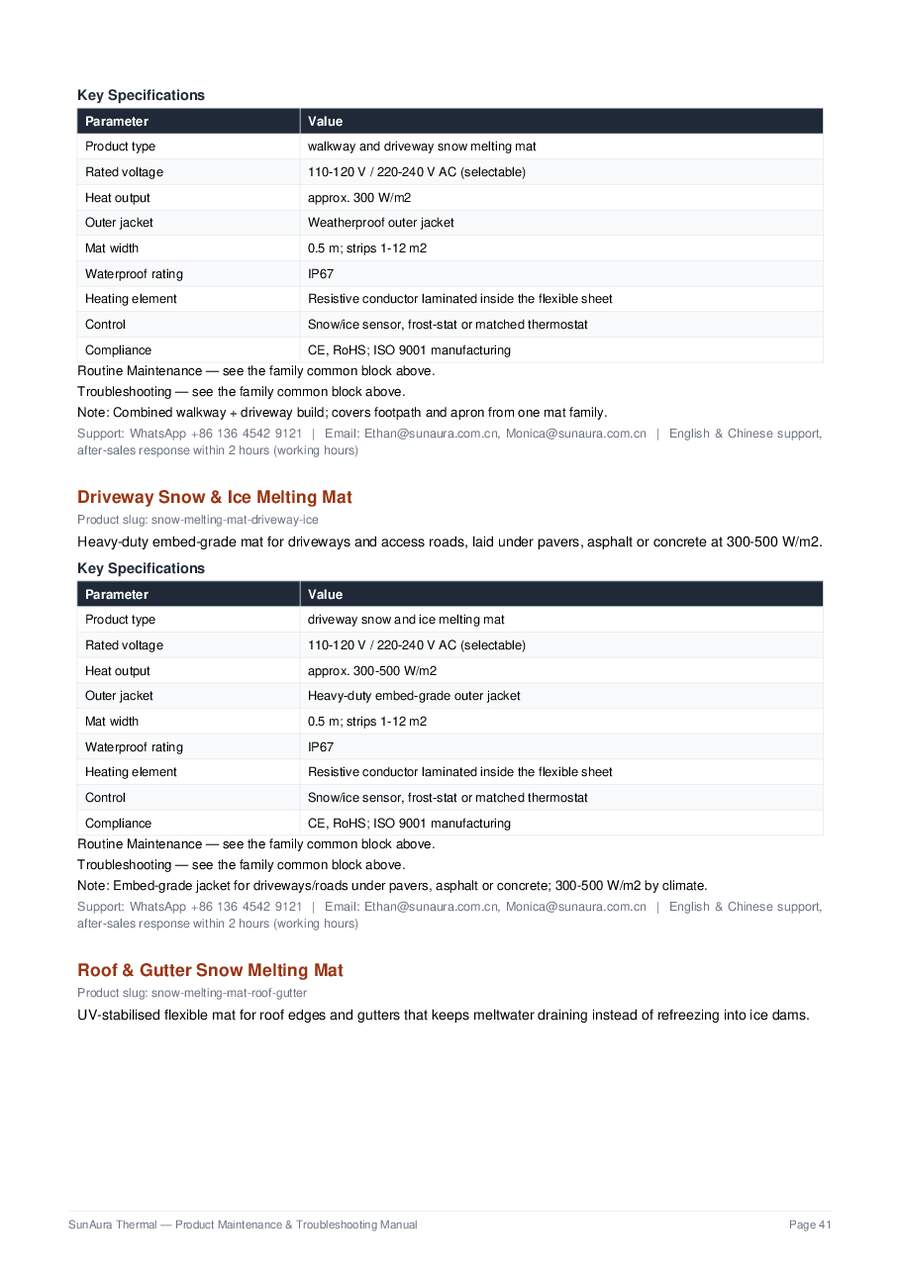
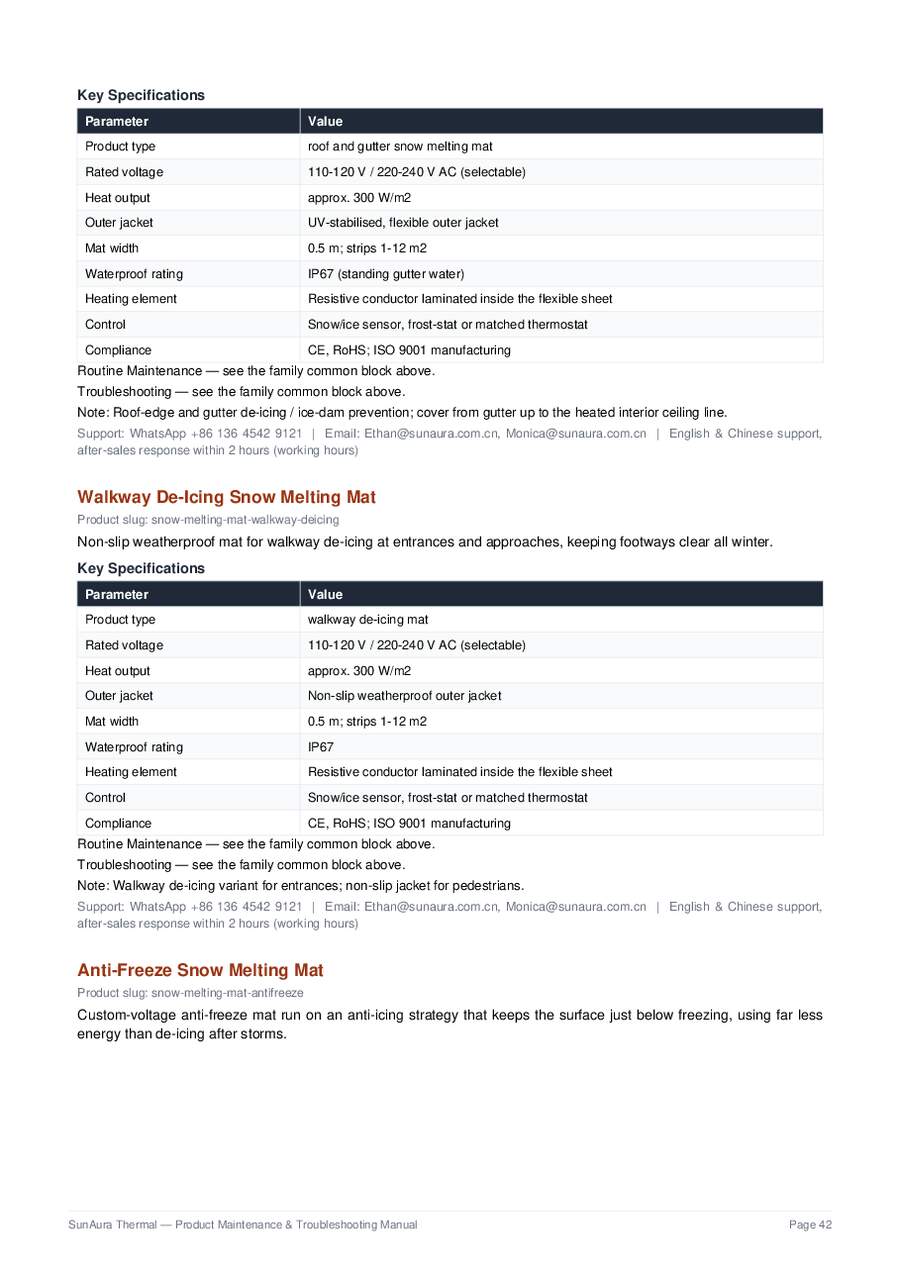
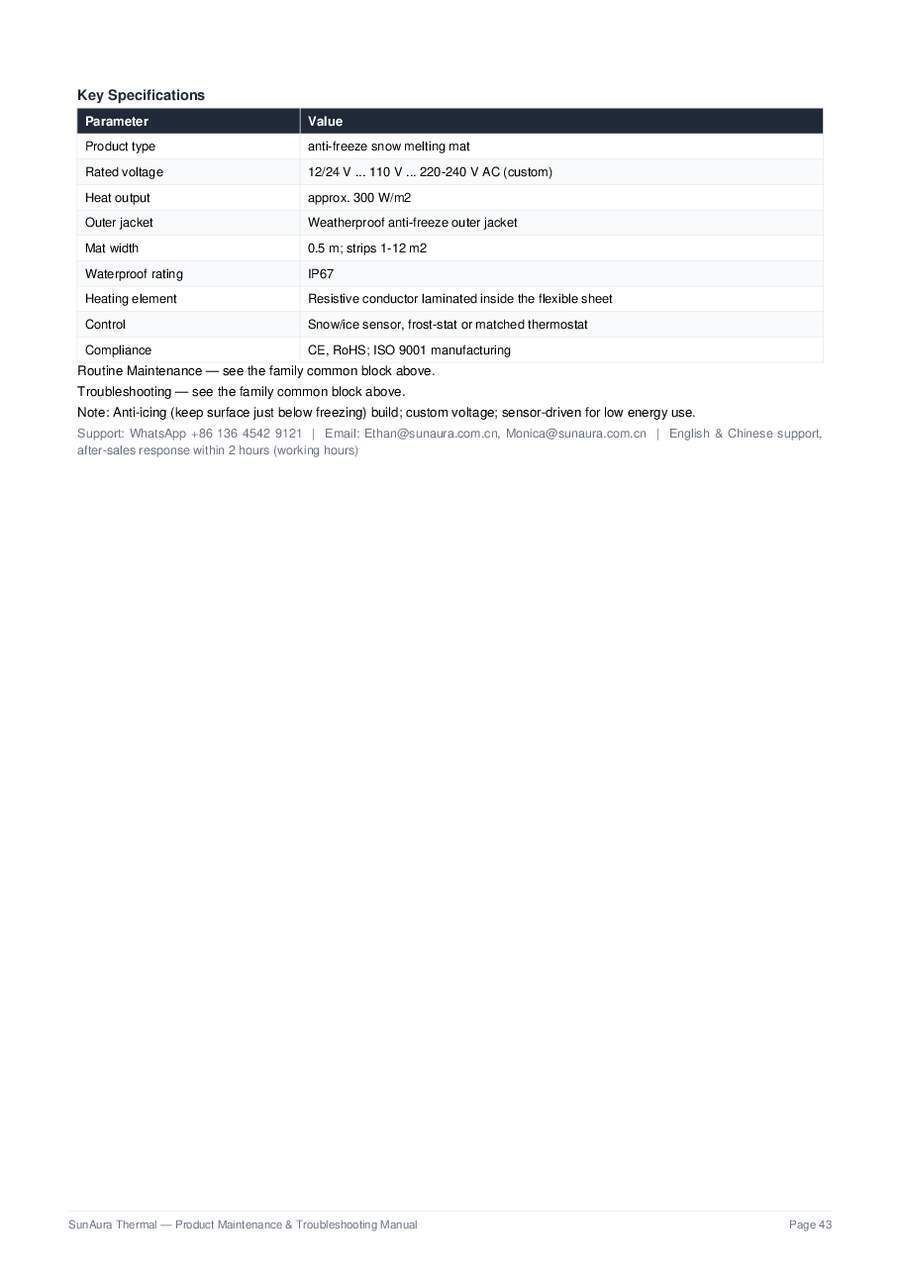
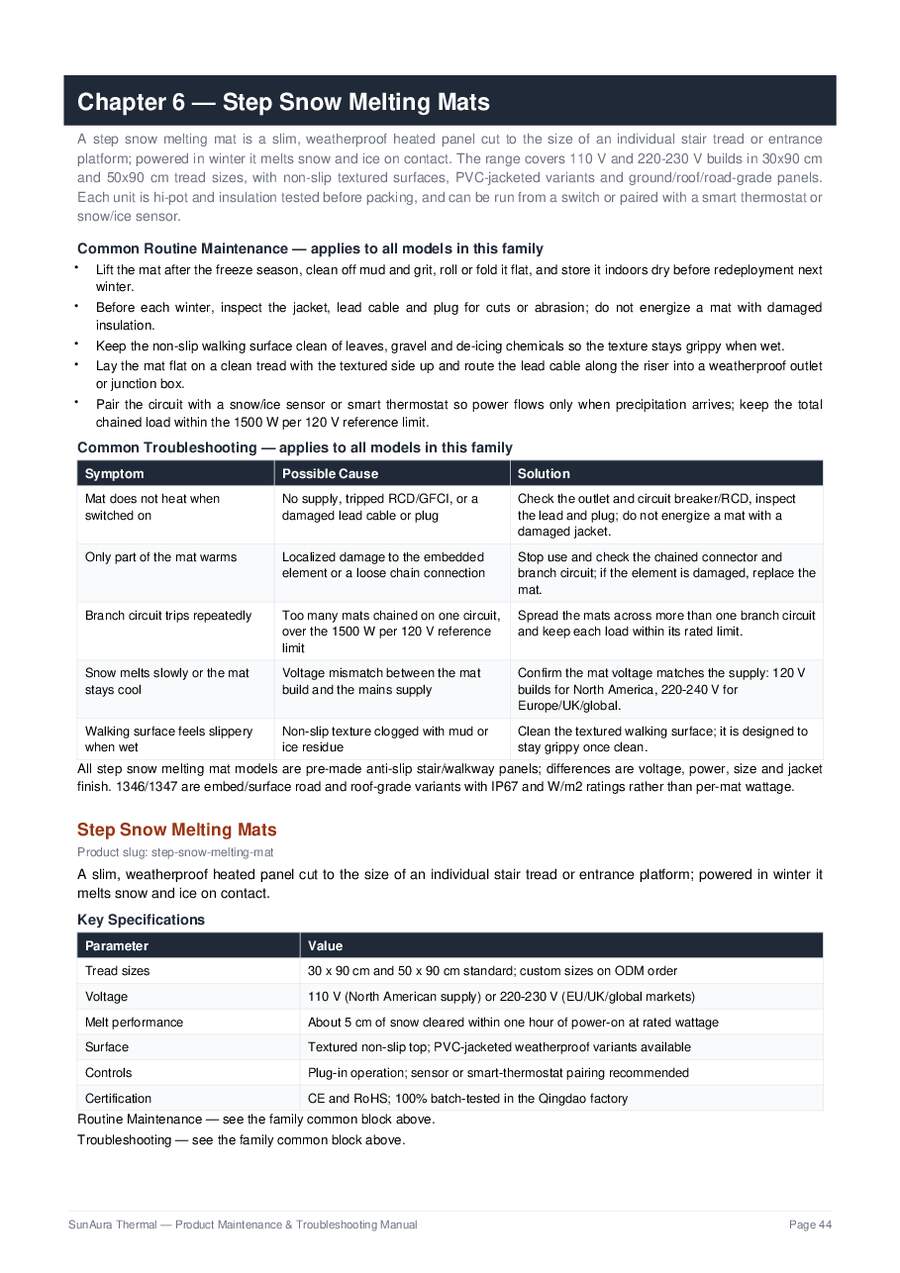
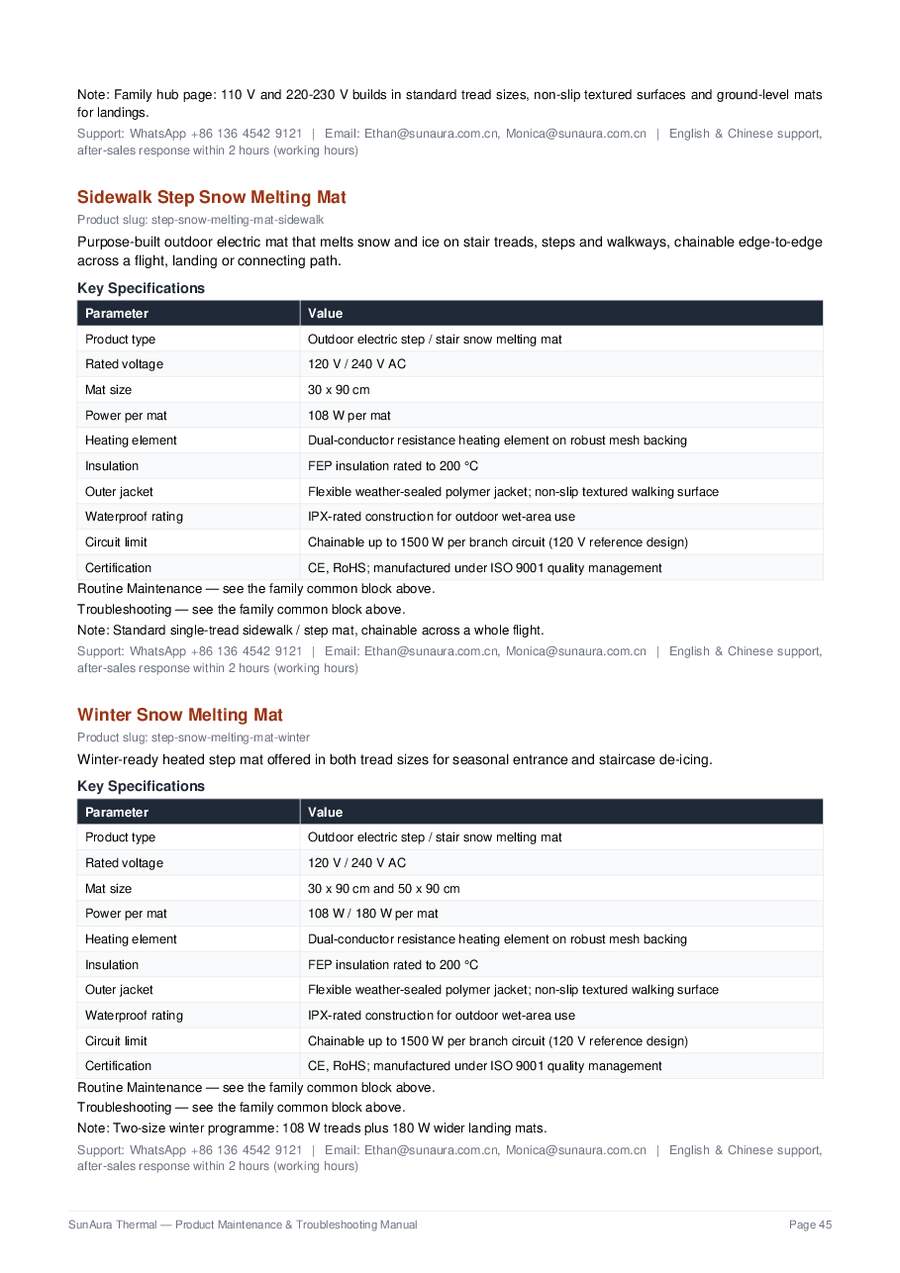
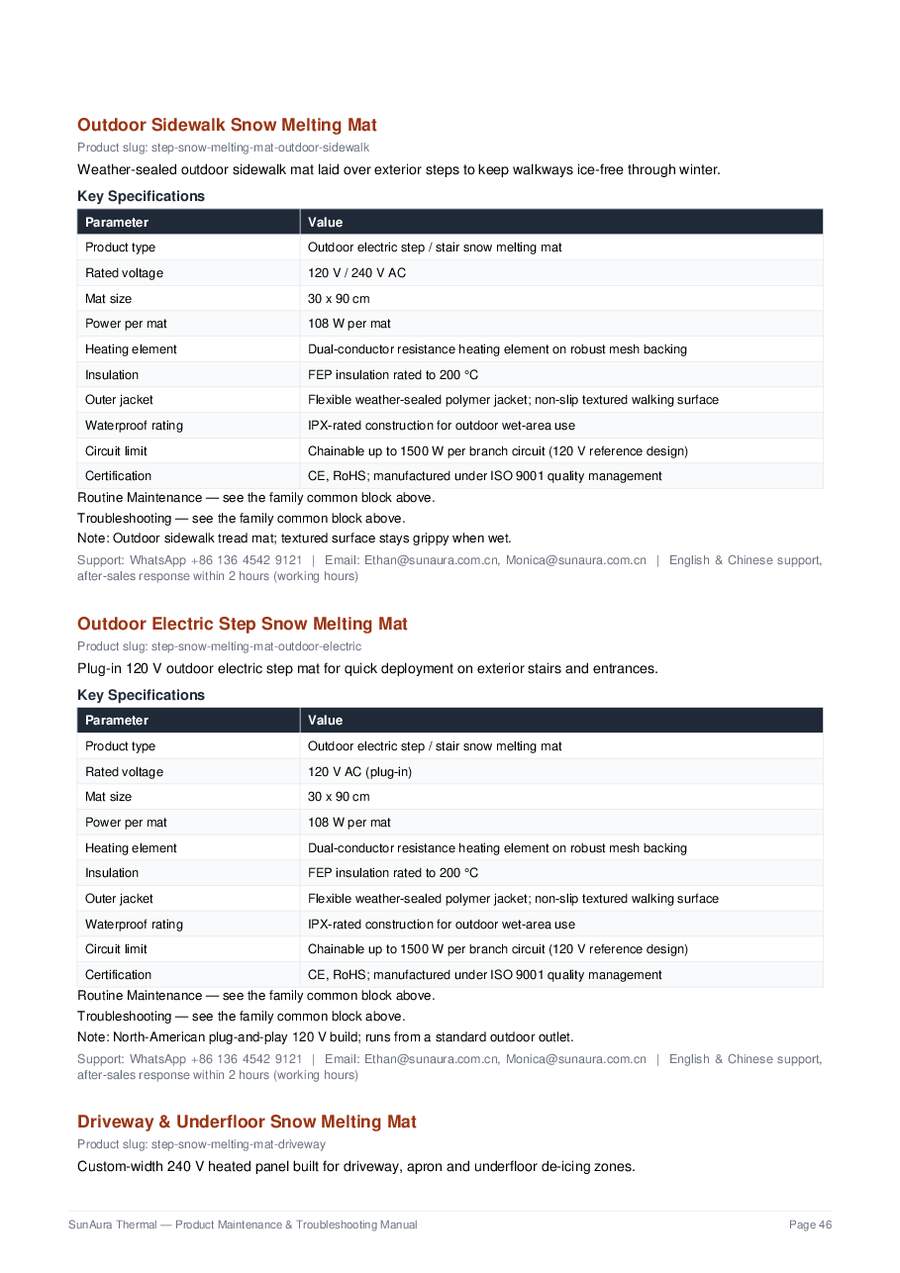
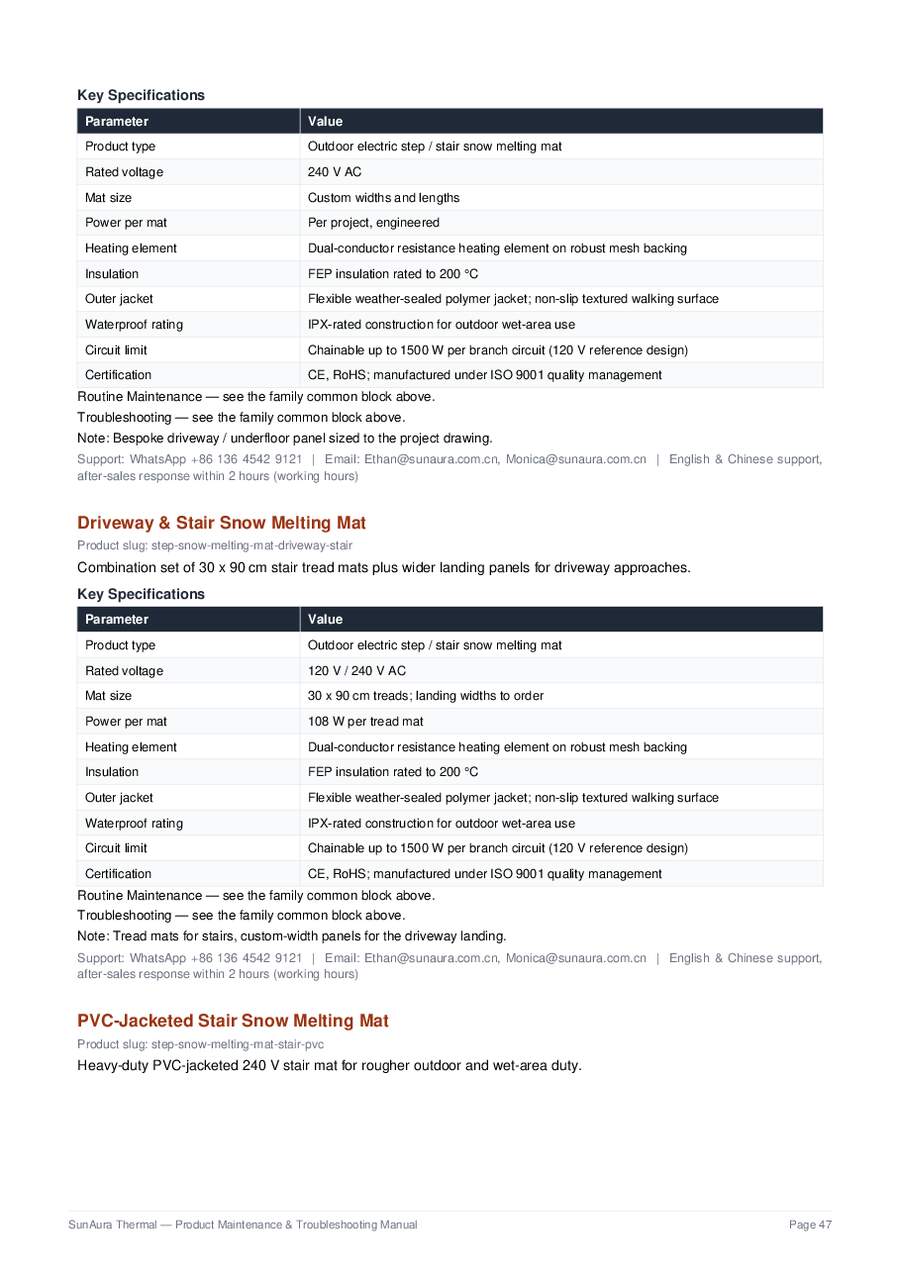
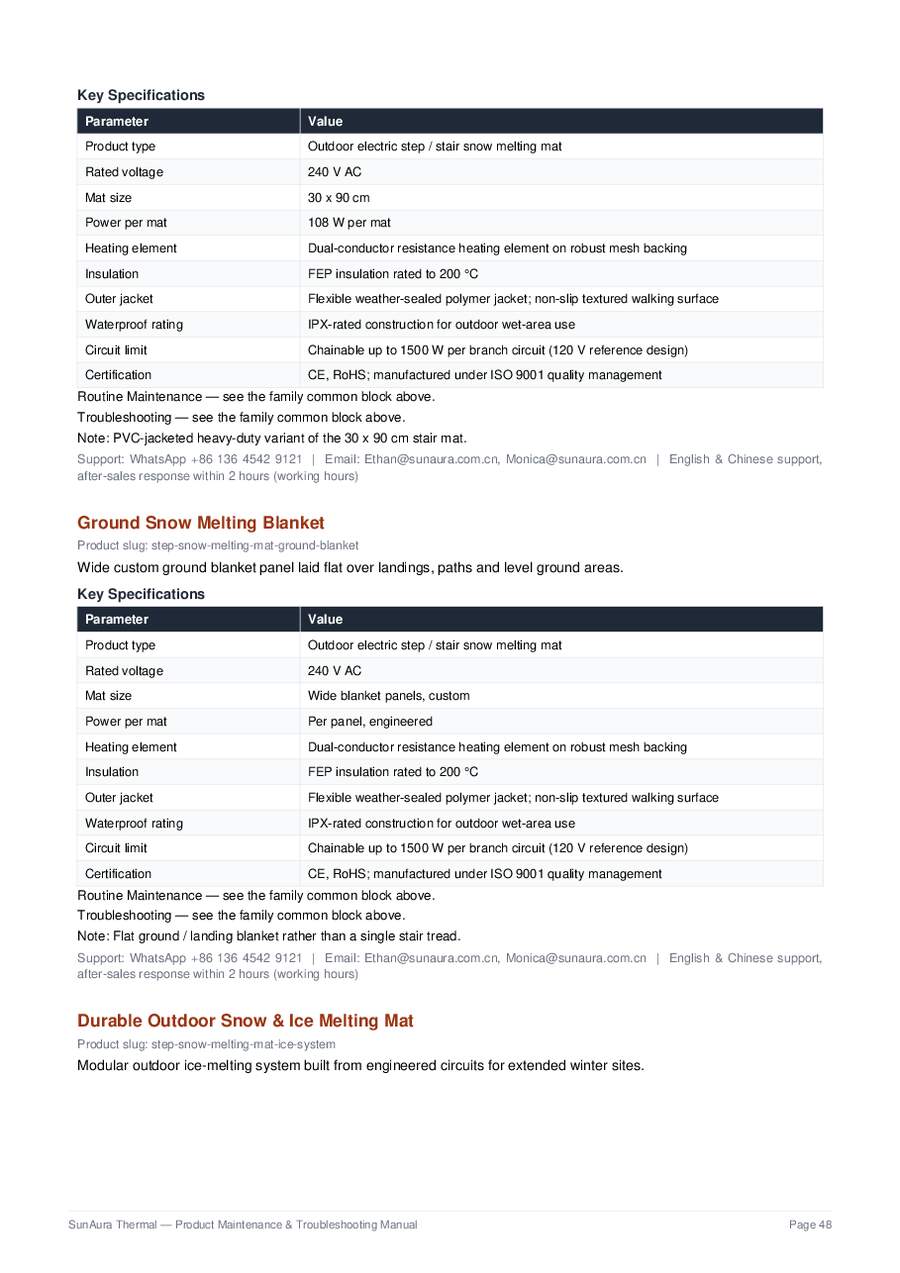
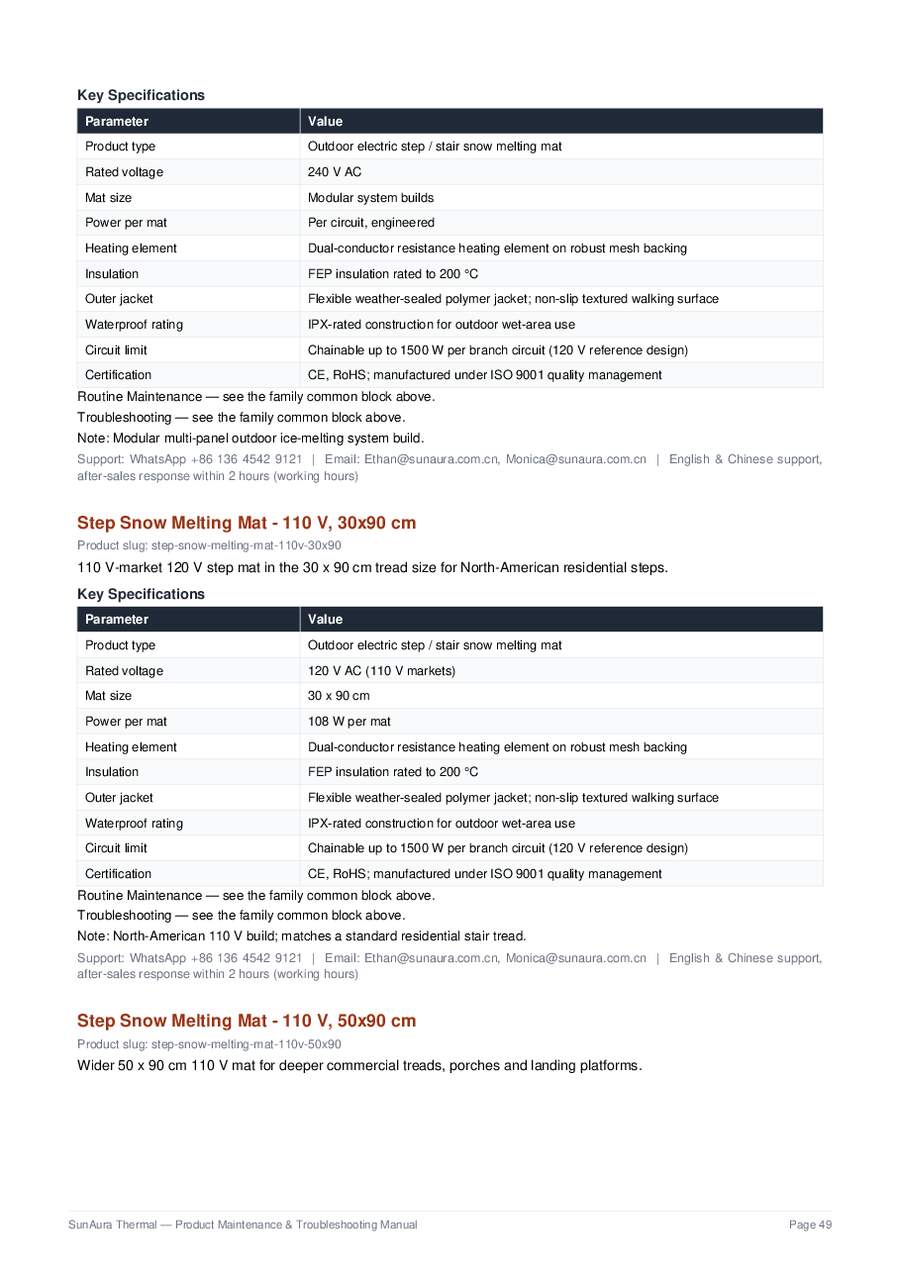
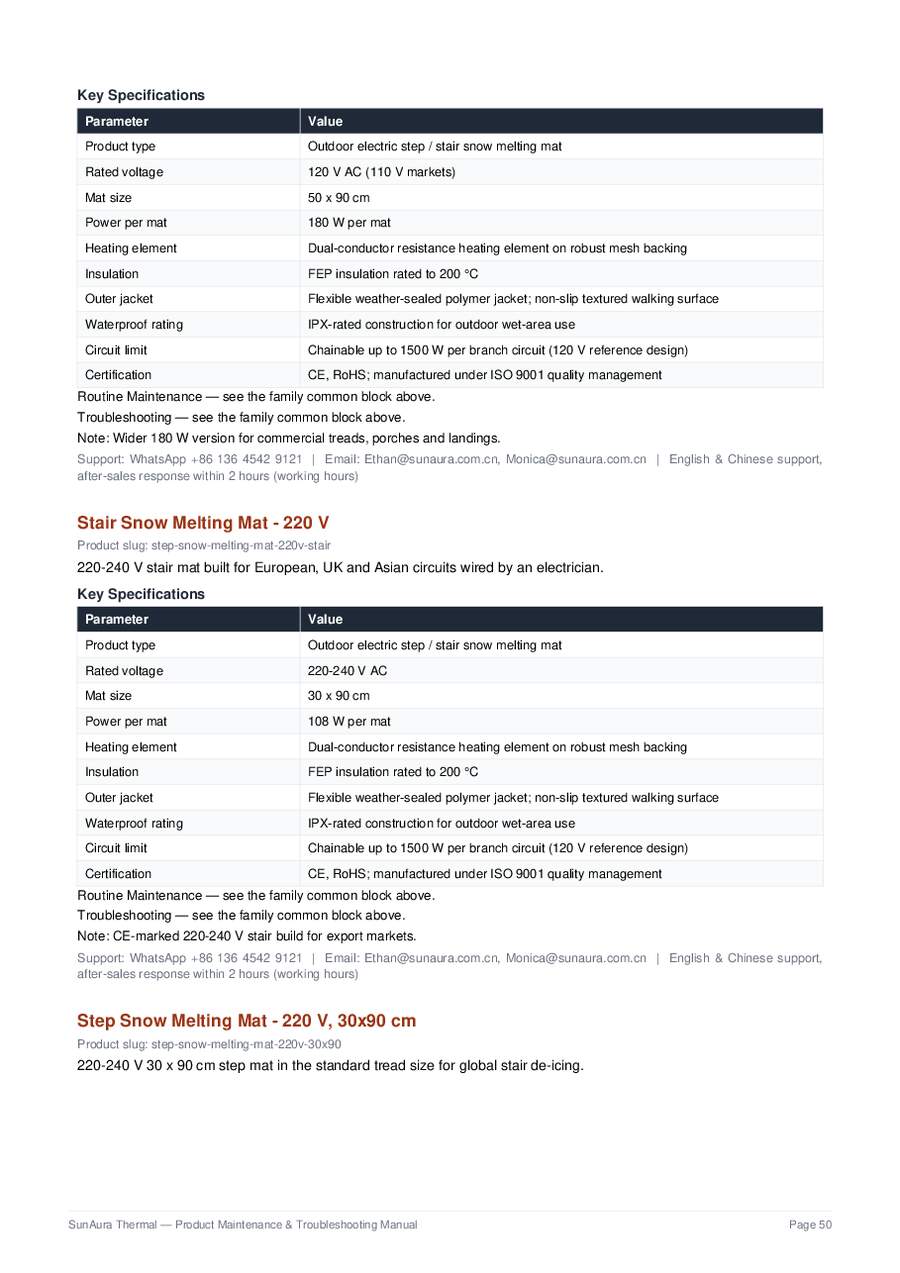
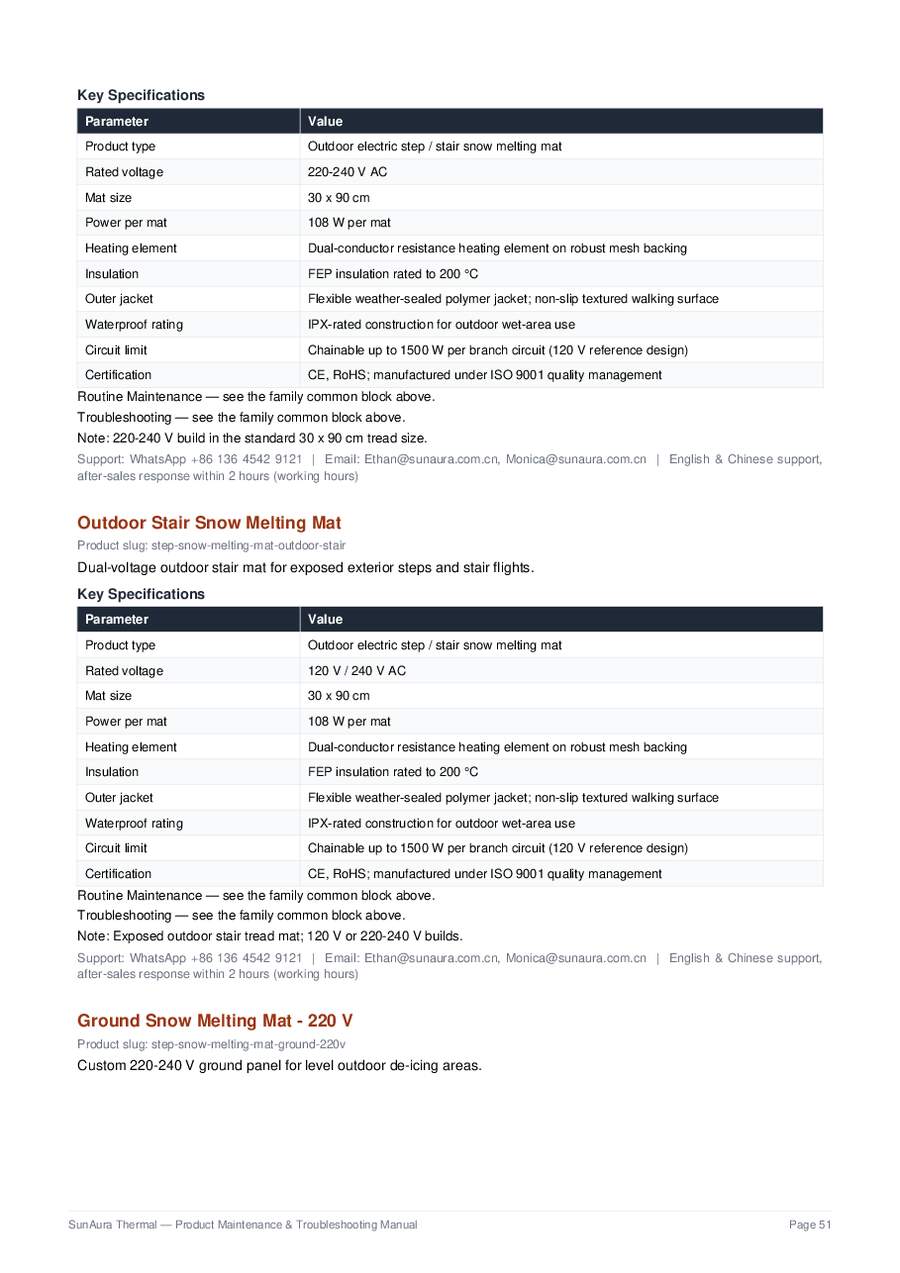
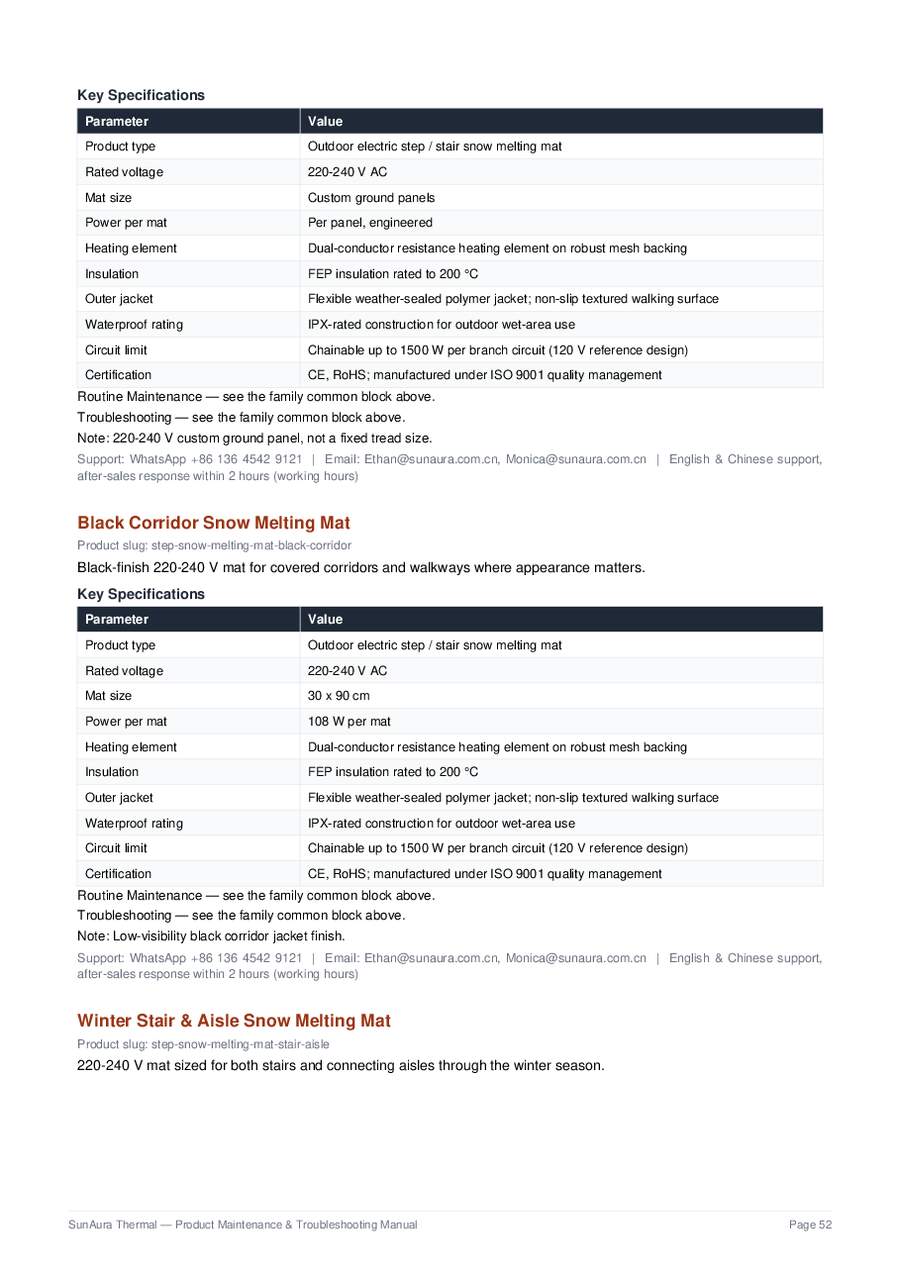
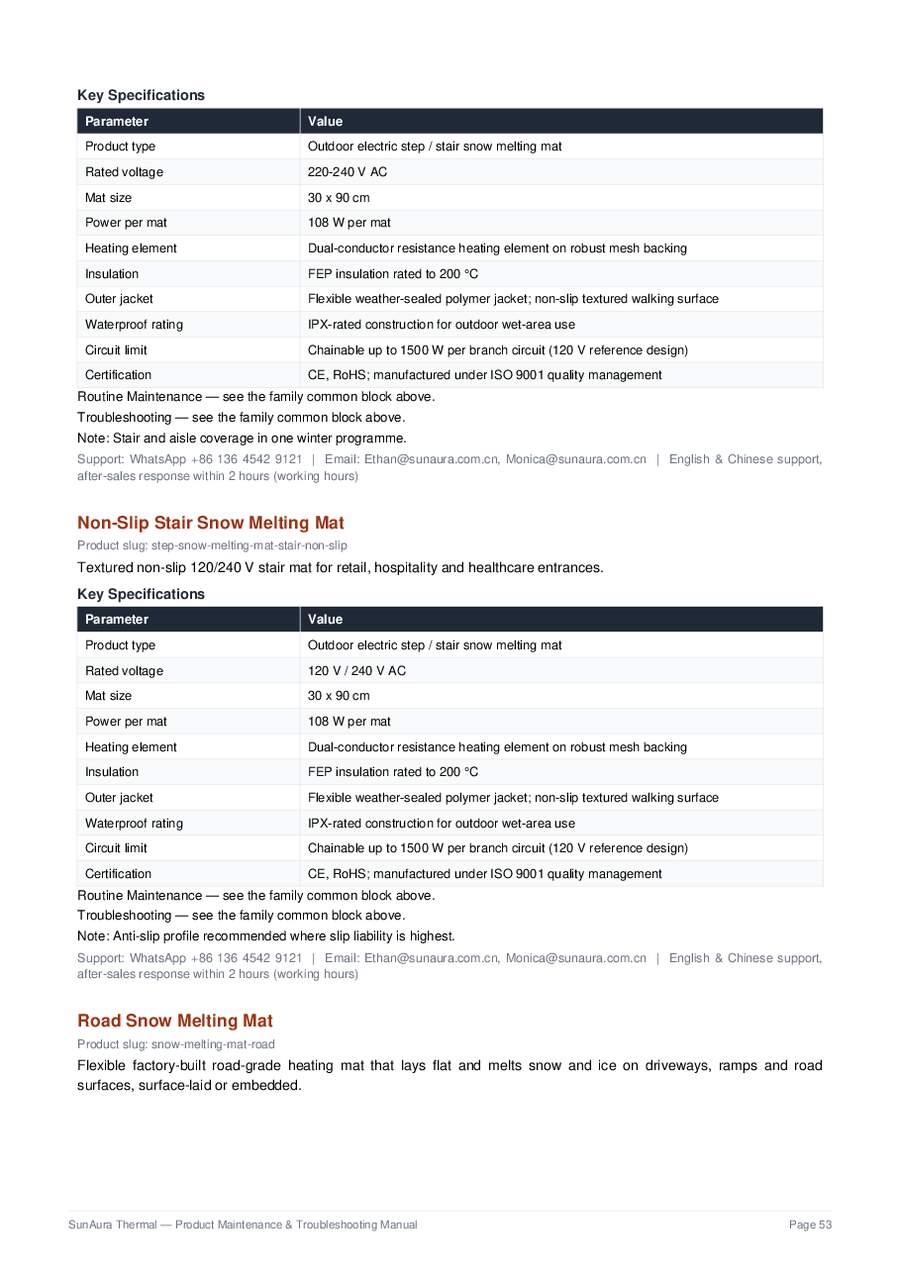
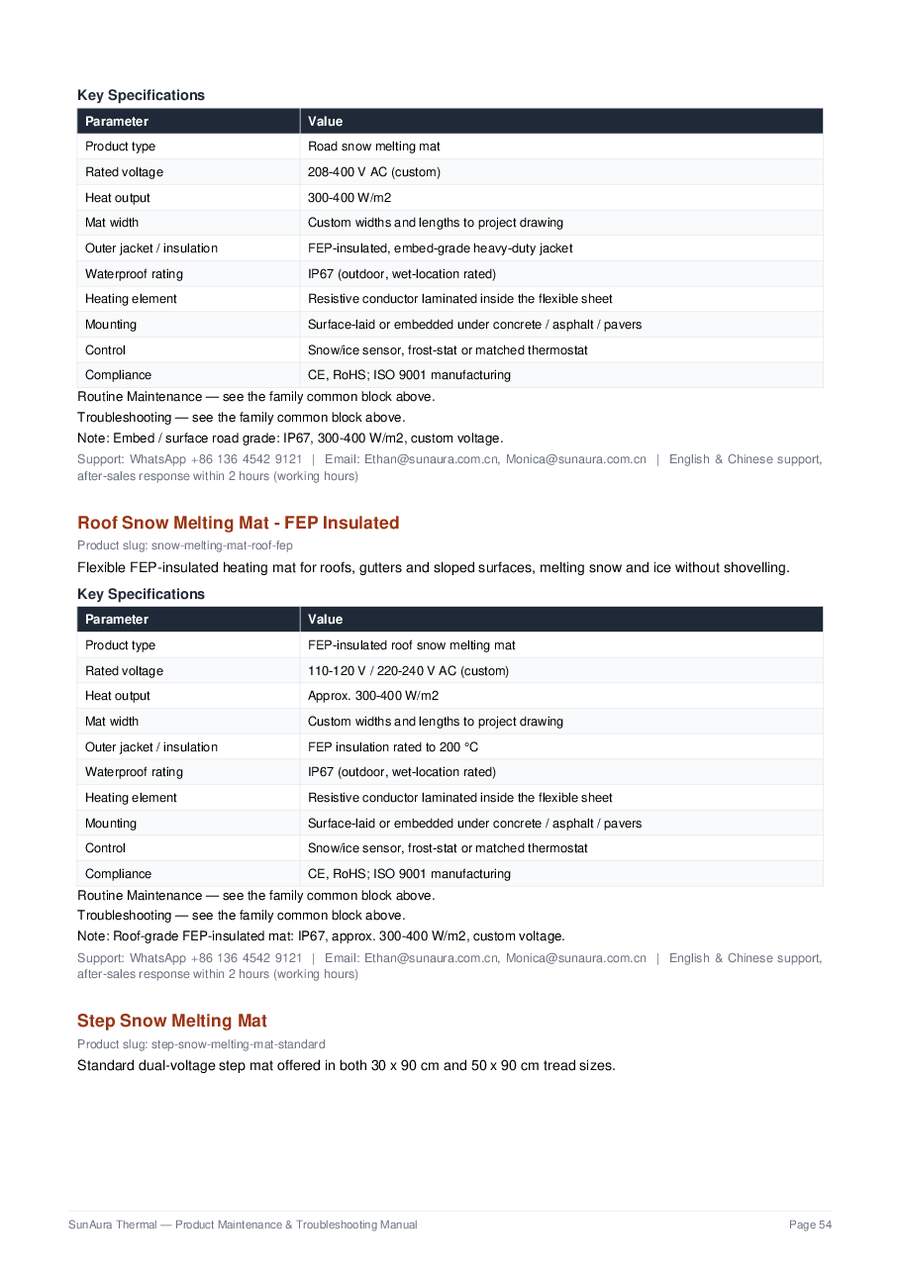
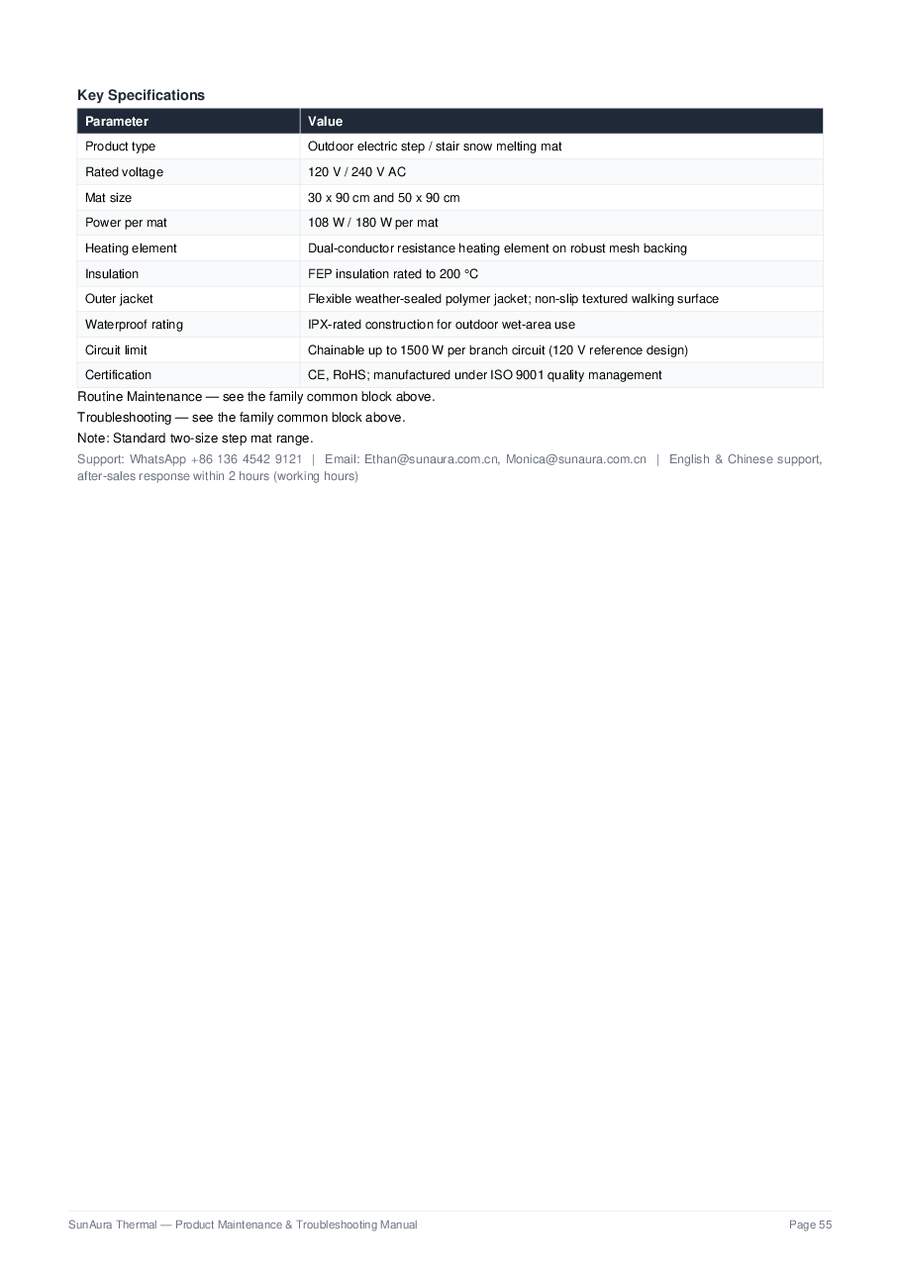
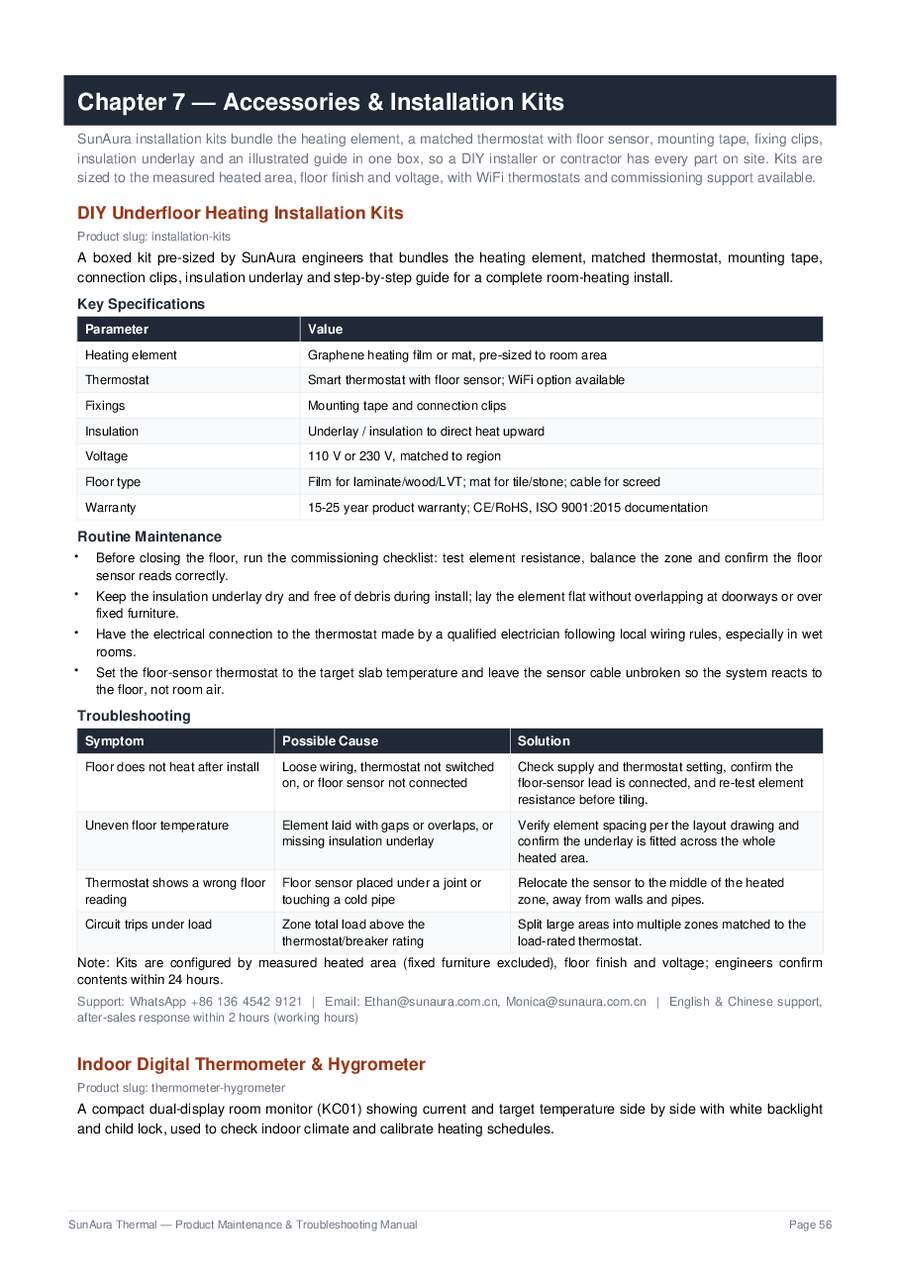
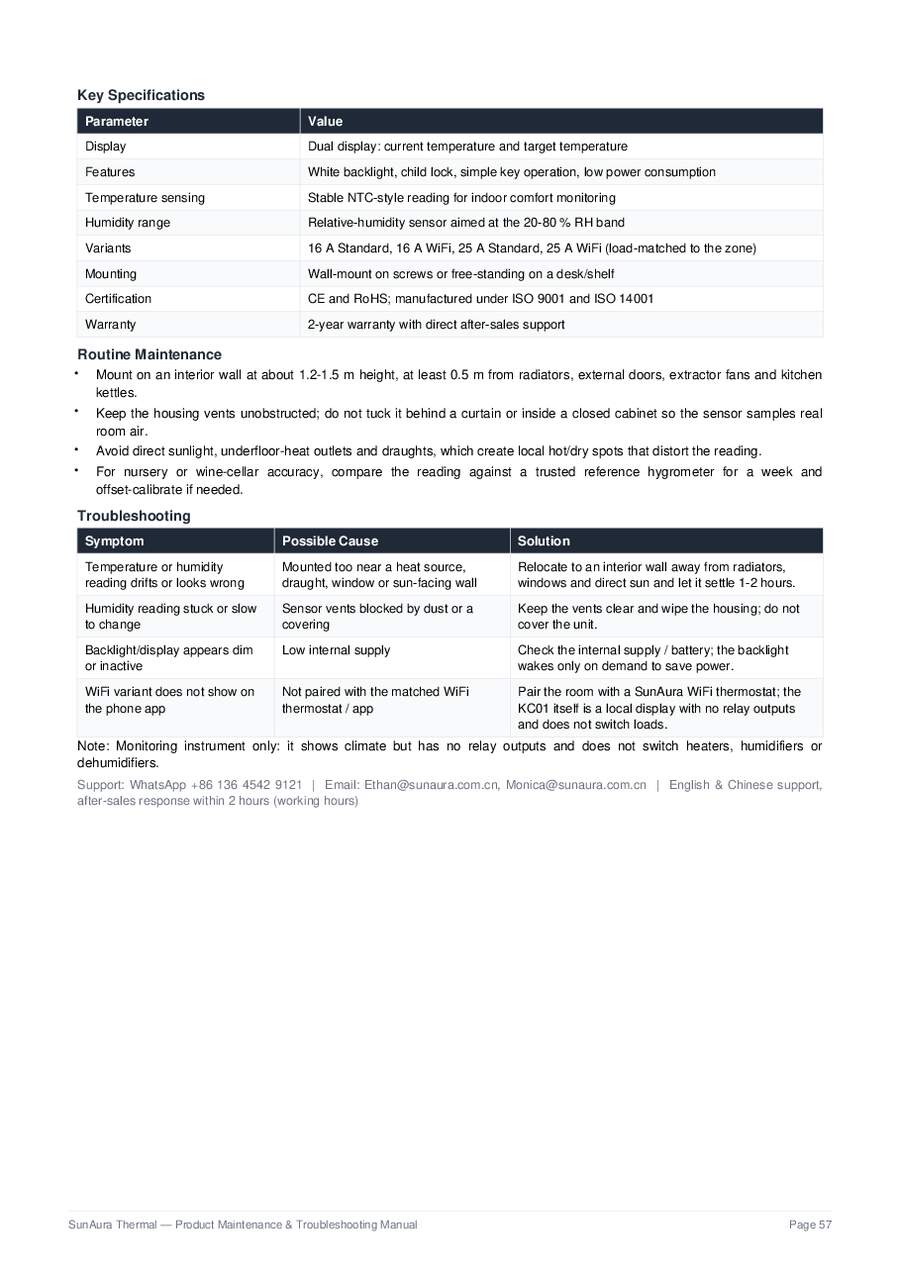
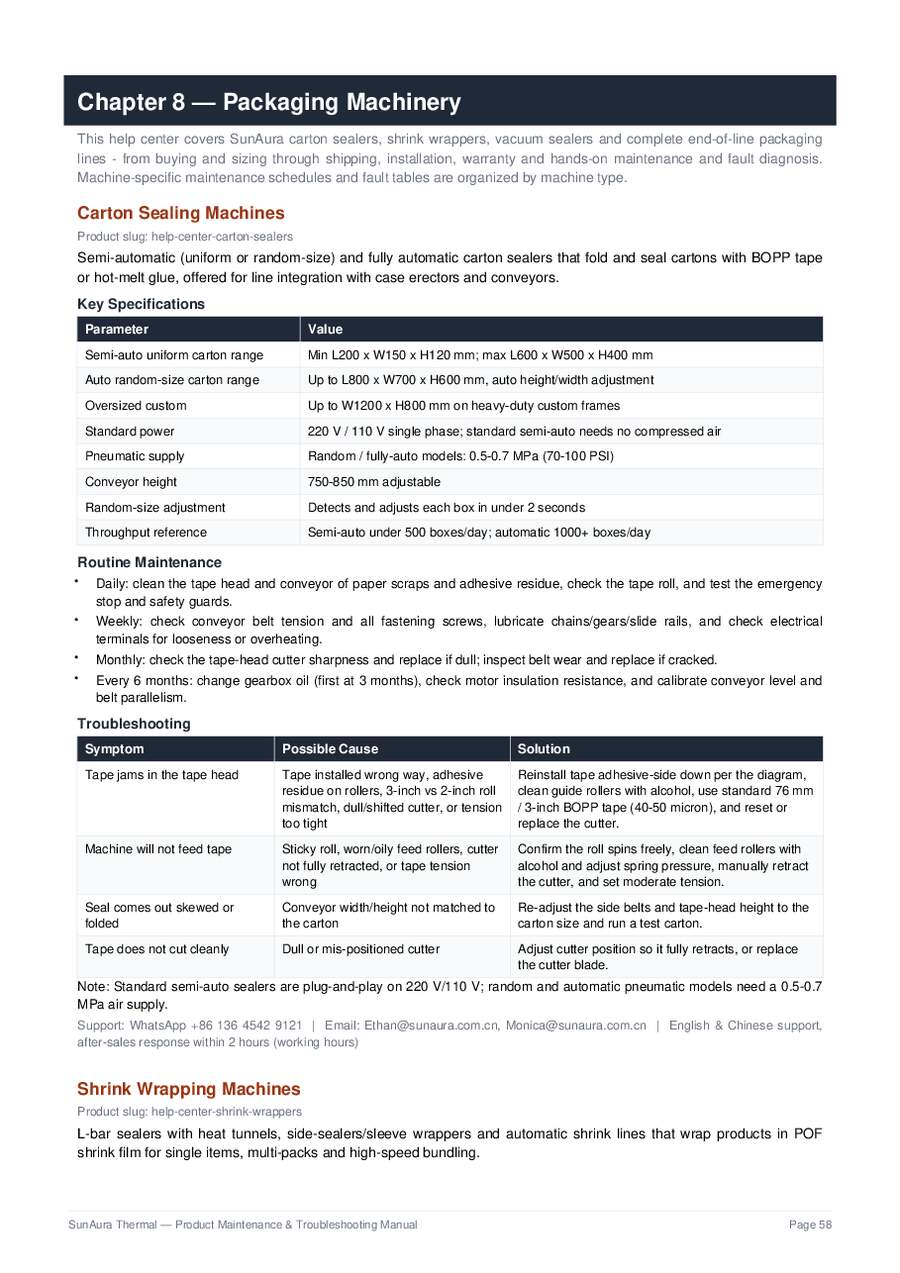
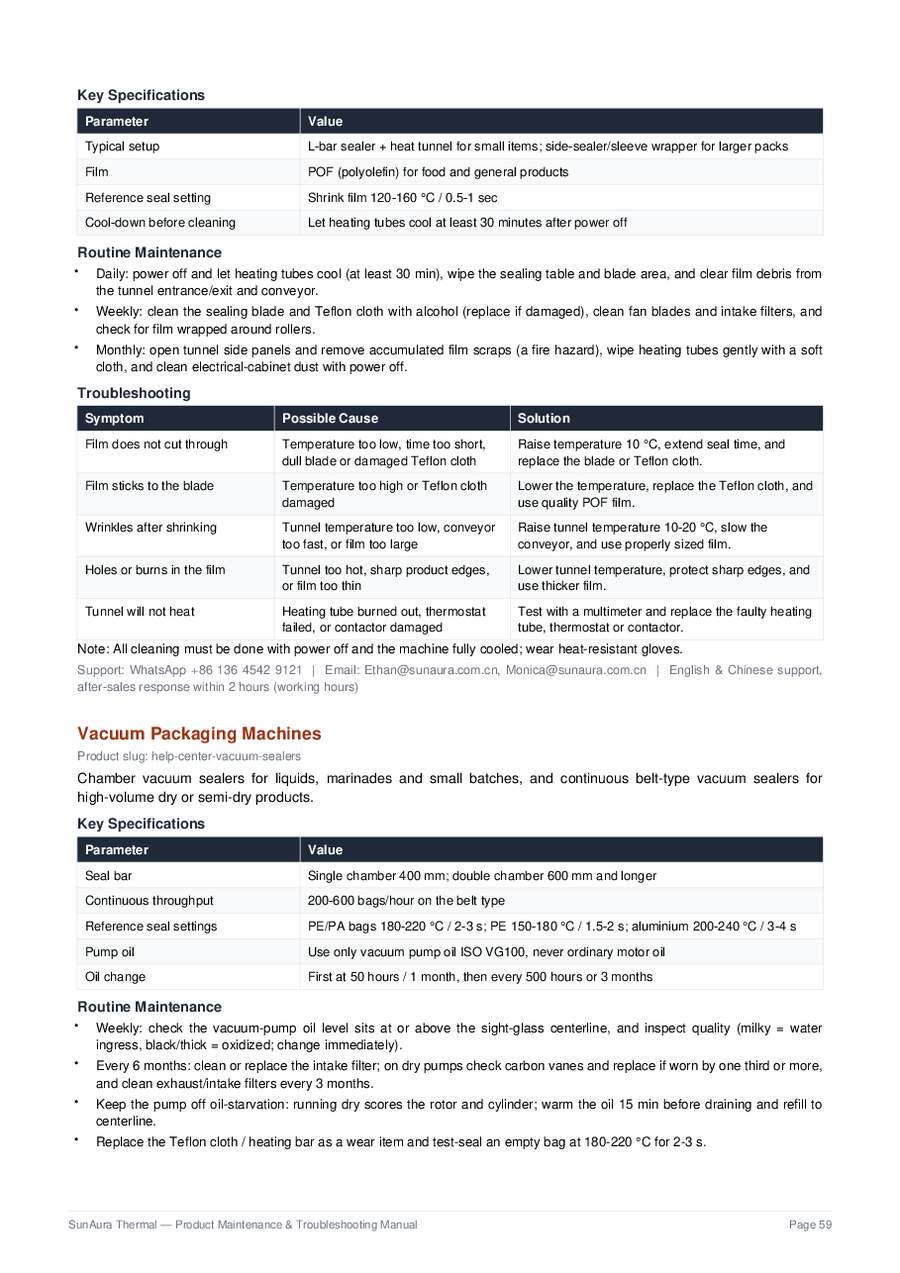
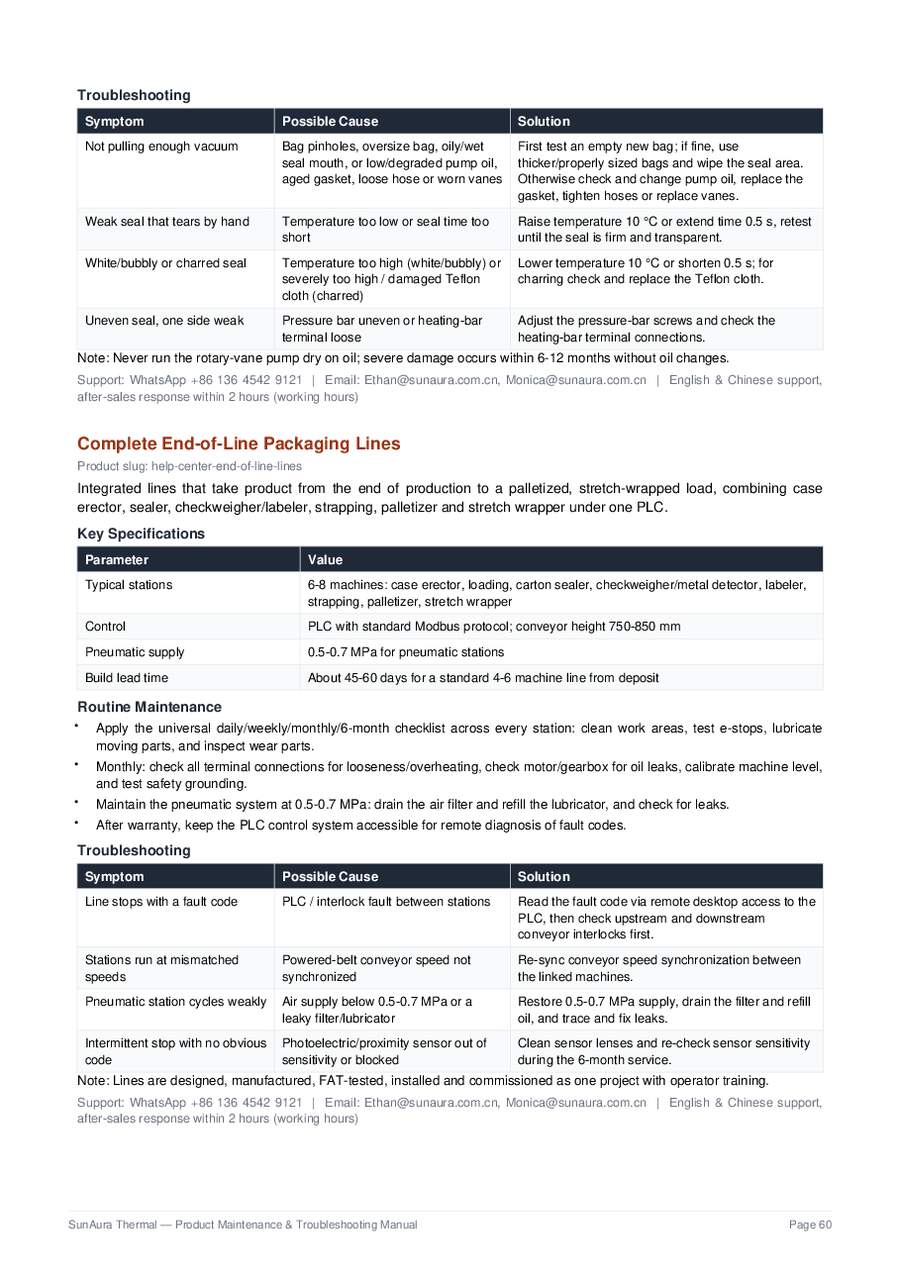
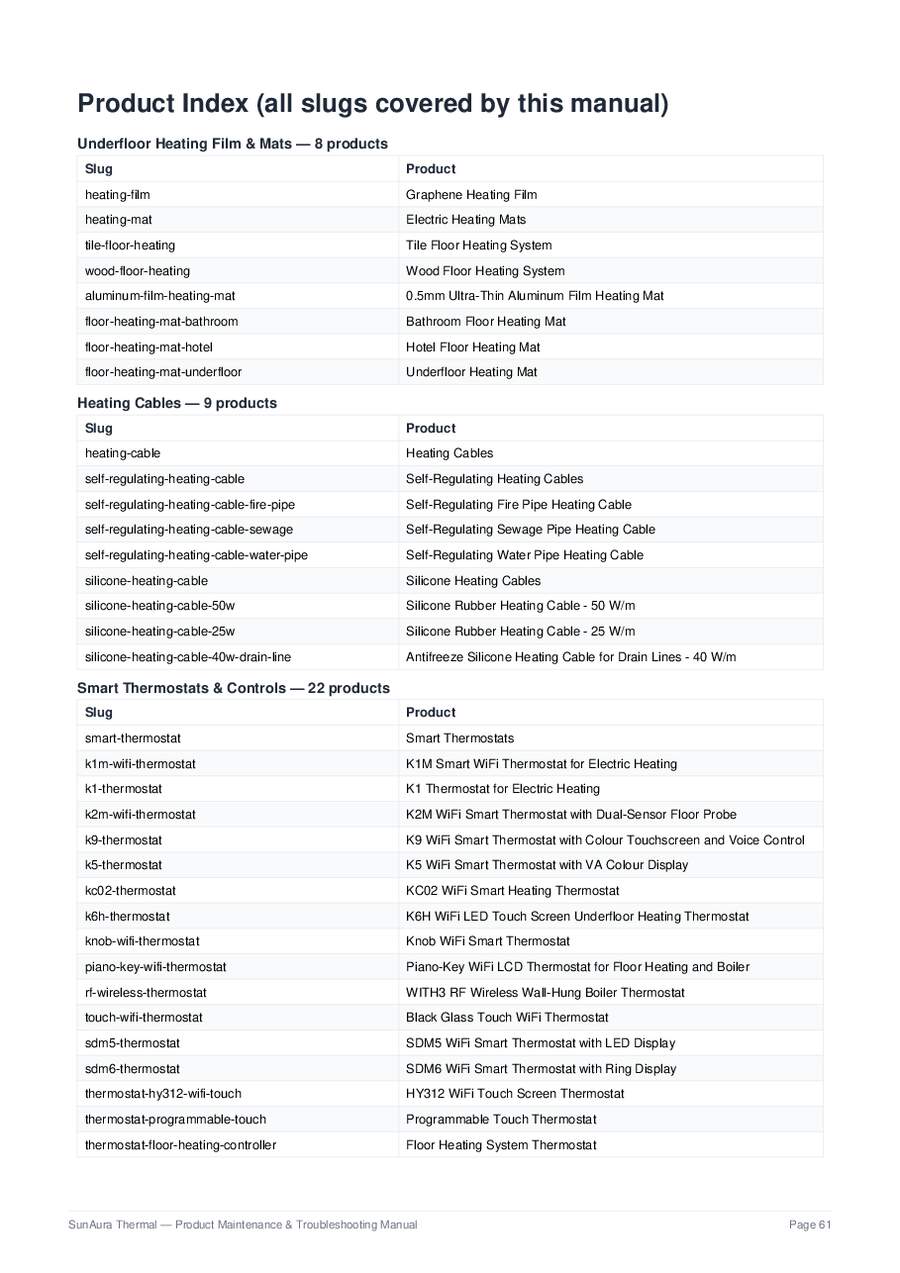
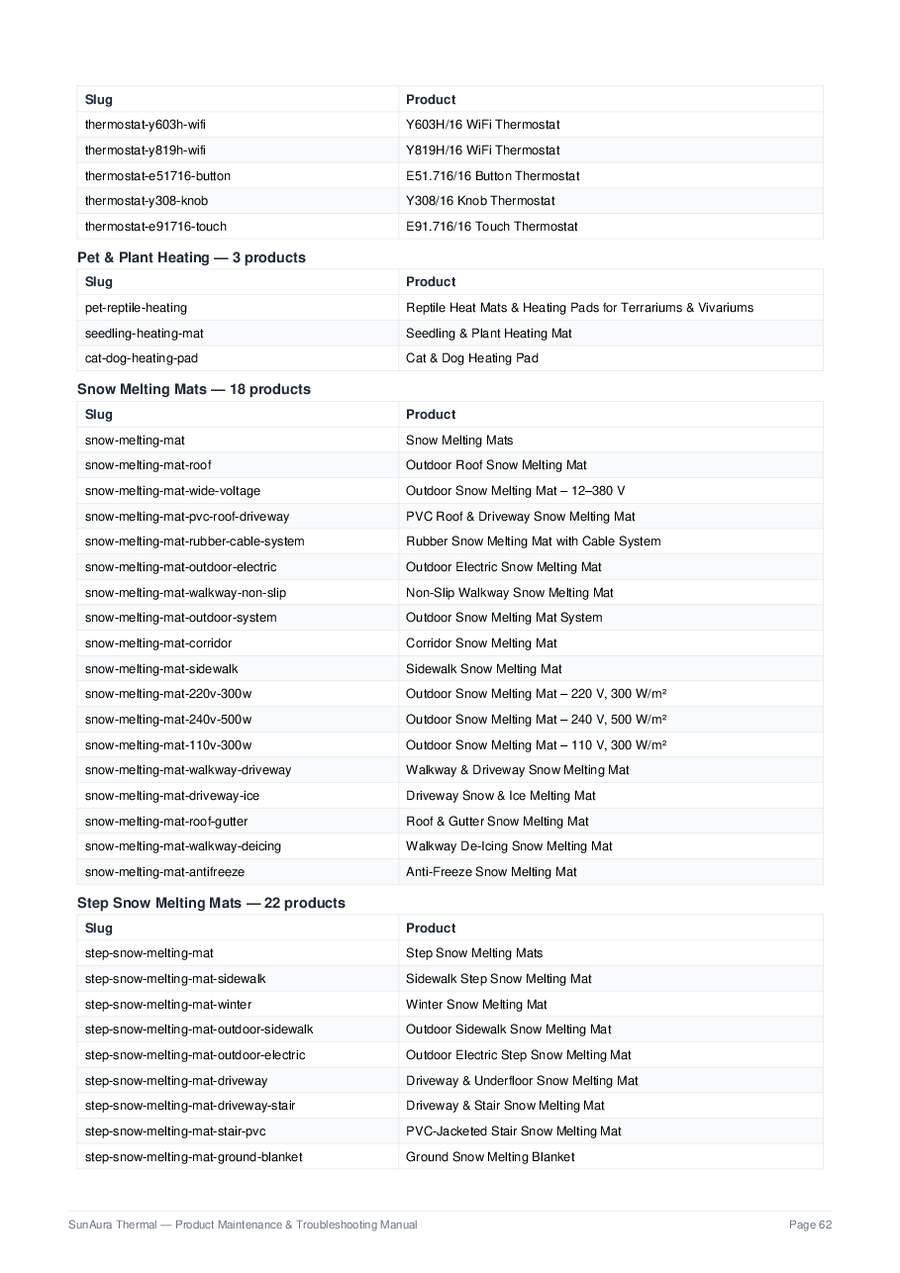
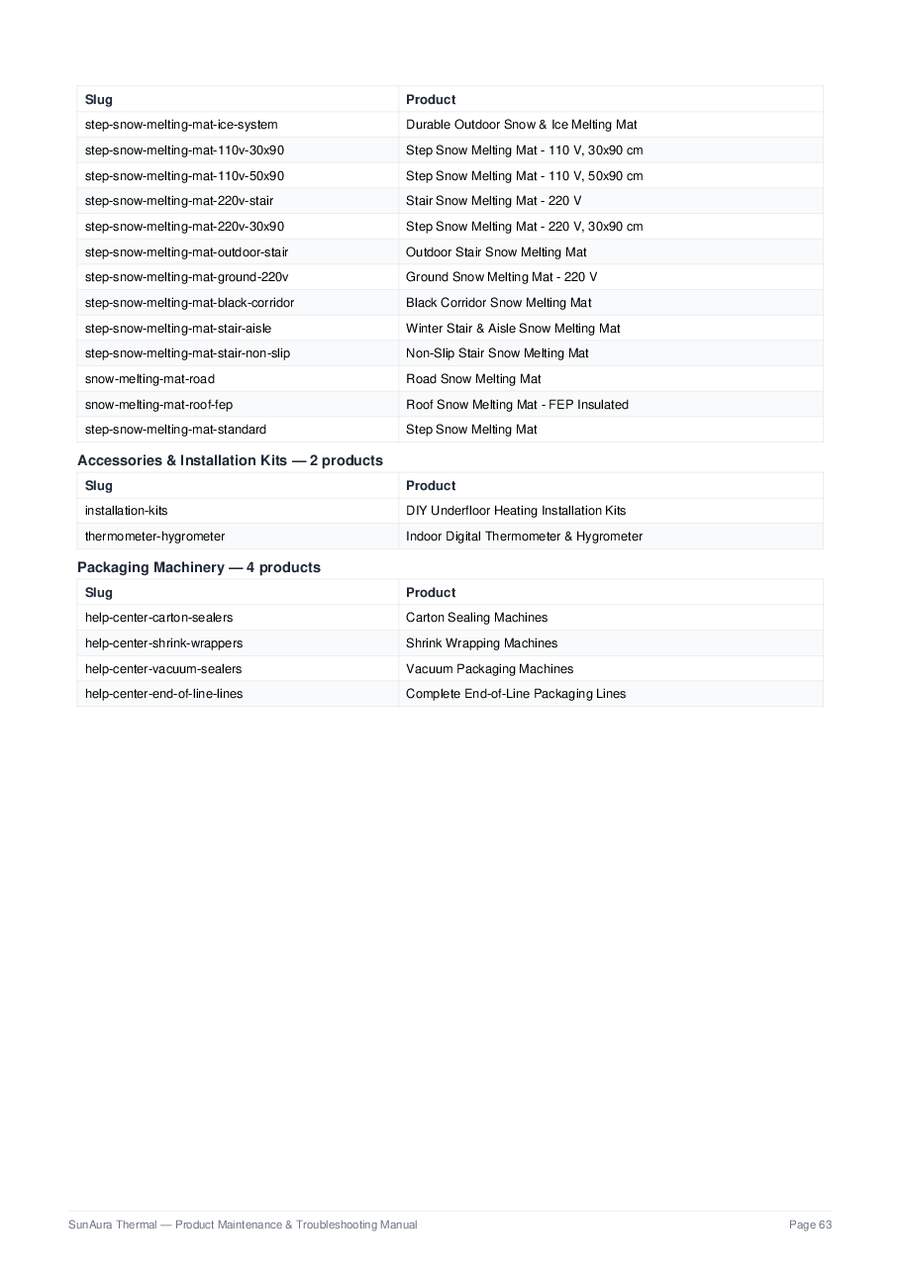
Every page above is rendered from the original 63-page PDF, so drawings, tables and page numbers match the printed handbook exactly. Use Open full PDF for the interactive document or download the file for offline use.
How We Help
Our in-house engineering team supports every SunAura product line — from graphene heating film and electric heating mats to WiFi thermostats and pet & plant heating pads. Whether you are a homeowner installing a single bathroom floor, a contractor wiring a whole project, or a distributor preparing a bulk order, you get the same direct factory support.
Free technical guidance
Installation, wiring and configuration support at no charge for all SunAura customers.
Warranty handling
Heating mats up to 25 years; thermostats 2 years; claims resolved with photos and proof of purchase.
Spare parts dispatch
Sensors, backplates, probes and covers shipped from our Qingdao factory within days.
Remote commissioning
Our engineers walk installers through first power-up by WhatsApp video.
OEM / bulk order support
Private-label branding, custom parameters and export documentation for distributors.
Service Request Form
Tell us exactly what you need — the more detail you give (product model, room size, connected load, error codes, photos), the faster we can diagnose and respond. All requests are answered within 24 hours on working days.
Common Service Questions
Quick answers to the questions we hear most — click any question to open the answer.
Do you support end users or only wholesale customers?
Both. Homeowners can order single kits and get full installation guidance; distributors and contractors get volume pricing, OEM branding and dedicated support. Every enquiry goes to the same engineering team.
How fast is spare-part delivery?
Stock parts ship within 3–5 working days from Qingdao via express courier; custom parts follow the production lead time quoted in our reply.
Can you help with wiring for a heating system I already installed?
Yes — send photos of the thermostat backplate and junction box, tell us the load, and our engineers will confirm the correct wiring and settings by WhatsApp or email.
Do you offer a warranty for bulk / OEM orders?
Yes, the same factory warranty applies to wholesale and OEM orders. We record batch numbers at production so every unit is traceable for its full warranty period.
How do I get a replacement under warranty?
Use the form above, choose Warranty claim as the request type, and attach photos of the fault plus your order number. We will diagnose and, if confirmed, dispatch a replacement from the factory.