
The Thermostat Is the Interface Between the Floor and the Bill
In an electric underfloor heating system, the heating element does the work and the thermostat decides how much work gets done. For years that decision was made by a mechanical dial or a small digital box with two buttons, and the floor heated, cooled and billed accordingly. A touchscreen thermostat for underfloor heating changes that relationship: it replaces the basic switch with a control surface that shows the system state, schedules the heating week by week, reads the floor probe and the room sensor, and makes the energy behaviour of the system visible instead of invisible. This article explains what the modern digital thermostat actually adds, how to evaluate the features honestly, and what an installer should specify so the buyer gets comfort and the energy bill stays sane.
The reason the control layer matters more today than it did ten years ago is simple: electric floor heating is almost always installed as part of a renovation, and the energy economics of that renovation are decided by control. Two identical floors with the same insulation will show completely different annual consumption if one runs on a thermostat with a floor probe, a weekly schedule and a pre-heat ramp, while the other runs on a basic unit that keeps the floor at a fixed temperature all day. The touchscreen is not decoration — it is the surface that makes those control features usable, which is why the specification conversation should start with the control strategy, not with the screen size.
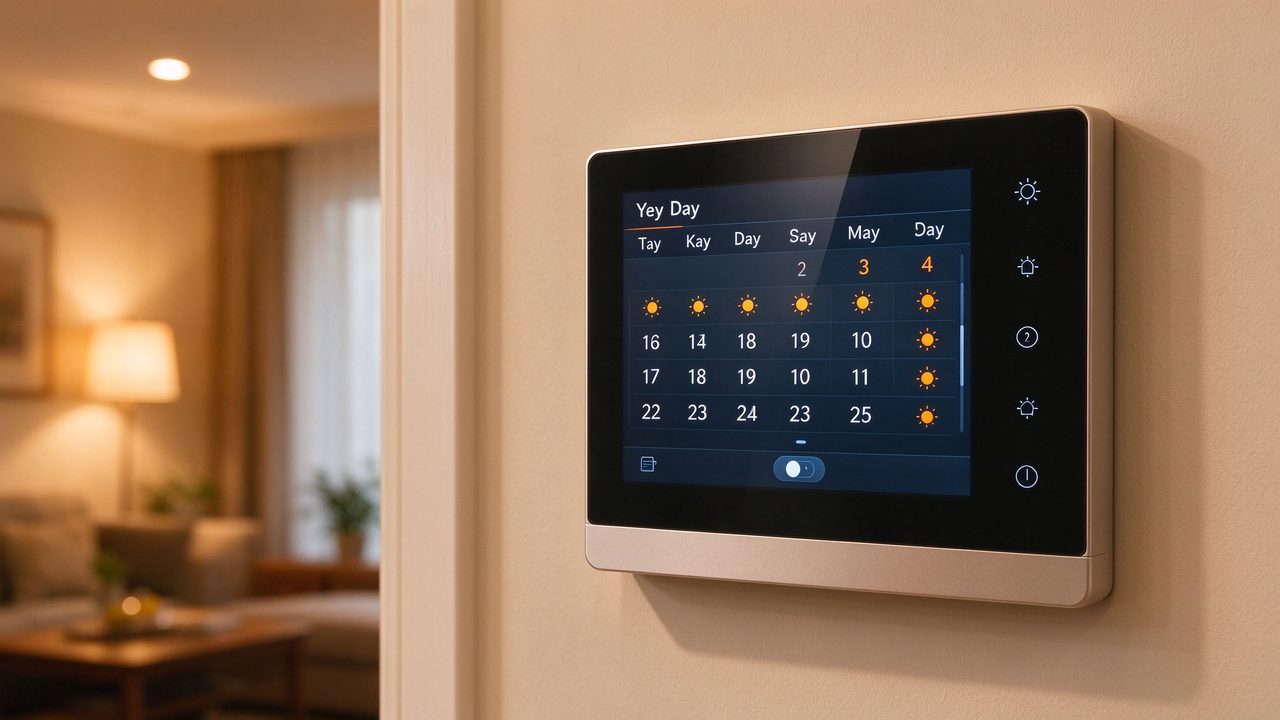
What a Digital Touchscreen Thermostat Actually Reads
A capable digital thermostat reads at least two temperatures. The first is the room temperature, measured by the thermostat’s internal sensor or a remote air sensor. The second is the floor temperature, measured by a floor probe installed in the screed or between element strips. The control logic combines the two: in floor-sensor mode the thermostat regulates the floor directly to a set temperature, which is the right mode when the floor is the heating surface and the air follows; in air-plus-floor mode it regulates the room while using the floor probe as a limit, which protects flooring with a maximum surface temperature. A digital thermostat with floor sensor can switch between these modes, and the touchscreen makes the active mode and both readings visible at a glance instead of hidden in a menu.
The second thing the modern thermostat reads is time. A weekly schedule is not an optional extra; it is the single largest energy-saving feature available, because it lets the floor be cold when the room is empty and warm when people are in it. The schedule should support at least two set-point changes per day, different programmes for weekdays and weekends, and a pre-heat function that starts the floor early enough to reach comfort at the scheduled time without running flat-out. A programmable touchscreen thermostat for electric floor heating shows the whole week on one screen, which sounds trivial but matters: when the schedule is visible, homeowners adjust it; when it is buried in a menu, they ignore it, and the saving disappears.
Energy Monitoring: When the Bill Is Visible, Waste Shrinks
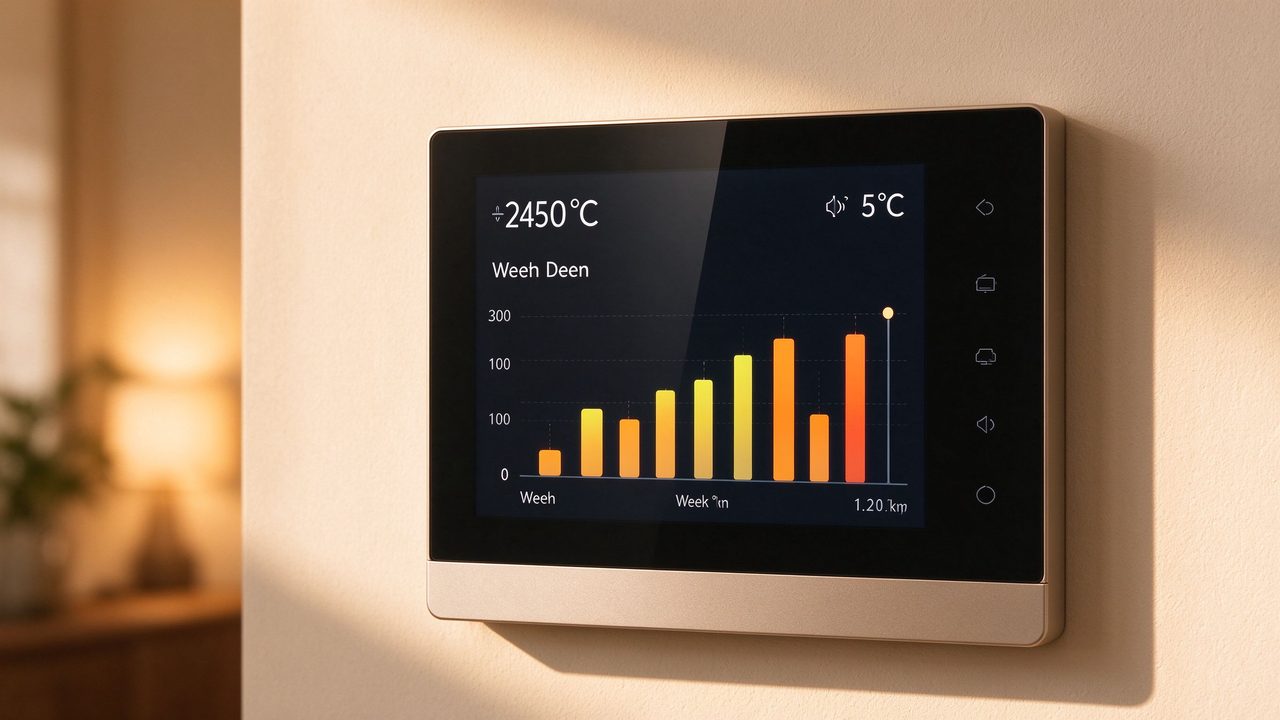
The feature that changes behaviour more than any other is energy monitoring. A thermostat with energy monitoring tracks how many hours each zone has heated and, where the input is configured with the element wattage, estimates the consumption in kilowatt-hours per day and per week. The display turns an invisible process into a number the homeowner can compare against yesterday and against the weather. Field feedback from our installers and distributors is consistent: homeowners who can see the daily consumption change their schedules within the first month, usually by reducing the hours they had set out of caution. The monitoring feature costs little in hardware and saves energy it would be impossible to save without it.
There is a second, less obvious benefit: monitoring turns the thermostat into a diagnostic tool. If the weekly consumption jumps without a change in weather or schedule, the likely causes are a stuck relay, a floor probe reading wrong, or an element fault — all of which now have a visible signature. For a maintenance contractor, the consumption history is the fastest way to decide whether to visit the property with a multimeter or to talk the homeowner through a schedule reset first. That diagnostic value is real E-E-A-T material: it is the difference between a thermostat that reports and a thermostat that helps.
Touchscreen vs Buttons: Honest Differences, Not Marketing
It is fair to ask whether the touchscreen itself adds anything beyond convenience. The honest answer has three parts. First, usability: a schedule with two set-point changes and a pre-heat window is much faster to configure on a full-screen layout than with two buttons and a three-digit display, and the weekly view reduces configuration errors — the most common programming mistake, setting the same temperature for the whole day, is visible on the touchscreen as a flat line and gets corrected. Second, feedback: when the user changes the set-point, the touchscreen can show the expected surface temperature and the countdown to the next schedule change, which makes the system feel predictable. Third, reliability: a well-made touchscreen thermostat uses the same relay and sensor electronics as a button unit, so the screen is a UX upgrade, not a safety difference — and buyers should be told exactly that, because paying for a bigger screen while ignoring the floor probe is the real mistake.
The specification question that actually matters is the floor probe. A touchscreen with no probe input is still a room thermostat controlling a floor heater, and it will short-cycle or overshoot in most screed constructions. The probe input, the wiring convention and the calibration offset are the features that determine comfort and efficiency; the screen determines how pleasant they are to use. Any touchscreen thermostat wholesale evaluation should therefore list the sensor inputs before the display size, and the installation guide should state the probe position rule (between elements, never directly on one) as clearly as it states the voltage.
Installation and Wiring: What the Installer Should Know
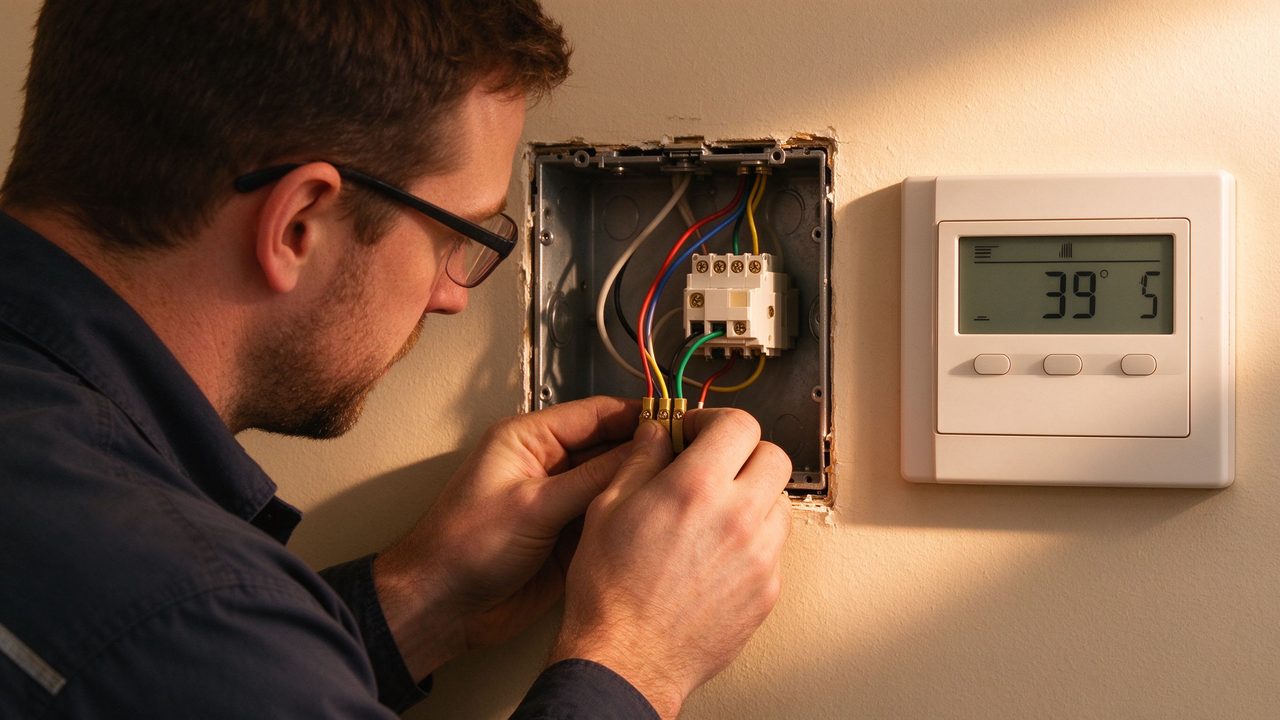
Installing a touchscreen thermostat follows the same electrical discipline as any floor heating control: a dedicated circuit with residual current protection, a floor probe in a protective sleeve, and correct wiring of the load, the probe and the power supply. The touchscreen-specific points are the mounting depth — most touchscreen units are slightly deeper than button units, so the recessed wall box needs enough depth — and the probe terminal labelling, which varies between manufacturers. The installer should also set the control mode and the floor temperature limit during commissioning, not leave them on factory defaults: a floor heating thermostat running in air mode with no floor limit is one of the most common reasons a tiled floor reaches uncomfortable surface temperatures.
Commissioning with a touchscreen is faster because the settings are visible. The commissioning sequence we recommend is: confirm the probe reads room temperature before the floor is closed, set the mode (floor or air-plus-floor), set the floor limit from the flooring manufacturer’s data, program the weekly schedule with the pre-heat ramp, and record the consumption baseline. The same sequence is documented in the commissioning sheets our export team supplies with thermostat orders (per SunAura factory records), and it takes an installer roughly ten minutes once the unit is wired. That documentation habit is what turns a good thermostat into a system with measurable behaviour.
Data and Evidence: What Factory Testing Shows
The evidence behind a thermostat range should be inspectable. At our Huangdao plant in Qingdao, China, where SunAura Thermal has manufactured heating elements and controls for 17 years, every thermostat’s sensor input is tested against a reference probe before shipment, the relay is exercised through repeated cycles, and the calibration offset is verified at two temperatures — this is part of the production routine under our ISO 9001, ISO 14001 and ISO 45001 management systems, with CE, RoHS, LVD and EMC compliance on the product range, and exports to more than 50 countries (per SunAura factory records). A buyer evaluating a touchscreen thermostat wholesale price should ask for the same three things in writing: the sensor accuracy spec, the relay rating and life, and the test record format. Suppliers who can show the test routine are documenting a system; suppliers who can only describe it are selling a box.
For an OEM thermostat manufacturer for floor heating, the same test evidence is the basis for private-label programmes: the buyer’s brand sits on a product whose calibration and safety documentation is traceable to a batch record. That traceability is exactly what retailers and distributors need for their own liability and for the end-customer’s warranty file, which is why our export team includes the batch test summary with every OEM shipment and keeps the full records on file.
Frequently Asked Questions
Do I need a touchscreen thermostat for electric floor heating? Not strictly — a good button thermostat with a floor probe and schedule works well. The touchscreen’s advantage is usability: schedules and readings are visible, so owners adjust them, and visibility is what converts features into savings.
Can a touchscreen thermostat control multiple rooms? Each thermostat controls one zone with one load output. For multiple rooms you install one thermostat per zone; some models support multiple probes on one screen, but the load circuits remain separate.
What does the floor probe add to a touchscreen thermostat? It is the only sensor that reads the actual floor temperature, which is what protects the flooring and stops short-cycling. The touchscreen is the interface; the probe is the accuracy.
Is a touchscreen thermostat more reliable than a button unit? Reliability is decided by the relay and electronics, not the input surface. A well-made touchscreen unit uses the same components; the difference is the display, which can fail independently of the heating control.
Why does my schedule not seem to save energy? Check whether the pre-heat is set to start early enough, whether the floor probe is in the gap between elements, and whether the weekly consumption display confirms the change. A schedule that is set but not visible is usually a schedule that is ignored.
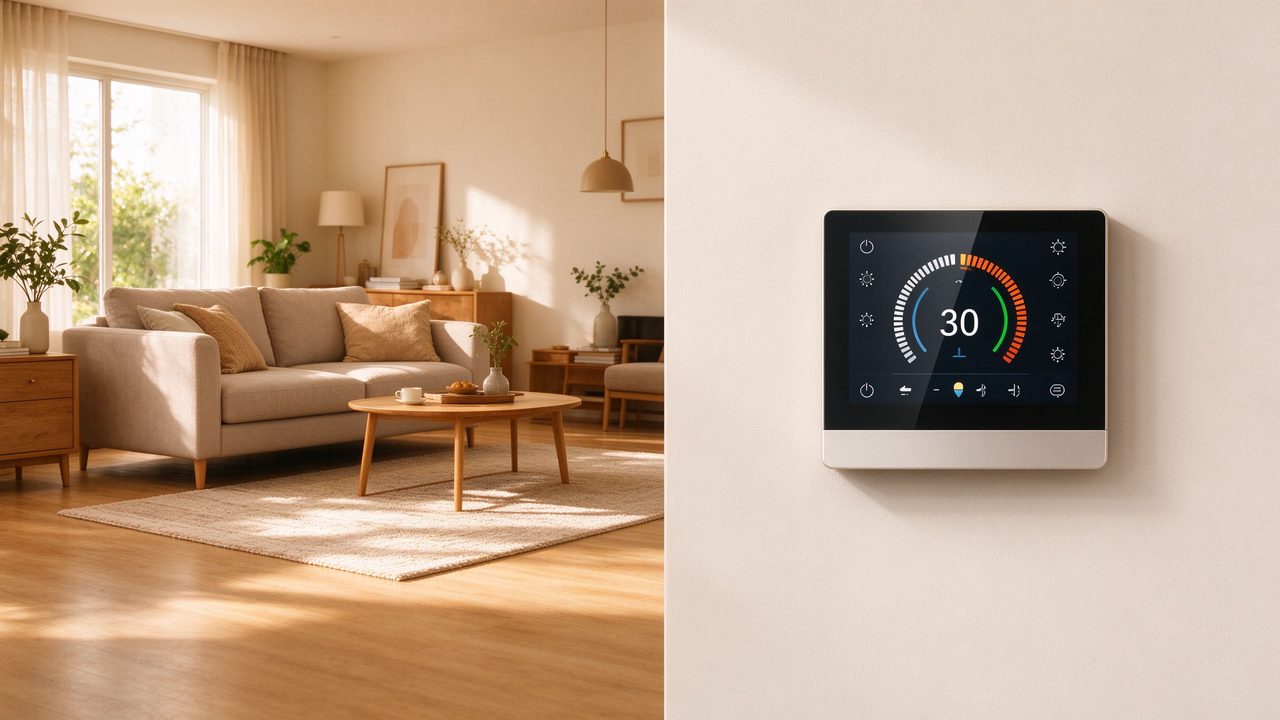
Sourcing Touchscreen Thermostats with the Right Specification
For distributors and installers building a control range, the specification checklist is: floor probe input with a documented sensor type, at least two set-point changes per day with weekday/weekend programmes, a pre-heat ramp, energy monitoring, and CE/RoHS/LVD/EMC documentation. We supply touchscreen and button thermostats for electric floor heating with those features, support touchscreen thermostat wholesale and OEM programmes, and include the commissioning sheet and batch test summary with every order. Contact our Qingdao export team with your volume and target markets, and we will send the datasheet set for evaluation.
<Programming for Real Life: The Schedule That Survives the First Month
The most common failure mode of a smart thermostat is not technical — it is abandonment. Homeowners configure the schedule once, and if the result is a cold morning or a hot afternoon, they switch to manual mode and never return. The touchscreen helps prevent that abandonment in two ways that matter more than any feature list. First, it should offer a clear default: a sensible weekday/weekend template the owner can start from and adjust, instead of a blank week and a manual. Second, it should make the consequence of a change visible: when the owner drags the set-point, the screen shows the expected floor surface temperature and the time it will take to reach it, so a 30-minute pre-heat that was set too late becomes obvious at the moment of setting, not on a cold Monday morning. Those two details are what keep the schedule alive, and an alive schedule is the single largest energy-saving feature in the system.
The second part of the design is the interplay with the floor probe. A touchscreen with a well-placed probe can use the ramp and the limit features to protect the flooring and hold comfort; a touchscreen with no probe, or a probe mounted directly on an element, will display confident numbers that do not match the real floor. The commissioning conversation therefore has to cover the probe position as seriously as it covers the Wi-Fi password. In our installation documentation (per SunAura factory records), the probe position rule — between elements, never on one, in a protective sleeve — is printed in the same box as the wiring diagram, because it is the rule that decides whether the touchscreen’s displayed temperature is true or decorative.
Related Products & OEM Inquiries
Looking for a touchscreen thermostat for underfloor heating or a factory-direct OEM/ODM partner? Explore our smart thermostats and floor-sensing controls and complete electric underfloor heating systems, then request a quote for your project — we supply distributors, installers and brands in 50+ countries.