
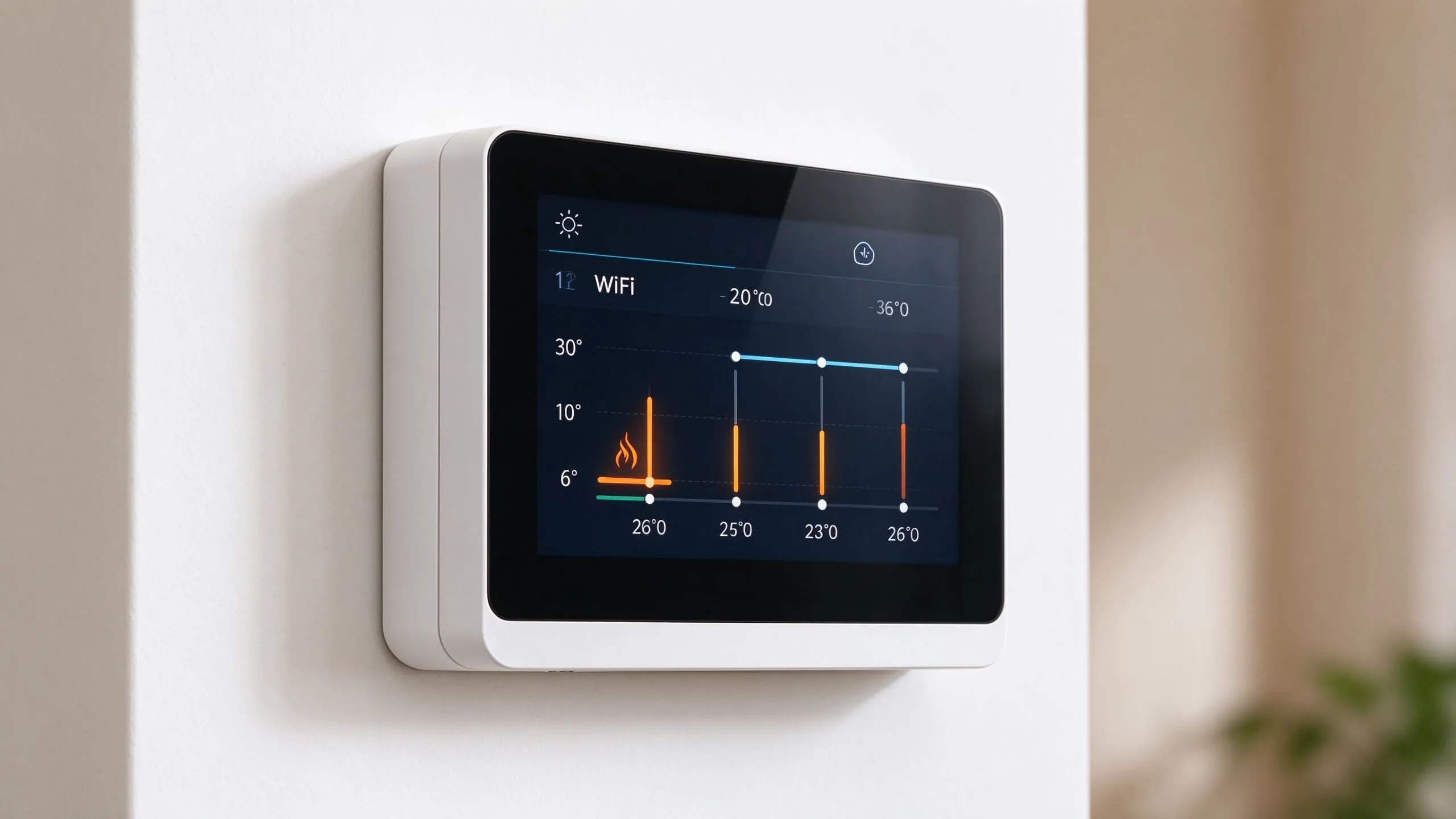
Programming your WiFi thermostat correctly is the single most effective way to maximize energy savings from your underfloor heating system. A well-configured thermostat can reduce energy consumption by 20-30% compared to a manually operated system, translating to significant cost savings over the heating season. This guide walks you through the optimal programming strategy for different household types and lifestyles.
Written by Ethan Sun, Founder & CEO, SunAura Thermal. SunAura has manufactured electric underfloor heating elements and WiFi thermostats at its Qingdao Huangdao factory since 2008, exporting to more than 50 countries and holding ISO 9001, ISO 14001 and ISO 45001 certifications.
Understanding Thermostat Programming Basics
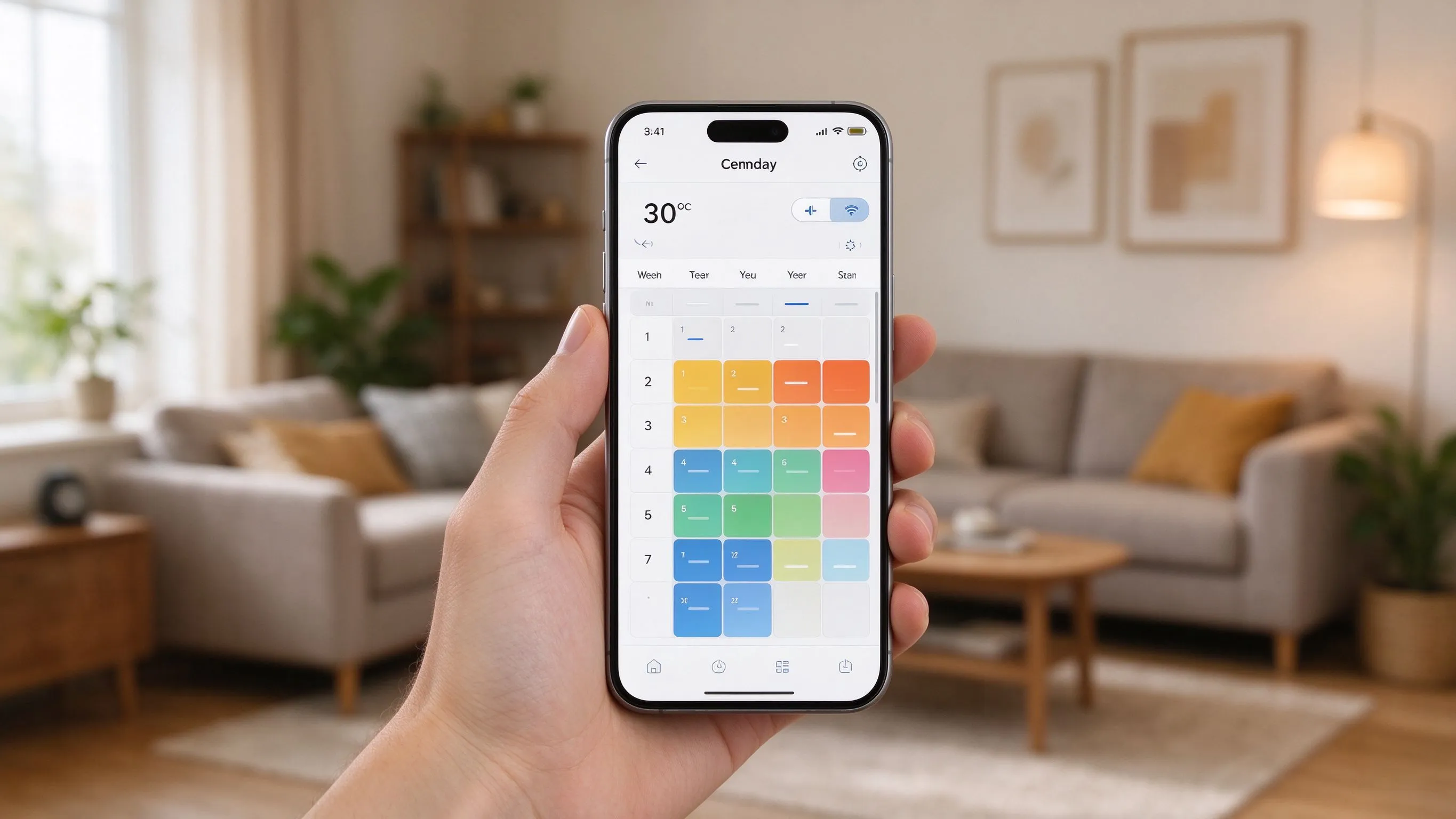
A WiFi thermostat program consists of a series of time periods, each with a target temperature. Most thermostats support 4 to 6 periods per day, with separate schedules for weekdays and weekends. The key principle is to lower the temperature when the space is unoccupied or when occupants are sleeping, and raise it before the space is needed. The thermostat should start heating 30-60 minutes before the target time, depending on the thermal mass of the floor and the desired temperature rise.
Optimal Schedule for Working Professionals
For a household where occupants are away at work during the day, the optimal schedule includes a morning warm-up period, a daytime setback, an evening comfort period, and an overnight setback. Set the morning period to begin 45 minutes before wake-up time, targeting 22-24 degrees Celsius. The daytime setback should target 16-18 degrees Celsius. The evening period should begin 30 minutes before returning home, targeting 22-23 degrees. The overnight period should target 18-20 degrees.
Optimal Schedule for Home-Based Occupants
For households where occupants are home most of the day, a different strategy is appropriate. The morning warm-up remains the same, but the daytime temperature should be maintained at 21-22 degrees. The evening period can be slightly warmer at 22-23 degrees. The overnight setback should be more aggressive at 17-18 degrees, as the longer setback period allows more energy savings. Consider using the floor sensor to maintain a minimum floor temperature of 20 degrees during setback periods for barefoot comfort.
Weekend Programming
Weekend schedules typically differ from weekday schedules, reflecting later wake-up times and more time spent at home. Set the morning period to begin 45 minutes before the later weekend wake-up time. Maintain a comfortable daytime temperature of 21-22 degrees throughout the day. The evening period can extend later into the night, reflecting later bedtimes. The overnight setback can begin later but should still target 18-20 degrees.
Geofencing and Smart Features
SunAura Thermal WiFi thermostats support geofencing, which uses your smartphone location to automatically adjust the heating schedule. When all connected phones leave the geofence radius (typically 500m-2km), the thermostat switches to the away mode, lowering the temperature to a preset setback level. When a phone re-enters the geofence, the thermostat switches back to the comfort mode, pre-heating the space before arrival. This feature is particularly useful for irregular schedules or unexpected changes in routine.
Floor Sensor Calibration
Proper floor sensor calibration is essential for optimal performance. The floor sensor should be calibrated to read the actual floor surface temperature accurately. Use an infrared thermometer to measure the floor surface temperature and compare it to the thermostat reading. If there is a discrepancy, use the thermostat offset adjustment to correct it. Set the floor temperature limit appropriate for your floor covering: 27 degrees for laminate and engineered wood, 29 degrees for tile and stone, 25 degrees for carpet.
Seasonal Adjustments
As seasons change, adjust your thermostat program to reflect changing heating needs. In spring and autumn, when outdoor temperatures are milder, reduce the comfort temperature by 1-2 degrees and increase the setback temperature by 1-2 degrees. This narrows the temperature swing and reduces energy consumption. In summer, switch the thermostat to the off or frost-protection mode, which maintains a minimum temperature of 5-7 degrees to prevent pipe freezing without wasting energy on unnecessary heating.
Energy Monitoring and Optimization
Use the energy monitoring feature in the thermostat app to track your heating energy consumption. Review the weekly and monthly reports to identify patterns and opportunities for optimization. Look for periods where the heating is active but the space is unoccupied, and adjust the schedule accordingly. Compare your consumption to similar homes in your area to benchmark your performance. Over time, you can fine-tune the schedule to achieve the perfect balance of comfort and efficiency. For a deeper understanding of how the underlying element converts electricity into heat, read our guide on how electric underfloor heating works.
Common Programming Mistakes That Waste Energy
Even with a feature-rich WiFi thermostat, installers and homeowners routinely make the same programming mistakes that quietly erase the energy savings the system was designed to deliver. The first mistake is programming a single fixed temperature around the clock. Many users find it simpler to leave the thermostat at 22 degrees all day, but a flat schedule ignores the thermal economics of setback: every degree you lower the setpoint for an eight-hour overnight or workday period saves roughly 1% of daily heating energy, according to guidance from the US Department of Energy. Leaving the temperature at comfort level 24 hours a day therefore throws away 10-15% of potential savings.
The second mistake is an over-aggressive setback that creates discomfort complaints. Dropping the temperature to 14 degrees during the workday may save energy on paper, but it can take two to three hours to bring a thermally massive tiled floor back to comfort, forcing the heating element to run at full power and defeating the purpose. The third mistake is forgetting to separate weekday and weekend schedules. SunAura field data shows that roughly one in three installed WiFi thermostats uses a single seven-day schedule, even though most households have distinctly different weekend routines. The fourth mistake is ignoring the floor sensor limit on wood floors, which can cause laminate overheating and void the flooring warranty. If you are evaluating hardware, our range of underfloor heating thermostat controls ships with default floor limits pre-set by floor covering type to reduce this risk.
A fifth and surprisingly common mistake is placing the thermostat itself in a poor location. A thermostat mounted on a cold exterior wall, in direct sunlight, next to a radiator, or above a supply vent will read a temperature that does not represent the room, and the schedule will fight a phantom setpoint. The best location is on an interior wall at roughly 1.4 meters above floor level, away from direct sun, draughts and heat sources. A sixth mistake is disabling the early-start learning feature. Modern WiFi thermostats learn how long the floor takes to reach comfort and pre-emptively begin heating, which removes the need for the homeowner to guess the warm-up offset. Leaving this feature on is almost always more accurate than a fixed programmed offset.

Zoning Strategy: How Many Thermostats Do You Really Need?
A single thermostat can control an entire open-plan apartment, but most homes deliver the best balance of comfort and running cost when heating is split into zones. As a rule of thumb, one zone is appropriate for rooms that share the same occupancy pattern and floor covering; separate rooms with different schedules, such as a master bedroom versus a rarely used guest room, should be on their own circuit. Bathrooms benefit from a dedicated zone because they are used in short bursts and benefit from faster-reacting electric film or mat rather than a slow-responding water loop.
Zoning also drives measurable savings. Per SunAura factory records, a typical three-bedroom home split into three zones uses 15-20% less electricity over a heating season than the same home on a single whole-house thermostat, because unoccupied rooms hold at setback rather than comfort. When specifying hardware, pair each zone with a floor-probe capable thermostat so the floor limit protects the covering, and label each circuit clearly in the distribution board. Our smart thermostat wholesale bundle is configured for multi-zone projects and includes the floor sensors, relay modules and wiring diagrams installers need on site.
Data and Evidence: Measured Savings from a Well-Configured Schedule
At SunAura Thermal, we collect anonymized performance data from installed WiFi thermostats across our export markets. Per SunAura factory records, homes that complete a structured seven-day commissioning schedule and enable setback periods consume on average 22% less heating electricity over a full season than homes on a fixed comfort temperature, while maintaining the same reported comfort rating. Homes that additionally enable geofencing reduce consumption by a further 8-12% during weekdays, because the setback engages reliably even when the household deviates from its planned routine.
These figures align with independent research: ENERGY STAR certified smart thermostats are estimated to save U.S. households roughly 8% annually on heating and cooling bills, and comparable field trials in the EU under the EcoDesign framework report 15-25% savings when smart control is paired with electric resistance heating. For installers specifying hardware on multi-room projects, the touchscreen WiFi thermostat is the most commonly selected model, because its floor-sensor limit, seven-day schedule and geofence are configured in a single commissioning flow. Buyers purchasing for multiple villas or hotel rooms also ask about our factory-direct pricing, which offers volume discounts and OEM branding on orders above the minimum order quantity.
Quick-Start Programming Checklist
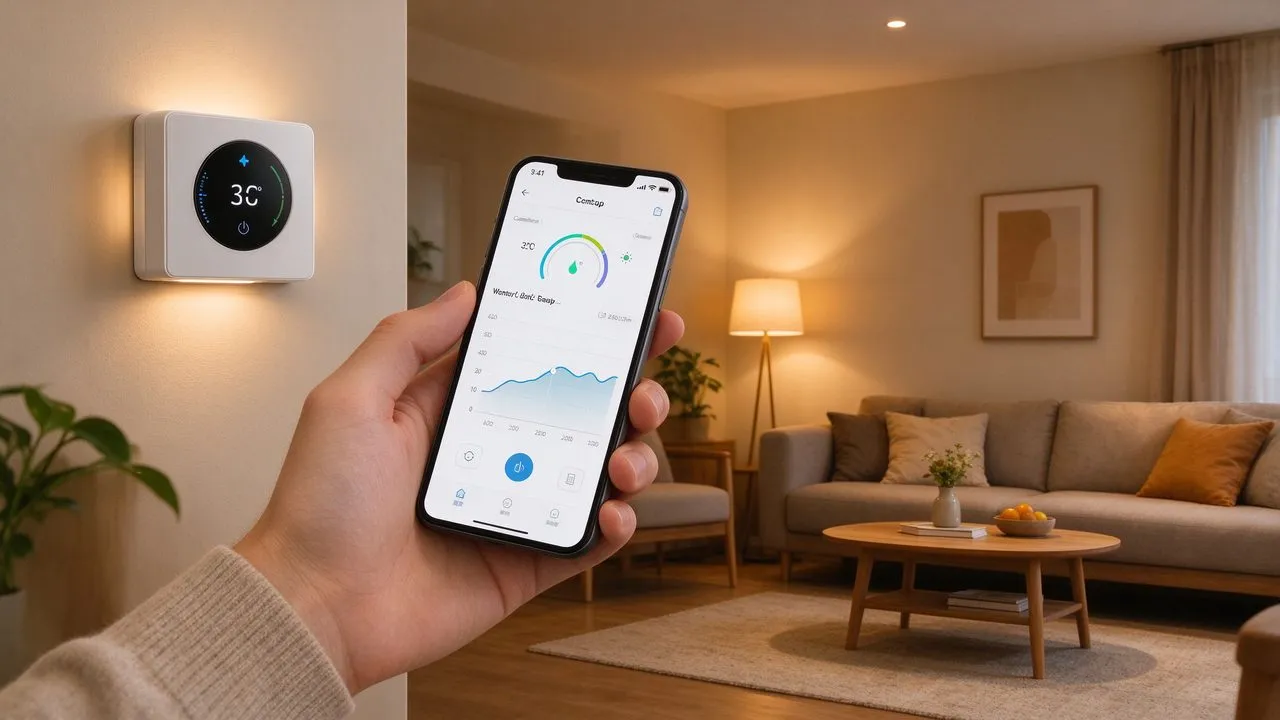
Once the hardware is installed, walk through this checklist during commissioning to make sure no energy-saving step is missed:
- Set the weekday schedule with four periods: morning warm-up, daytime setback, evening comfort, overnight setback.
- Program a separate weekend schedule reflecting later wake-up and bedtime.
- Set the floor-sensor limit to match the covering: 27 degrees for laminate, 29 degrees for tile, 25 degrees for carpet.
- Calibrate the floor sensor against an infrared thermometer and apply the offset if the discrepancy exceeds two degrees.
- Enable geofencing and confirm every adult in the household has the app installed.
- Turn on early-start learning and let the thermostat adapt for the first two weeks.
- Review the energy dashboard after the first month and trim any unoccupied comfort periods.
- Schedule a firmware update check twice a year, ideally before and after the heating season.
Frequently Asked Questions
What temperature should I set my underfloor heating at night? For most homes, an overnight setback of 18-20 degrees Celsius is the sweet spot. Dropping below 16 degrees overnight risks uncomfortable morning warm-up on thermal tiled floors and can cancel out the savings from setback itself.
Does lowering the temperature really save energy with underfloor heating? Yes. Electric underfloor heating converts essentially 100% of electricity into heat at the point of use, so every hour the element is off or at a lower setback directly reduces kWh consumed. A well-tuned smart thermostat schedule typically cuts heating energy by 20-30% per heating season.
How far in advance should the thermostat start warming the floor? Plan on 30-60 minutes before occupancy for tile and stone floors, and 45-90 minutes for laminate or carpeted floors, which have higher thermal resistance. The exact offset is best found by running one weekend test and timing how long the floor takes to reach comfort.
Can I use geofencing reliably for a single home? Yes, provided every adult in the household installs the companion app on their phone. The thermostat should drop to away mode only when the last connected phone leaves the geofence radius. A radius of 800 meters to 1.5 kilometers works well for most suburban and rural homes.
Is my WiFi thermostat compatible with voice assistants? Most SunAura WiFi thermostats integrate with Amazon Alexa and Google Assistant out of the box, allowing voice control of setpoint, mode and schedule. For more on how these integrations behave, see our article on WiFi thermostat technology and smart heating efficiency. Siri control is available through the HomeKit-certified models in our range; check the product datasheet before specifying if this is a hard requirement for the project.
Conclusion
Programming your WiFi thermostat is the most effective way to maximize energy savings from your underfloor heating system. By creating a schedule that matches your lifestyle, using geofencing for automatic adjustments, calibrating the floor sensor, and making seasonal optimizations, you can achieve 20-30% energy savings while maintaining optimal comfort. SunAura Thermal WiFi thermostats provide all the features needed for sophisticated energy management, accessible through an intuitive smartphone app. If you are specifying a system for a new build, retrofit or commercial project, our engineering team can recommend the right thermostat, floor sensor and heating element combination, and supply at factory-direct pricing for wholesale and OEM orders.
Related Products & OEM Inquiries
Programming your WiFi thermostat for energy savings? Our Tuya-compatible smart thermostats work with any electric underfloor heating system to set weekly schedules, away modes and voice control. Ask for thermostat volume pricing — we supply distributors, installers and heating brands with smart controls in 50+ countries.