
The short answer: the smart features are worth paying for only after the thermostat’s output type matches the load, because a WiFi thermostat with the wrong relay cannot drive the system no matter how good its app is. First confirm whether you need a direct-switching relay for electric heating, a volt-free dry contact for a boiler or water system, or an RS485 link for fan coils, then decide which smart features actually earn their cost for that project. This guide lists the features, separates the useful ones from the gimmicks, and sets out which buildings justify the extra money. Every figure comes from the SunAURA thermostats and controls product page.
Step zero: the output type comes before the features
The single most important specification is not the screen or the app but how the thermostat switches the load. The page builds its controls around three output types, and choosing the wrong one is a hard failure rather than a missing feature.
- Direct-switching relay for electric heating. Rated 16 A, with 20 A and 25 A versions, this carries the floor current directly. It is used for heating film, cable and mat. The model family includes the K1M, K9, K5, KC02, K6H and SDM5 builds plus the knob and piano-key units.
- Volt-free dry contact for water and boiler systems. A 3 A contact that signals the boiler or valve rather than carrying mains power, including the K2M dual-zone and WITH3 RF builds. A direct relay must not be used where a volt-free call is required.
- Dry contact and RS485 for fan coils. The fan coil is switched and speed-controlled through a relay or an RS485 connection. The page does not list a separate fan-only model, so the build is described honestly rather than inventing one.
The supply is wide-range AC 90–240 V at 50/60 Hz, which covers most regions, but the output type is fixed by the system. A buyer who starts from the smart features and works backwards can order a WiFi unit that simply cannot switch the plant. Confirm the output first, then shop the features within the correct family.
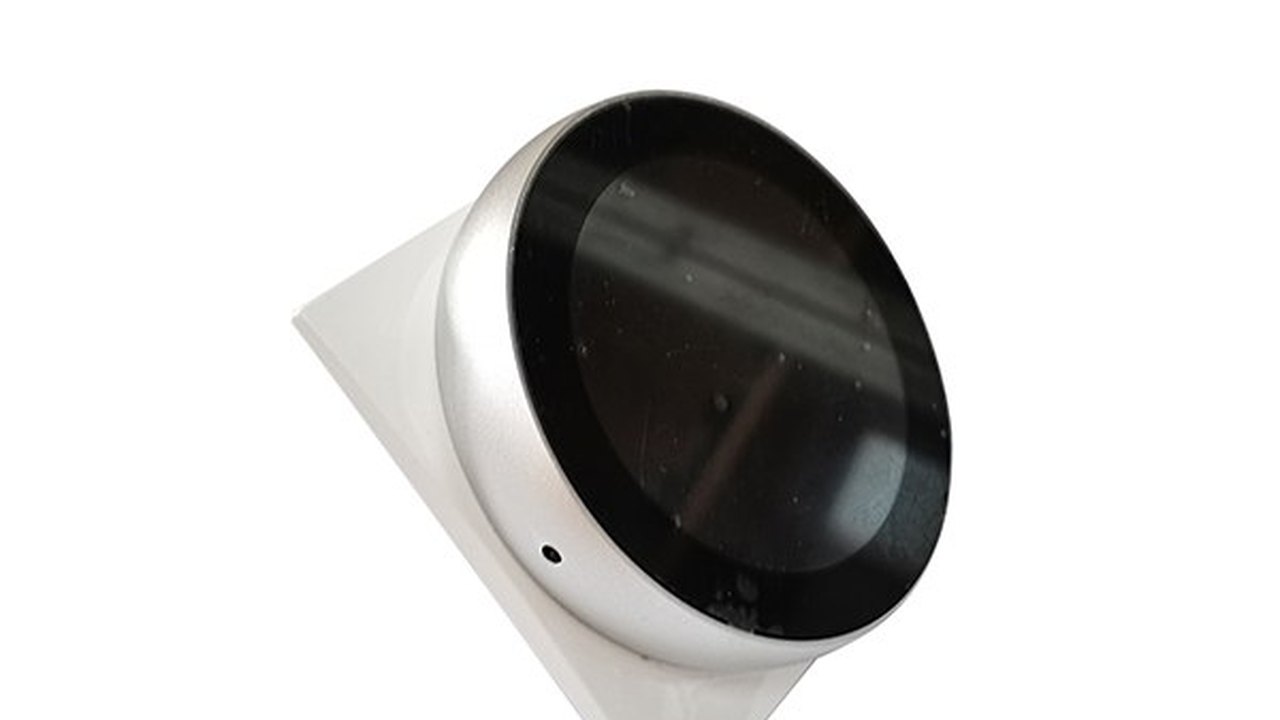
The smart feature list, and what each one actually does
| Feature | What it does | Where it earns its cost |
|---|---|---|
| WiFi and app control | Remote set-point and status from a phone | Rental, holiday homes, anyone away from the building |
| Weekly scheduling | Time-based setback, six periods per day | Almost every occupied home; the core energy-saving tool |
| Voice control | Set-point through Alexa, Google or Yandex | Convenience only; rarely changes energy use |
| Energy statistics | Logs run time and estimated consumption | Energy retrofits and cost-conscious owners |
| Geofencing | Set-back based on phone location | Irregular schedules where fixed times fail |
| Open-window detection | Pauses heating on a sharp temperature drop | Rooms ventilated often in winter |
| Child lock and antifreeze | Locks the panel and holds a low limit | Family homes and unoccupied protection |
| Multi-zone linking | Co-ordinates several thermostats | Large homes with separate zones |
The page confirms Tuya-based WiFi, the weekly six-period schedule, floor NTC sensing, child lock, antifreeze and the voice platforms. The features are not all equal in value, and the next sections separate the ones that pay back from the ones that mainly look good on a spec sheet.
The features that genuinely save energy
Two features carry most of the energy benefit. Scheduling is the workhorse: a setback during work hours and overnight reduces the time the system runs at comfort temperature, and the floor only warms ahead of occupancy. For a high-mass screed that responds slowly, the schedule is set to warm in advance, which is exactly where a programmable unit beats a manual dial. The energy research on setback consistently treats timed control as the saving that holds up, because it removes the habit of leaving heating running in empty rooms.
Energy statistics are the second useful tool, not because they directly save heat but because they make run time visible, so an owner can see which zones run most and correct a setting that wastes energy. Open-window detection prevents the specific waste of heating a room while cold air is being let in, and geofencing helps people whose hours do not fit a fixed weekly plan. The features that depend on behaviour, the app and remote control, save energy only where they let an absent owner switch a system off that would otherwise run, which is the real case for holiday homes and rentals rather than a primary residence that is always occupied.
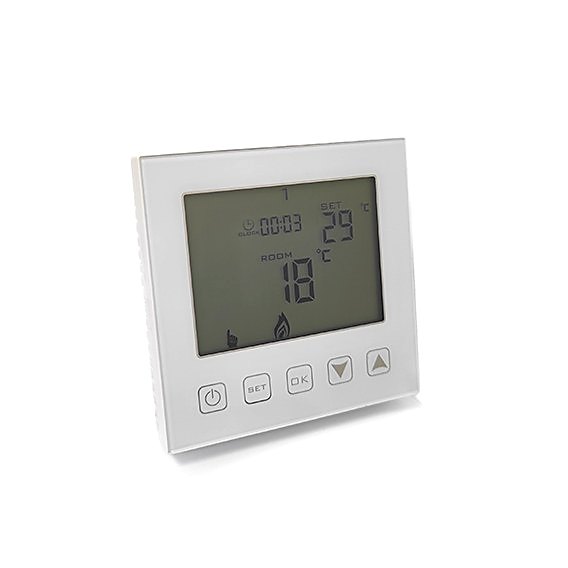
Convenience features that are optional, not essential
Voice control is the clearest example of a feature that is pleasant to use but rarely changes the energy outcome. Setting a temperature by spoken command is faster than walking to the wall, but a system controlled by voice still runs on the same schedule and the same set-points, so it does not save heat on its own. A high-resolution display and touch interface work the same way: they improve the daily interaction but do not change the control logic. These features are worth buying if the owner will use them and values the feel, but they should not be specified as an energy measure or added to a budget that does not have room.
The risk of over-buying features is real on cost-sensitive projects such as rental units, where a tenant may never connect the app and the system ends up run on a default setting. In that case a simpler programmable unit with a solid schedule delivers the saving without the premium. Matching the feature set to who will actually operate the building is more sensible than specifying the top model everywhere.
Platform, connectivity and what happens offline
Most WiFi builds run on a cloud platform, the page lists Tuya, which brings the phone and voice features but also raises two questions buyers should ask. The first is whether the thermostat keeps working if the internet drops. A well-designed unit holds its local schedule and switches the load from its own relay even when the cloud is unreachable, so the heating is not dependent on a remote server. The second is data and network security: a connected device sits on the home network, and the platform’s handling of data should be understood rather than assumed.
For projects where cloud dependence is not wanted, a non-WiFi programmable thermostat still provides the weekly schedule and floor sensing locally, with no network exposure at all. The RF builds such as the WITH3 give wireless linking between parts without a full cloud setup. The choice should be made from how the building is managed: a remotely managed holiday rental needs the cloud features, while a long-term owner who wants simple control that keeps working may prefer a local unit that never needs an app or an account. The smart thermostat guide compares the connected and local approaches.
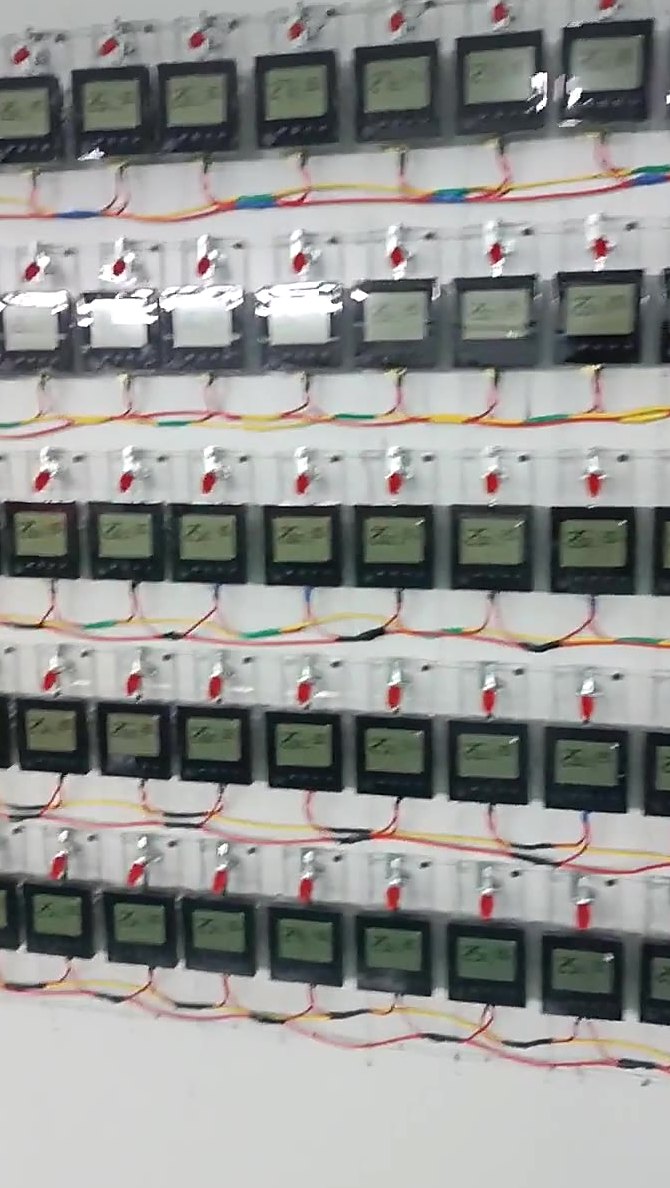
A worked example on a mixed heating home
Take a house with an electric heated floor in the bathroom and a gas boiler running radiators and water-based heating elsewhere. The bathroom floor is a direct load of about 1.2 kW, which on 230 V draws roughly 5.2 A, so a 16 A direct-switching smart thermostat covers it without a contactor. The boiler zones cannot use that relay; they need a volt-free 3 A contact, so a K2M dual-zone unit provides the dry call to the boiler and the valve. The two thermostats are different output types even though both sit in the same connected system.
The owner wants remote control because the house is used as a holiday let for part of the year, so both units are WiFi builds on the same platform, with a weekly schedule, antifreeze limits and energy statistics. The bathroom thermostat keeps its local schedule if the internet drops, and the boiler unit still opens and closes its dry contact on the timer. Voice control is added to the main unit but treated as optional. The example shows the discipline that matters: the output type is chosen per system first, the relay current is checked, and the smart features are then layered on top, rather than buying one connected model and assuming it handles every load.
Project-by-project feature selection
Primary family home, occupied on a routine. A weekly programmable unit with floor sensing and a setback schedule captures the main saving. WiFi and voice are optional comfort; the schedule is the part that matters. A direct 16 A relay for electric floors, or the dry contact for a boiler, is confirmed first.
Holiday home or short-term rental. This is the strongest case for full WiFi and app control, because the owner manages the building remotely and can switch it off between lets, monitor run time and set antifreeze limits. Energy statistics help recover the cost against the tariff, and the cloud dependence is justified by the remote management.
Long-term rental. A simpler programmable unit with a robust schedule and child lock is often the better value, because tenants rarely use the app and the owner mainly needs antifreeze protection and a low base temperature.
Large multi-zone home. Linked thermostats across zones, with a common schedule and per-zone control, justify the multi-zone features; each zone still uses the correct output type for its load, and the boiler zones use the volt-free contacts.
Energy retrofit. Prioritise energy statistics, scheduling and open-window detection over voice or display, because the goal is measurable run-time reduction rather than convenience.
Floor sensing versus air sensing
The smart schedule is only as good as the temperature it reads, and the page builds its electric controls around a floor NTC sensor, which measures the actual surface rather than the room air. Floor sensing is the correct choice for underfloor heating because it protects the finish and holds the surface within its limit, and it stops the system before the floor overheats even if the air feels cool. Air sensing alone can call for heat past the floor’s safe surface temperature, which matters under wood and carpet where the finish has a strict limit.
Many units combine both, using the air reading for comfort and the floor sensor as a limiting guard, which is the most flexible arrangement for a room that needs both a target air temperature and a protected surface. The sensor placement follows the same rule as the cable design: it sits in the gap between runs, in a conduit so it can be replaced, and never directly over a hot strip. Getting the sensing mode and the sensor position right at the wiring stage means the smart features act on a true reading rather than a misleading hot or cold spot.
Load capacity, contactors and the electric case
For an electric floor, the smart thermostat still has to carry the current, and the 16 A relay has a hard limit at the project voltage. Where the zone exceeds that current, the correct arrangement is an external contactor controlled by the thermostat, not a higher-feature relay. The features do not change the amp rating; a 16 A WiFi unit switches the same maximum current as a 16 A non-connected one. The 20 A and 25 A builds cover heavier direct loads, and the thermostat load and contactor guide works through the sizing. Specifying a contactor is decided from the calculated current, and the smart features are then chosen on top of a unit that can actually switch the zone.
The floor NTC sensor is part of this picture: the smart schedule and the statistics rely on an accurate reading, and the sensor is placed in the gap between cable runs rather than over a hot strip. The thermostat switch types guide covers the relay and contactor distinction that has to be settled before the feature budget.
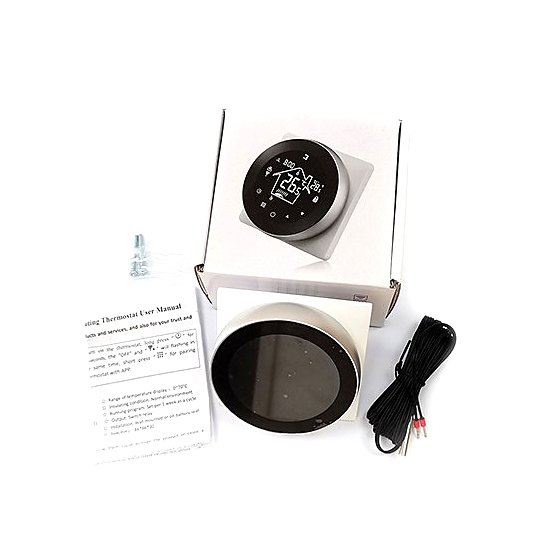
Installation, wiring and compatibility checks
The smart unit mounts in the same wall box as a basic thermostat, but the wiring has to be planned against the output type. A direct electric model takes the supply and the load through its relay, with the earth braid and the RCD connected as on any floor circuit. A volt-free boiler model instead presents a clean contact closure to the boiler’s control terminals, and mains voltage should not be routed through that signal. Confusing the two wiring patterns is a common fault on retrofit jobs where an old electric thermostat is replaced by a unit intended for a boiler.
Before the old unit is removed, the existing wires should be labelled and the system type confirmed, because the replacement has to match the plant rather than the previous box. The floor sensor is run to the thermostat separately and its resistance checked against the temperature. The WiFi units also need a strong, steady wireless signal at the wall location, which should be checked before the unit is fitted rather than discovering a weak connection once the box is closed. Where the signal is poor, a non-WiFi programmable build or an RF link is the practical route. Confirming the wiring pattern, the sensor and the wireless strength at installation removes the failures that show up only after the wall is finished.
Cost and the return on the smart premium
A connected thermostat sits above a basic programmable unit in price, and the return should be judged from how the building is run rather than from the feature count. In a remotely managed property, the app pays back through lower energy use between lets and the ability to protect against frost without visiting, which is a direct saving and a reduced risk of damage. In an occupied home, the return comes mainly from the schedule and setback, features that a cheaper programmable unit already provides, so the extra for WiFi and voice is a convenience purchase rather than a fast financial payback.
The honest way to compare is to price three levels, a basic manual or simple programmable unit, a mid-range weekly programmable with floor sensing, and a full connected model, and match them to the use case. The premium is hardest to justify in a long-term rental where the app goes unused and in a building where the owner is happy with a fixed schedule. It is easiest to justify where remote control replaces a physical visit or prevents an empty building from running heat. The two-year warranty and the CE, RoHS and SGS documentation should be compared on the same basis across the quotation, rather than paying a brand premium for features that will not be operated.
Pre-order checklist
- The system type: electric floor, water or boiler, or fan coil, and the required output, direct relay, volt-free contact or RS485.
- The running current for an electric zone, and whether a 16/20/25 A relay covers it or a contactor is needed.
- The supply voltage against the 90–240 V range, and the floor sensor type and position.
- Which features the building will actually use: schedule, remote app, voice, statistics, geofencing, multi-zone.
- Whether the unit keeps its schedule and switches the load offline, and the platform’s data handling.
- Who operates the building, owner, tenant or remote manager, to match the feature set to real use.
- The warranty and documentation; the page carries a two-year warranty and CE, RoHS and SGS documentation.
Common procurement mistakes
Buying features before the output type. A WiFi unit with the wrong relay cannot switch the plant; the output is the first check.
Using a direct relay on a boiler. Water and boiler systems need the volt-free 3 A contact, not a mains-carrying relay.
Assuming smart features always save energy. Voice and display add convenience; the schedule and setback do the saving.
Over-specifying rentals. Tenants who never connect the app leave the premium features unused.
Ignoring offline behaviour. Heating should not depend on a cloud server; confirm the local schedule survives a network loss.
Forgetting the current limit. The smart relay has the same amp ceiling as a basic one; oversize loads need a contactor.
Data and evidence
The energy case for control rests on building energy research and energy-agency guidance, which consistently treat programmable setback and scheduling as the dependable savings, while remote and voice features are classed as convenience and controllability rather than independent efficiency measures. HVAC controls standards define the switching and signalling types, the direct relay, the volt-free contact and the communication bus, which is why the output type is a hard compatibility requirement rather than a preference. Electrical standards set the relay ratings and the residual-current protection for units that carry floor current.
Connected-device guidance from cybersecurity and consumer bodies increasingly asks whether a smart control functions locally and how it handles data, supporting the offline and platform questions in the checklist. The wide 90–240 V supply and the use of floor NTC sensors follow standard controls practice. On the manufacturer side, SunAURA has built heating controls since 2008, runs ISO 9001 and 14001 systems with CE, RoHS and SGS documentation, and the controls carry a two-year warranty. No certificate number, customer name, test figure or fan-only model is invented, and the live product page should be treated as the source of confirmed figures.
Final recommendation
Procure the thermostat in this order. Identify the system and lock the output type, direct relay for electric, volt-free for water and boiler, RS485 for fan coils. Size the relay or contactor from the real current and confirm the floor sensor. Then choose the features against the building’s actual management: take the full WiFi and remote package for holiday homes and remote rentals, lean on the weekly schedule and energy statistics for owner-occupied homes and retrofits, and keep rental units simple where the app will not be used. Verify the unit works offline and understand the platform. Follow that sequence and the smart features add real control and savings where they are used, while the basic compatibility that makes the system work at all is never compromised for a feature list.
For the full model family and the wider set of control uses, work from the thermostat applications hub and the live product page, and confirm the final output type and features in the written quotation.