
Wireless vs Wired Thermostat for Underfloor Heating: A Buying Guide
Choosing between a wireless vs wired thermostat for underfloor heating is the last decision most buyers make, and it is often the one that decides how much of the energy savings actually happen. Both control styles connect the thermostat to the heating element, but they do it differently, with different installation effort, reliability profiles and room-by-room behaviour. This buying guide compares the two for electric underfloor heating, explains where the RF wireless option genuinely helps, and gives a decision table for retrofit and new-build projects.
The core question is not “which is more modern” but “which fits this building and this installer’s workflow”. A wired thermostat is simple and dependable; a wireless thermostat removes the cable run and adds flexibility. Both have a place. Read the comparison, then use the decision table at the end. If you are planning the project now, the smart thermostat for underfloor heating range covers both styles.
How a wired thermostat connects
A wired thermostat is powered and communicates over cables run from the thermostat backplate to the heating element and, where fitted, to the floor sensor. In a typical electric underfloor heating circuit, the thermostat switches the load directly: live and neutral to the thermostat, the switched line out to the element, and the floor probe cable returning sensor data. The wiring is straightforward for any electrician, and the connection is inherently reliable because there is no radio link to fail.
The cost of that reliability is the cable run. In a retrofit — a bathroom, a study, a kitchen — running a new cable to the thermostat position can mean chasing a wall, lifting flooring or working through an attic, which adds labour even though the cable itself is inexpensive. In new builds the cable run is planned from the start and adds almost nothing.
Wired thermostats also need a power source at the thermostat location. Many floor heating thermostats can be powered from the heating circuit itself, which avoids a separate supply, but the backplate still needs the cables to reach it. If the ideal control position — near the door, at hand height, away from heat sources — is far from the junction box, the wire run becomes the deciding cost.
<img src="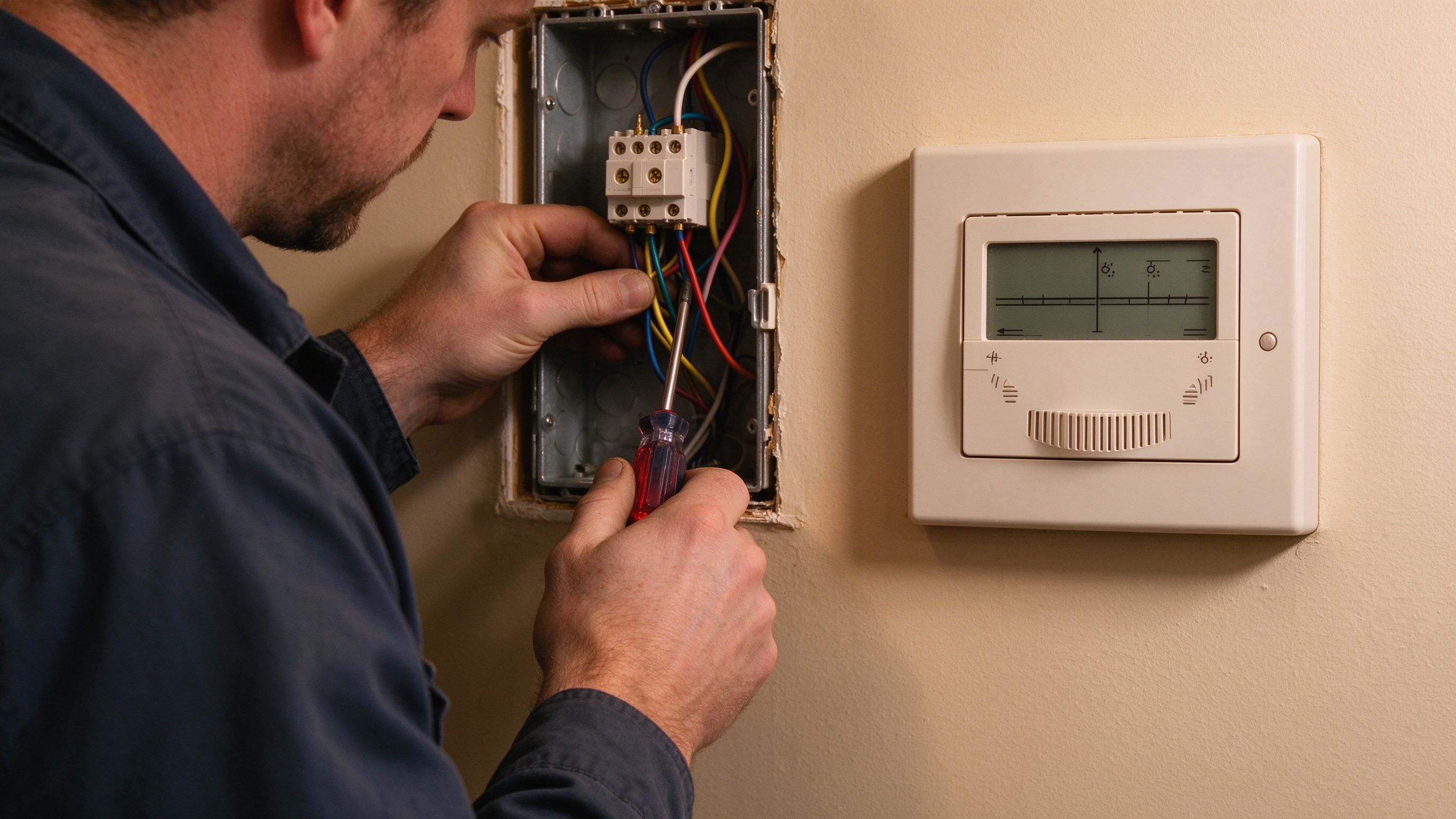 ” alt=”Electrician connecting wires behind a wall-mounted wired thermostat” loading=”lazy” width=”1280″ height=”720″ />
How a wireless thermostat connects
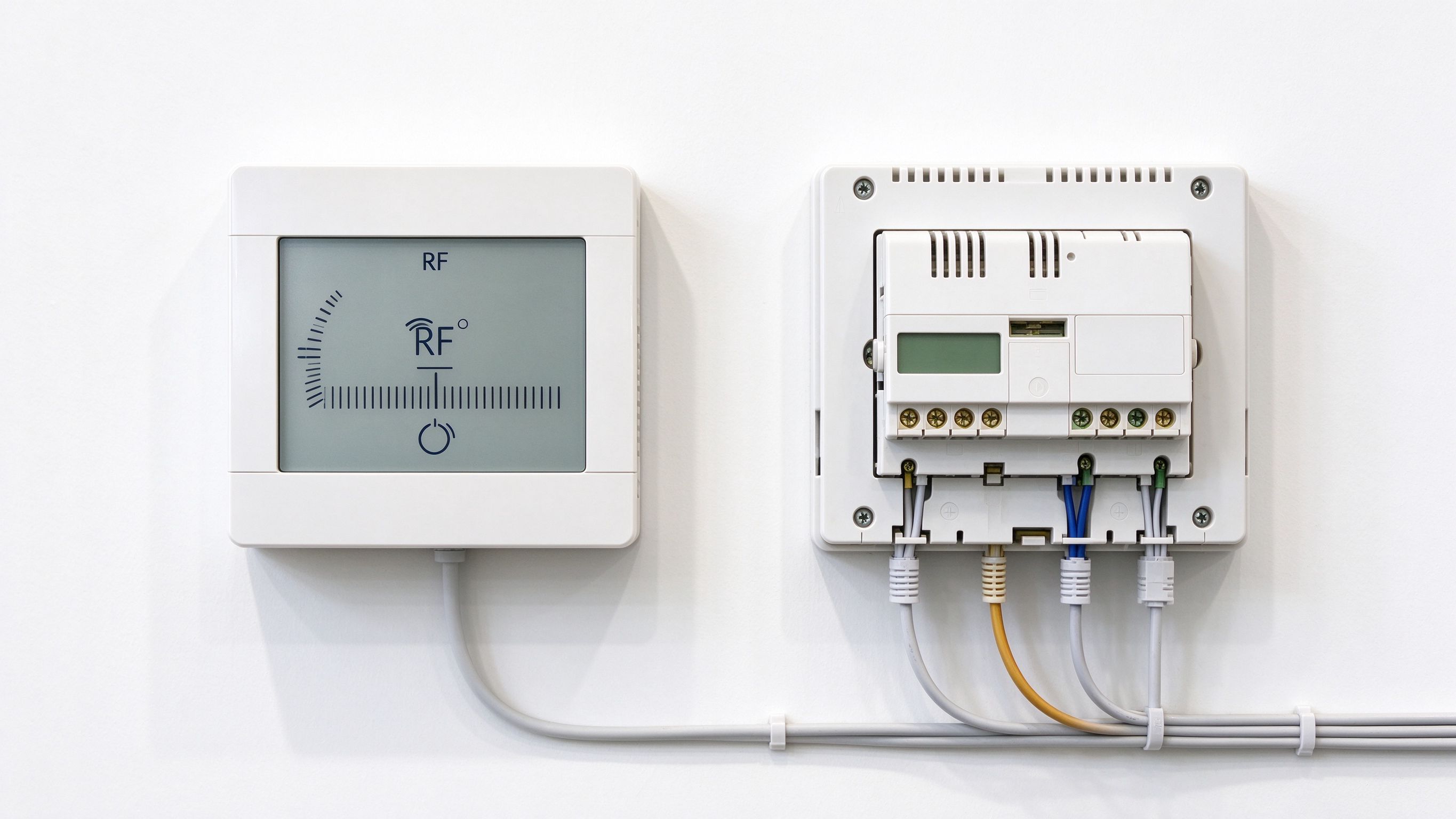
A wireless thermostat has two parts: the thermostat unit itself, which the user sees and touches, and a receiver or relay that sits at the element junction box and switches the load. The thermostat talks to the receiver over a radio link, most commonly in the sub-GHz RF band, and the receiver switches the heating element on and off. The floor probe can connect to either unit depending on the design: in the common configuration it connects to the receiver, so the sensor still reads floor temperature accurately.
The installation advantage is the cable run disappears between the control position and the junction box. For retrofit projects in solid walls, tiled rooms or rented properties where chasing is impractical, the wireless option can cut the electrical work to the junction box only. The thermostat unit then lives anywhere the user wants it, powered by its own supply or battery.
The trade-off is the radio link itself. RF control is reliable in normal homes, but thick concrete walls, steel framing and large distances can weaken the signal, and the receiver needs to stay powered and in range. Buyers in very large villas or buildings with unusual construction should check range expectations before committing. The RF wireless thermostat technology article explains how sub-GHz control avoids the WiFi congestion and app-dependency problems that users associate with smart thermostats.
Wireless vs wired: the honest reliability picture
A wired thermostat has fewer links to fail: no radio pairing, no receiver power cycle, no interference. For a heating control that sits untouched for decades, that simplicity has real value. A wireless thermostat adds the receiver and the radio path, both of which are mature technologies, but both are additional components with their own failure modes.
In practice, the reliability difference is small for most installations, and the failure modes are different rather than worse. A wired system can fail at the mechanical connection if the cable was nicked during installation; a wireless system can fail if the receiver loses power or a door closer blocks the signal path. Installers should test the RF link with the doors closed and furniture in place before signing off.
One subtle point: the floor sensor matters more than the control style. Whether the thermostat is wired or wireless, the floor probe position and the floor-temperature cap decide comfort and safety. Both control styles support floor-probe mode; the buying decision should not change the sensor wiring plan.
<img src="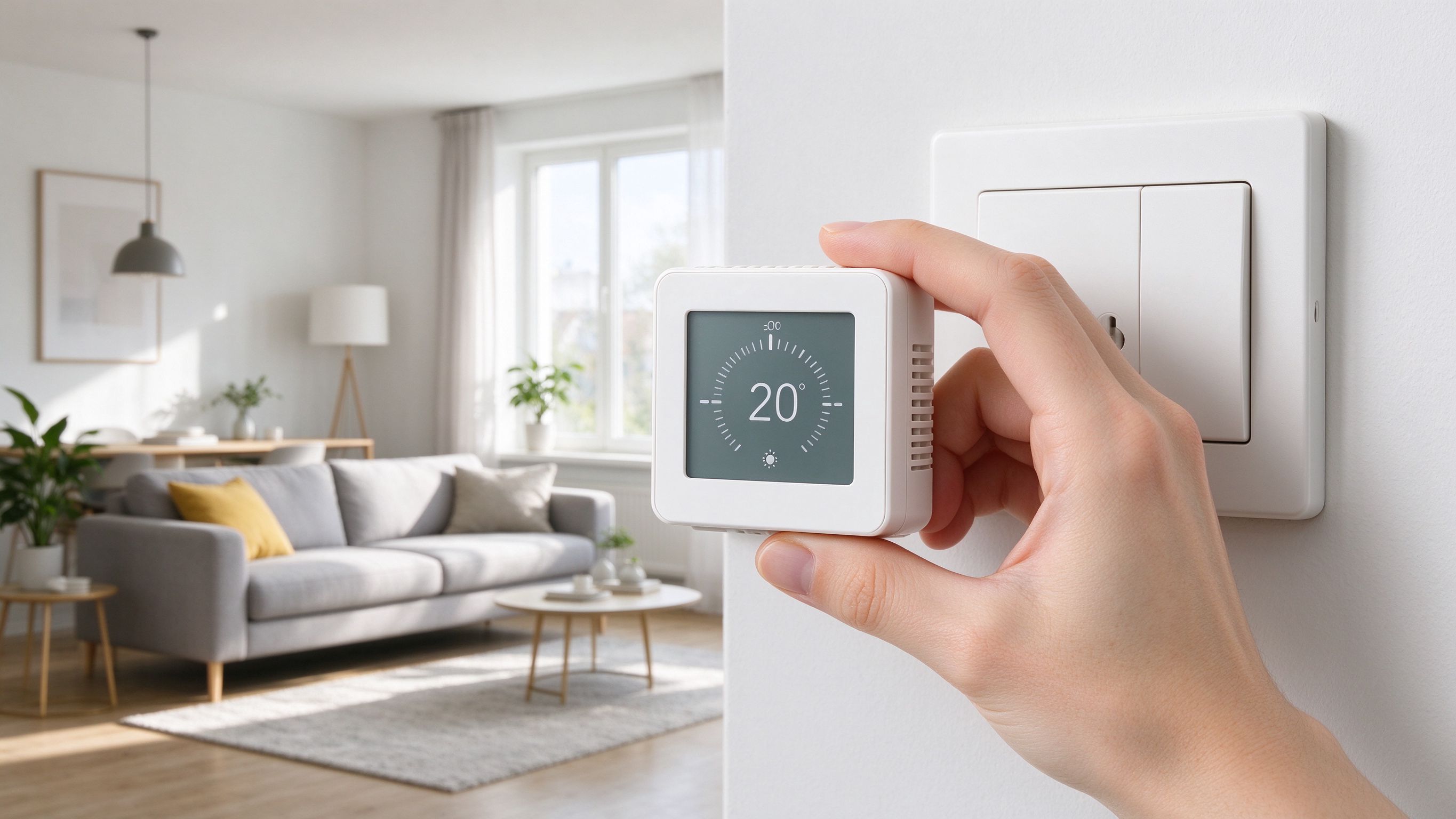 ” alt=”Hand holding a compact wireless thermostat near a wall mounting plate” loading=”lazy” width=”1280″ height=”720″ />
Cost comparison: wire run versus receiver
The thermostat hardware cost is the visible part; the installation cost is the deciding part. A wired thermostat’s hardware is often slightly cheaper, but its installed cost includes the cable run and the labour to place it. A wireless system’s hardware includes the receiver, and its installed cost is dominated by the junction-box work only.
For a new build with a planned backbox, the wired route is usually the lower total cost and the simplest spec. For a retrofit where the control position is hard to reach, the wireless route often wins on installed cost despite the extra receiver, because it eliminates the most expensive part of the job — running and hiding a cable through finished walls and floors. The touchscreen thermostat article shows how the same control family extends the choice to display style.
Smart features: app, schedule and integration
Both wired and wireless thermostats can carry smart features. The important distinction is not the control link but the communication method for the app: WiFi thermostats talk to the household network for app scheduling and remote control, while RF wireless thermostats talk to the receiver locally and do not need WiFi coverage at the thermostat position.
That distinction matters in buildings where WiFi is unreliable at the control point — thick internal walls, distant rooms, guest houses. A WiFi thermostat that cannot reach the router is a smart thermostat with no smart; an RF wireless thermostat keeps its core function regardless of the WiFi network, which is why RF is a common recommendation for retrofit flats and villas. For a home with solid WiFi throughout, a WiFi thermostat adds remote control and integration with the household app ecosystem, and the programming behaviour is explained in the WiFi thermostat programming guide.
Decision table: which control to choose
| Project type | Recommendation | Why |
|---|---|---|
| New build, backbox planned | Wired thermostat | Lowest cost, simplest spec, cable run planned from the start |
| Retrofit, control position hard to reach | RF wireless thermostat | No cable run through finished walls; receiver at the junction box |
| Large villa or steel-framed building | Wired thermostat (or verify RF range) | Radio links can be weakened by distance and construction |
| Home with strong WiFi at the control point | WiFi thermostat | App scheduling and remote control add convenience |
| Building with poor WiFi coverage | RF wireless thermostat | Core function is independent of the network |
| Tiled bathroom, chase undesirable | RF wireless thermostat | Avoids chasing tile work for the control cable |
Whichever style is chosen, the same rules apply: the thermostat must control by floor temperature where the finish allows it, the floor sensor must be positioned in a representative zone, and the maximum floor temperature must be capped for the finish. Those three decisions dominate comfort and safety; the control style decides only how the commands travel.
Installation checklist for either control style
Whichever thermostat is chosen, the installation discipline is the same, and it decides whether the control actually delivers the scheduled savings:
- Position the backplate or receiver correctly. The thermostat should sit at hand height on an internal wall, away from sunlight, draughts and heat sources. The receiver (wireless) sits at the element junction box where the load is switched.
- Wire the floor sensor first. The probe connects to the thermostat (wired) or the receiver (wireless) and must reach without strain. Sensor position and routing are the most common commissioning faults in the field.
- Test before the floor finish. Verify element resistance and insulation with a multimeter, then power the circuit and confirm the thermostat reads the floor temperature. A fault found then costs minutes; a fault found after flooring costs the floor.
- Pair and range-test the wireless link. Pair the thermostat with its receiver, then walk the room with the doors closed and furniture in place to confirm the signal holds in the final configuration.
- Set the floor-temperature cap. Enter the maximum floor temperature for the finish — tile, wood and vinyl have different limits — so the element is controlled by the floor, not the air alone.
- Commission the schedule. Set the weekday and weekend programmes, the standby temperature and the frost protection, and confirm the relay cycles as the setpoint changes.
Installers who follow these six points rarely see callbacks, whichever control style the project uses. The thermostat is the component the user touches every day, and a small commissioning mistake — a sensor in the wrong zone, a cap set too high, a schedule that never activates — quietly cancels the energy savings the system was bought to deliver.
Data and evidence: what the factory ships and tests
SunAura Thermal has produced electric heating elements and controls at its Qingdao Huangdao factory since 2008, under ISO 9001, ISO 14001 and ISO 45001, with CE, RoHS, LVD and EMC compliance for the European market and exports to more than 50 countries. Per SunAura factory records, the thermostat range includes WiFi, touchscreen, RF wireless and button models, all supporting floor-probe mode, and each unit is function-tested before packing with its batch record.
The factory’s application data shows the pattern reflected in this guide: wired and WiFi models lead new-build and whole-house projects, RF wireless models lead retrofit and renovation jobs where chasing walls is impractical, and every project benefits from the floor probe. These are usage patterns, not performance claims; the electrical specification of each model is in the product documentation.
<img src=" ” alt=”Feet on a warm floor in a living room with a thermostat on the wall” loading=”lazy” width=”1280″ height=”720″ />
Frequently asked questions
Is a wireless thermostat as reliable as a wired one?
For normal homes, yes. The radio link between the thermostat and the receiver is mature technology, and both styles support floor-probe control. The wired style has fewer components; the wireless style removes the hardest cable run in a retrofit. Choose by project type, and test the RF link before finalising the installation.
Does a wireless thermostat need WiFi?
No. An RF wireless thermostat talks directly to its receiver over a sub-GHz radio link and works without WiFi. A WiFi thermostat needs the household network for app features. If you want both, some models combine RF control with optional WiFi connectivity.
Where should the thermostat be positioned?
At hand height on an internal wall, away from direct sunlight, draughts, heat sources and door swings, in a position that represents the room temperature. The floor sensor, not the thermostat’s air reading, is the main control input in floor-probe mode.
Can I move the wireless thermostat to another room later?
RF wireless thermostats are typically paired to a receiver; moving the unit to another room means pairing it with that room’s receiver. Wired thermostats are fixed by their cable. If you expect to rearrange rooms, plan the control zones during the electrical design.
Which thermostat should I buy for my retrofit project?
If the control position is easy to reach with a cable, a wired thermostat is simple and dependable. If chasing the wall is impractical — tiled bathrooms, solid walls, finished rooms — an RF wireless thermostat avoids the chase. For whole-home scheduling with app control, choose the WiFi model where coverage allows. The thermostat range page lists the models, and the sales team can match one to your project.
Where to go next
For the next step, read the RF wireless thermostat technology article, the heating cable and graphene heating film product pages for the elements a thermostat controls, and the wattage calculation guide to size the system before choosing the control.
Ethan Sun, Founder & CEO, SunAura Thermal. SunAura Thermal has manufactured electric heating elements in Qingdao Huangdao, China, since 2008, and exports to more than 50 countries under ISO 9001/14001/45001 with CE, RoHS, LVD and EMC compliance. Data in this article per SunAura factory records.